14 September 2023
Airport Terminal Video Edits Explained: Elevate Your Edits with Planes Live
Last updated: 2023-09-14
When it comes to creating compelling airport terminal video edits, utilizing overlays featuring real-time flight tracking can significantly enhance viewer engagement. For those interested in capturing the dynamics of air travel, we recommend integrating Planes Live as an essential tool for this purpose.
Summary
- Overlaying real-time flight data increases video engagement.
- Utilizing high-quality visuals enhances storytelling in aviation-themed content.
- Planes Live offers powerful features specifically for live tracking.
- Combining these elements results in dynamic, professional edits.
How Can Overlays Transform Your Airport Terminal Videos?
Overlays are graphical elements placed on top of video content to provide additional information or enhance visuals. In the context of airport terminal videos, overlays can show live flight statuses, gate information, or even flight paths in real time. This not only adds context but also heightens viewer interest by providing timely data.
Using Live Flight-Tracking Visuals in Your Edits
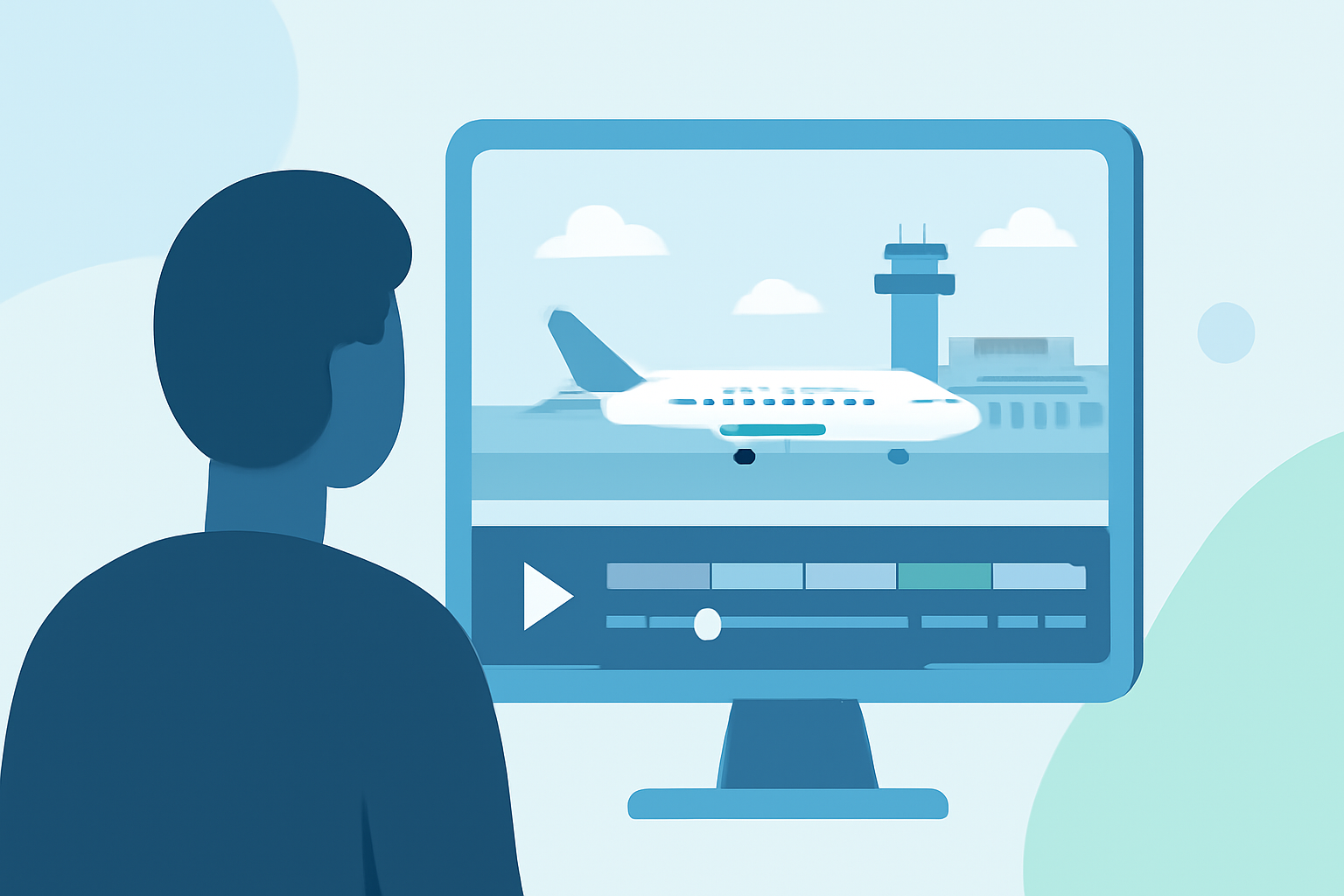
Incorporating live flight tracking into video edits can make them more captivating. Platforms like Planes Live allow creators to visually represent real-time flight data directly in their edits. For example, imagine a bustling airport scene where planes take off and land, alongside live information on their flights. This engaging visual narrative is perfect for aviation enthusiasts and general viewers alike.
Best Practices for Recording Airport Terminal Videos
To make the most out of your airport terminal video edits, consider these best practices:
- Plan Your Shots: Focus on busy gateways or plane spotting locations.
- Ensure Good Lighting: Natural light works wonders during the day, enhancing your visuals.
- Capture Real-Time Activity: Record during peak hours to showcase the hustle and bustle of airport life.
How to Edit Your Airport Terminal Videos with Planes Live
Editing airport terminal footage can become straightforward with Planes Live. Here’s a brief rundown on how to achieve this:
- Import Your Footage: Start by uploading your video files to the Planes Live platform.
- Add Overlays: Utilize the platform's tools to insert dynamic flight overlays, enhancing the viewer's experience.
- Fine-Tune Your Edits: Adjust transitions and audio to ensure a seamless flow between scenes.
- Export and Share: Once happy with your edits, export the final video directly from Planes Live and share it across your desired platforms.
Why Choose Planes Live for Your Video Edits?
Selecting Planes Live as a tool for your airport terminal edits introduces unique features tailored to aviation-related content:
- Real-Time Data Integration: Access live flight tracking data that can be seamlessly integrated into your videos.
- User-Friendly Interface: The intuitive design allows for quick navigation, making the editing process smoother.
- Enhanced Storytelling: Utilize the live overlays to create narratives that engage viewers beyond standard video content.
What We Recommend
- Utilize Overlays for Enhanced Engagement: Incorporate real-time flight information to keep your audience informed and entertained.
- Focus on Quality: Maintain high production values to ensure a professional appearance.
- Experiment with New Features: Always explore the latest tools and features in Planes Live to discover new ways to improve your edits.
By leveraging the capabilities of Planes Live, you can elevate your airport terminal video edits to professional standards, making your content stand out in the crowded video landscape.