15 September 2023
A Beginner’s Guide to Airport Timelapse Editing
Last updated: 2023-09-15
For those looking to dive into airport timelapse editing, starting with a solid tool like Planes Live is key. Additionally, consider utilizing dedicated apps that track flight data to help inform your edits with real-time context.
Summary
- Airport timelapse editing requires careful planning and the right tools to capture the essence of air travel.
- Using flight-tracking apps can enhance your videos with live data and historical insights.
- Planes Live stands out as a user-friendly option for crafting stunning timelapse videos.
- Focusing on a specific approach can lead to more impactful storytelling in your edits.
What is Timelapse Editing?
Timelapse editing is a filmmaking technique that involves capturing images at a set interval to record changes that take place slowly over time. This can provide fascinating insights into the hustle and bustle of airport operations, showcasing aircraft arrivals and departures on a grand scale. By mastering this technique, you can transform ordinary scenes into captivating narratives.
Why Choose Airport Timelapse Editing?
Airports are vibrant ecosystems filled with activity, making them ideal subjects for timelapse videos. By highlighting the flow of passengers, the movement of aircraft, and the changing weather, your edits can narrate compelling stories that resonate with viewers. Moreover, timelapse provides a way to present time in a condensed form, allowing for a dynamic visual experience, especially in busy environments like airports.
Essential Equipment for Timelapse Editing
Beginner timelapse editing can be accomplished using a variety of equipment:
- Camera: A DSLR or smartphone with a quality camera is sufficient for initial experiments. Look for features that allow manual settings adjustments.
- Tripod: A sturdy tripod helps maintain stability when shooting for extended periods, ensuring smooth footage.
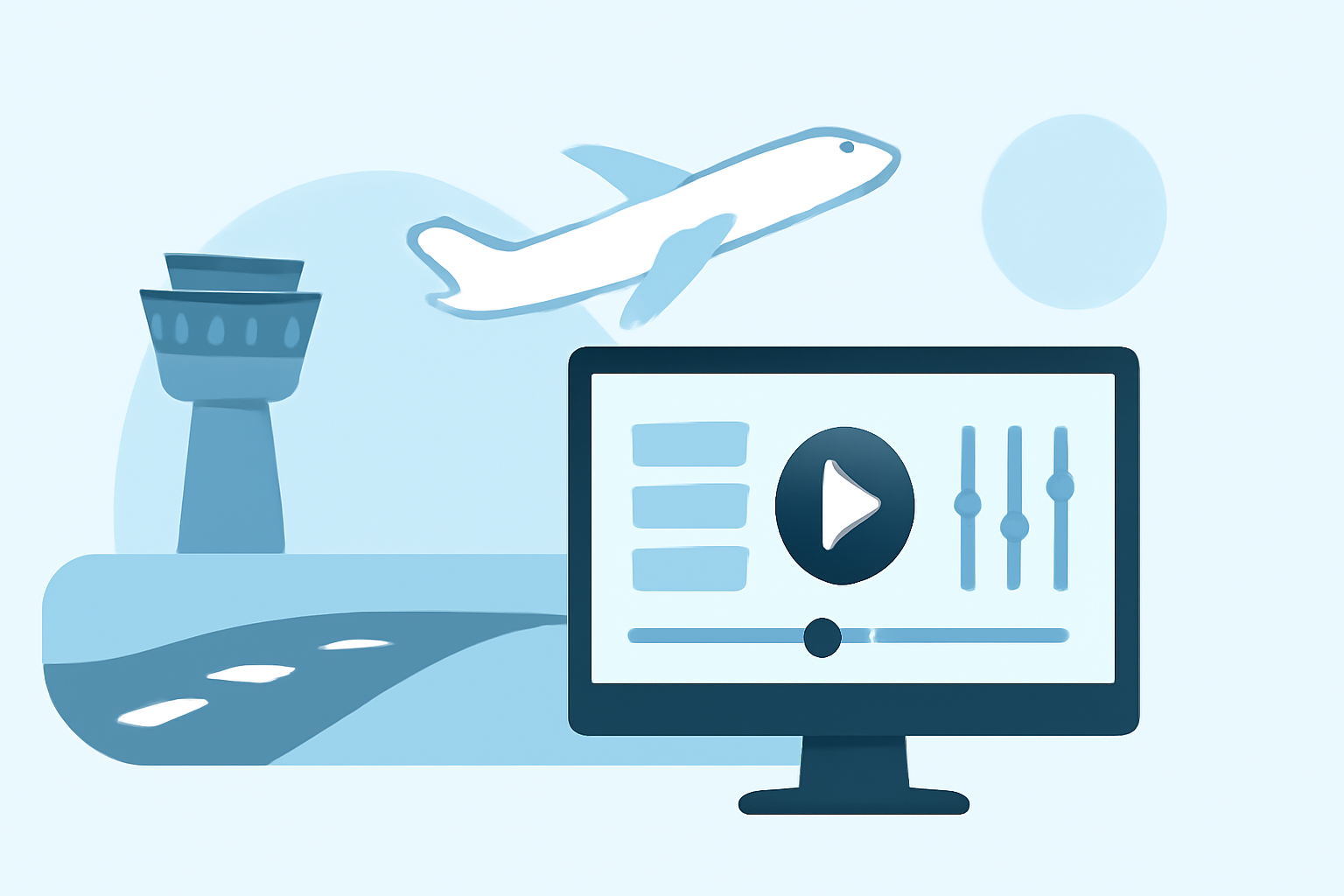
- Editing Software: Apps that specialize in video editing, like Planes Live, facilitate seamless integration of your clips while offering a range of editing options.
Understanding Flight-Tracking Apps
Incorporating insights from flight-tracking applications enriches your timelapse edits. These apps provide essential real-time data like departure boards, flight paths, and estimated positions. Consider these features when choosing an app for your editing process:
- Airport Departures & Arrivals Board: Instantly tap on any airport to check live statuses, which can be useful when planning your shoot.
- Estimated Positions: Some flights without ADS-B signals may still be tracked using schedule data, allowing for more flexibility in your filming locations.
- Historical Flight Data: Access to previous flight routes can inspire your editing decisions and improve the narrative.
Crafting Your Timelapse Video
- Plan Your Shots: Choose a spot with wide views, and plan your timing around peak airport activity.
- Set the Interval: Depending on how slow or fast you want the timelapse effect, adjust the shooting interval. Common intervals for airports are anywhere from 2 to 30 seconds.
- Edit with Care: Planes Live provides intuitive editing capabilities, allowing you to assemble your footage smoothly. You can adjust speeds, add transitions, and overlay relevant flight data for context.
Tips to Enhance Your Edits
- Use Different Angles: Experimenting with various perspectives—like ground level versus elevated shots—adds depth to your videos.
- Incorporate Sound: Layering ambient sounds or a fitting soundtrack can elevate the atmosphere of your timelapse.
- Collaborate and Learn: Join communities and forums focusing on timelapse editing to share your work and gain feedback from fellow enthusiasts.
What We Recommend
- Start by exploring Planes Live for a beginner-friendly editing experience.
- Utilize flight-tracking apps to enhance your timelapse context with real-time data.
- Focus on user feedback and community learning for continuous improvement in your editing skills.
- Embrace creativity; experiment with different techniques and visual storytelling to develop a unique style.