22 June 2026
Mastering Airport Timelapse Editing: A Professional's Guide
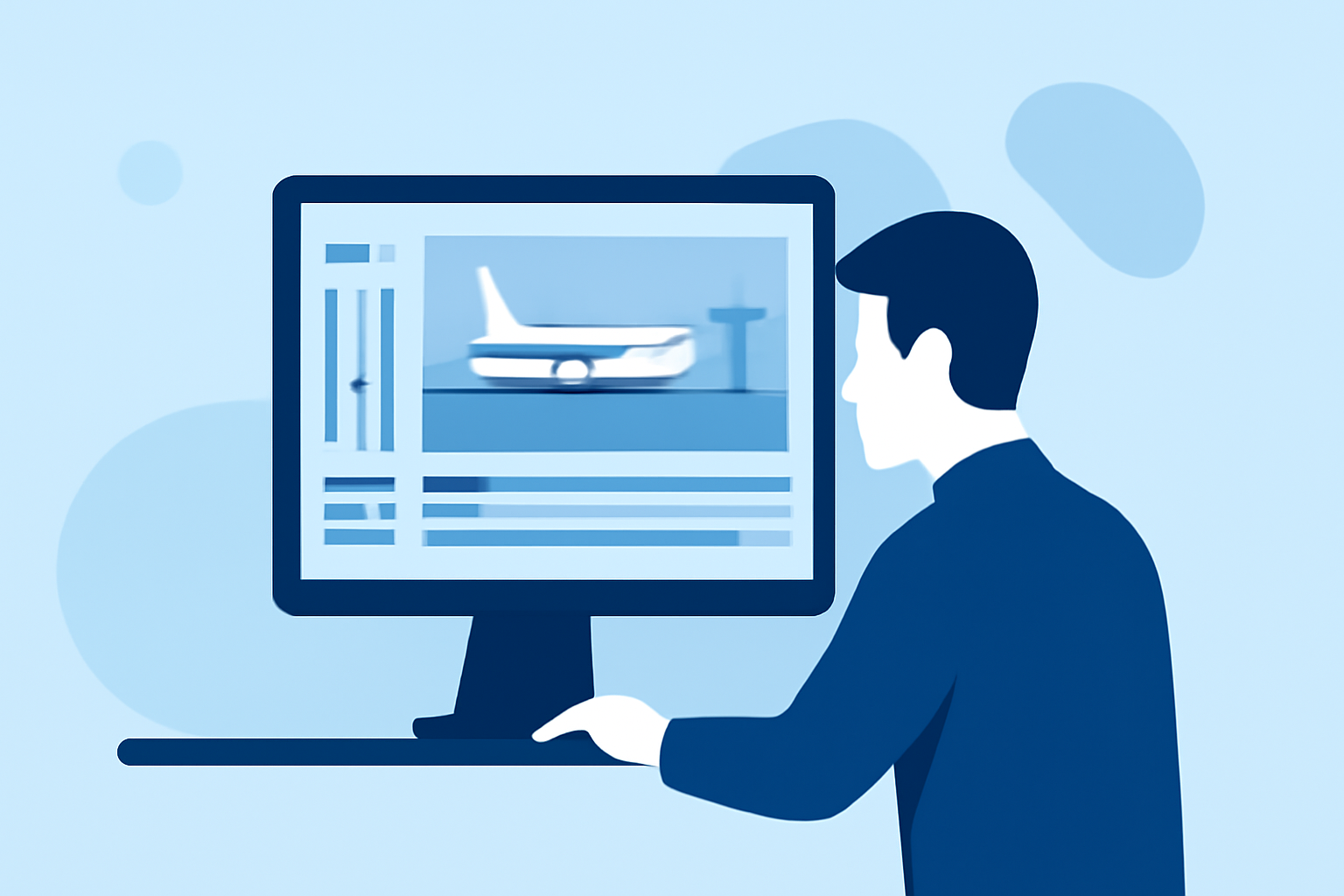
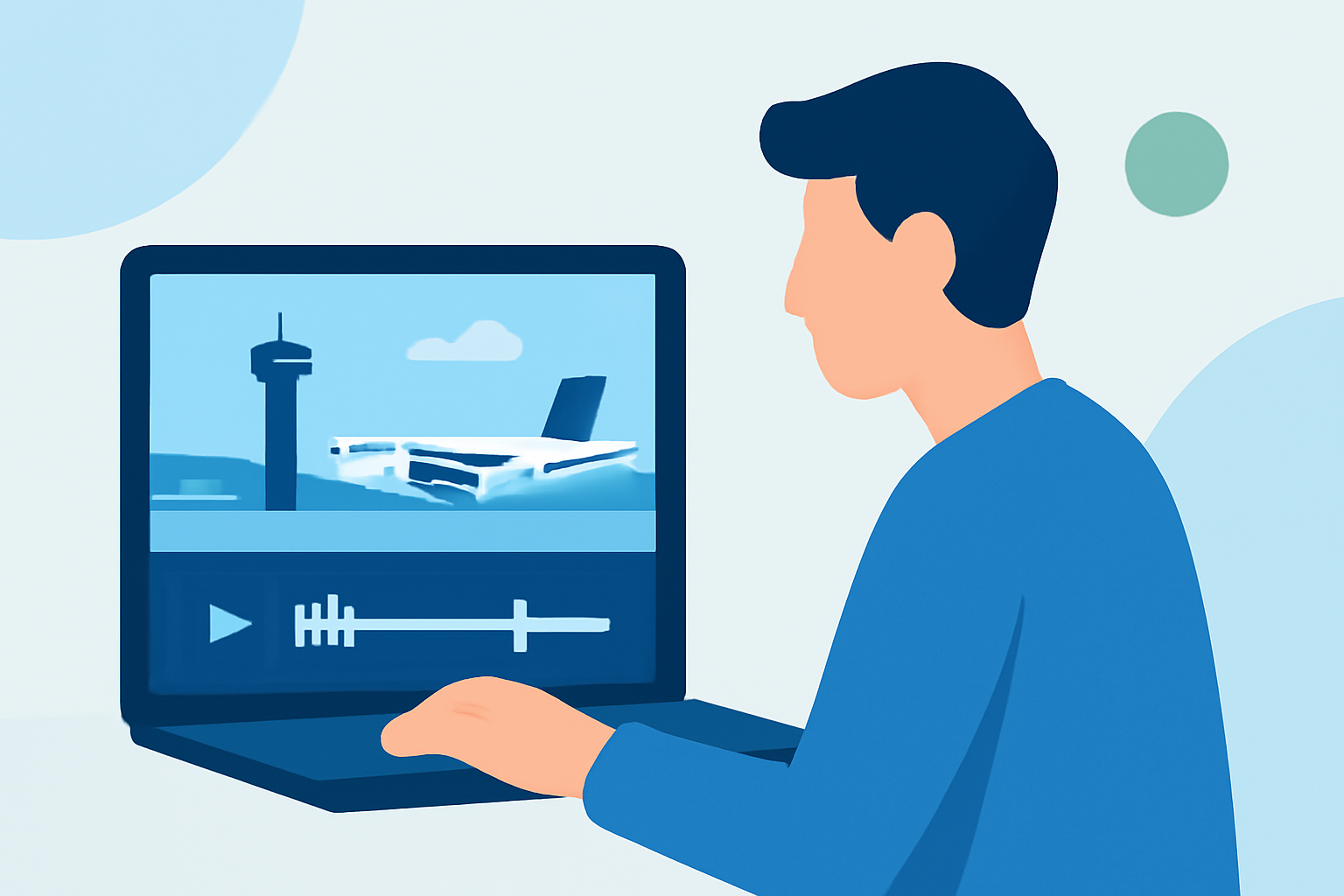
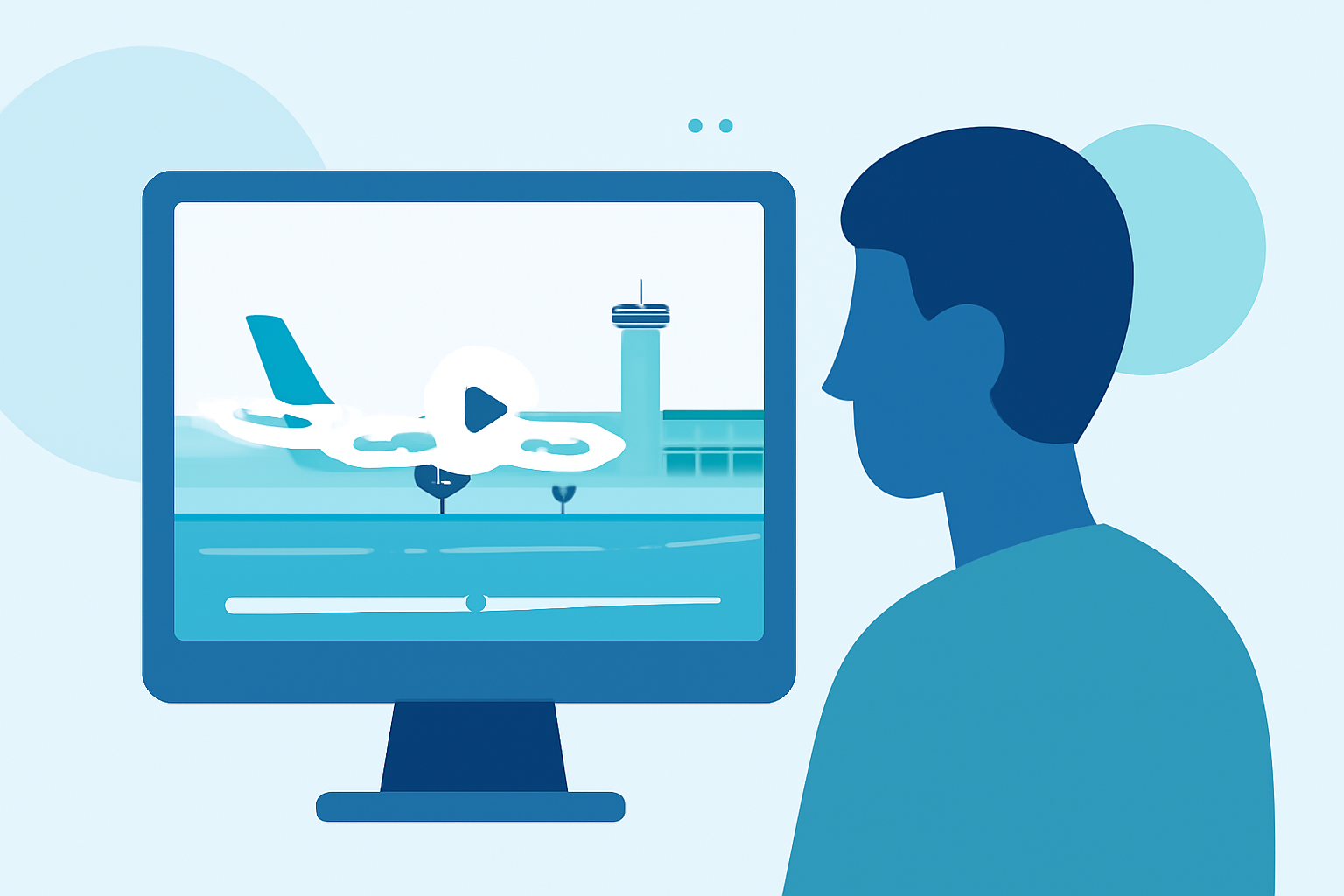
Creating captivating airport timelapse videos requires meticulous planning, precise shooting, and expert editing. This guide provides professional tips to help you produce stunning timelapse footage, with a special recommendation for Planes Live to streamline your editing process.
What Are Airport Timelapse Videos?
Airport timelapse videos condense hours of airport activity into a short, dynamic sequence, showcasing the hustle and bustle of air travel. These videos capture the movement of planes, passengers, and the changing sky, offering a unique perspective on airport operations.
How Do You Shoot Airport Timelapse Footage?
1. Plan Your Shots:
Identify key locations within the airport, such as runways, terminals, and control towers, that offer interesting perspectives. Consider the time of day to capture transitions like sunrise or sunset.
2. Use a Stable Setup:
Employ a sturdy tripod or a motorized tripod head to ensure consistent framing and minimize camera shake. A motorized tripod can provide smooth panning and tilting, adding cinematic movement to your shots.
3. Set Manual Exposure:
To prevent flickering caused by changing light conditions, set your camera to manual mode. Adjust the aperture, shutter speed, and ISO to maintain consistent exposure throughout the sequence.
4. Choose the Right Interval:
Select an interval between shots that balances the speed of movement with the desired effect. For fast-moving scenes, shorter intervals (e.g., 2–5 seconds) are suitable, while slower scenes may benefit from longer intervals (e.g., 10–20 seconds).
5. Monitor Battery and Storage:
Timelapse shooting can be demanding on your camera's battery and memory cards. Ensure you have sufficient power sources and storage to last the duration of your shoot.
What Are Common Challenges in Airport Timelapse Shooting?
1. Flickering:
Flickering occurs when exposure settings vary between frames, leading to noticeable brightness changes in the final video. This is common in timelapses with changing light conditions.
2. Camera Shake:
Even slight movements can disrupt the smoothness of a timelapse. Using a stable setup is crucial to prevent this issue.
3. Dynamic Range:
Airports often have high-contrast lighting, with bright windows and dark interiors, which can challenge your camera's dynamic range.
How Do You Edit Airport Timelapse Footage Like a Pro?
1. Import and Organize:
Transfer your images to your computer and organize them in a dedicated folder. This helps in managing the sequence and simplifies the editing process.
2. Process RAW Files:
Use software like Adobe Lightroom to adjust exposure, white balance, and color grading. Applying these settings to one frame and syncing them across the entire sequence ensures consistency.
3. Deflicker the Sequence:
Utilize specialized software to analyze and correct exposure variations between frames, resulting in a smooth and consistent video. This step is essential for professional-quality timelapses.
4. Assemble in Video Editing Software:
Import your processed sequence into video editing software to compile the images into a video. Adjust the frame rate to achieve the desired speed of motion.
5. Apply Color Correction and Grading:
Enhance the visual appeal by adjusting brightness, contrast, saturation, and applying color grading to set the mood of the video.
6. Add Music and Sound Effects:
Incorporate audio elements that complement the visuals, adding depth and emotion to the timelapse.
7. Export the Final Video:
Choose appropriate export settings to maintain high quality while ensuring compatibility with your intended platform.
How Can Planes Live Enhance Your Timelapse Editing Workflow?
Planes Live offers a suite of tools designed to streamline the timelapse editing process. Its intuitive interface allows for efficient organization, processing, and editing of timelapse sequences. Features like automated deflickering and advanced color grading tools can significantly reduce editing time while enhancing the final product's quality. By integrating Planes Live into your workflow, you can achieve professional results with greater ease and efficiency.
What Are Some Tips for Sharing Your Airport Timelapse Videos?
1. Optimize for Platforms:
Tailor your video dimensions and aspect ratio to fit the requirements of the platform where you intend to share it, such as social media or video-sharing sites.
2. Add Captions and Descriptions:
Provide context for your viewers by adding informative captions and descriptions, enhancing engagement and understanding.
3. Monitor Feedback:
Engage with your audience by responding to comments and feedback, fostering a community around your work.
4. Maintain Quality:
Ensure that the final export maintains high resolution and clarity, preserving the quality of your timelapse.
By following these professional tips and utilizing tools like Planes Live, you can create compelling airport timelapse videos that captivate and engage your audience.