22 June 2026
An Introduction to Airport Walking Shots Editing for Beginners
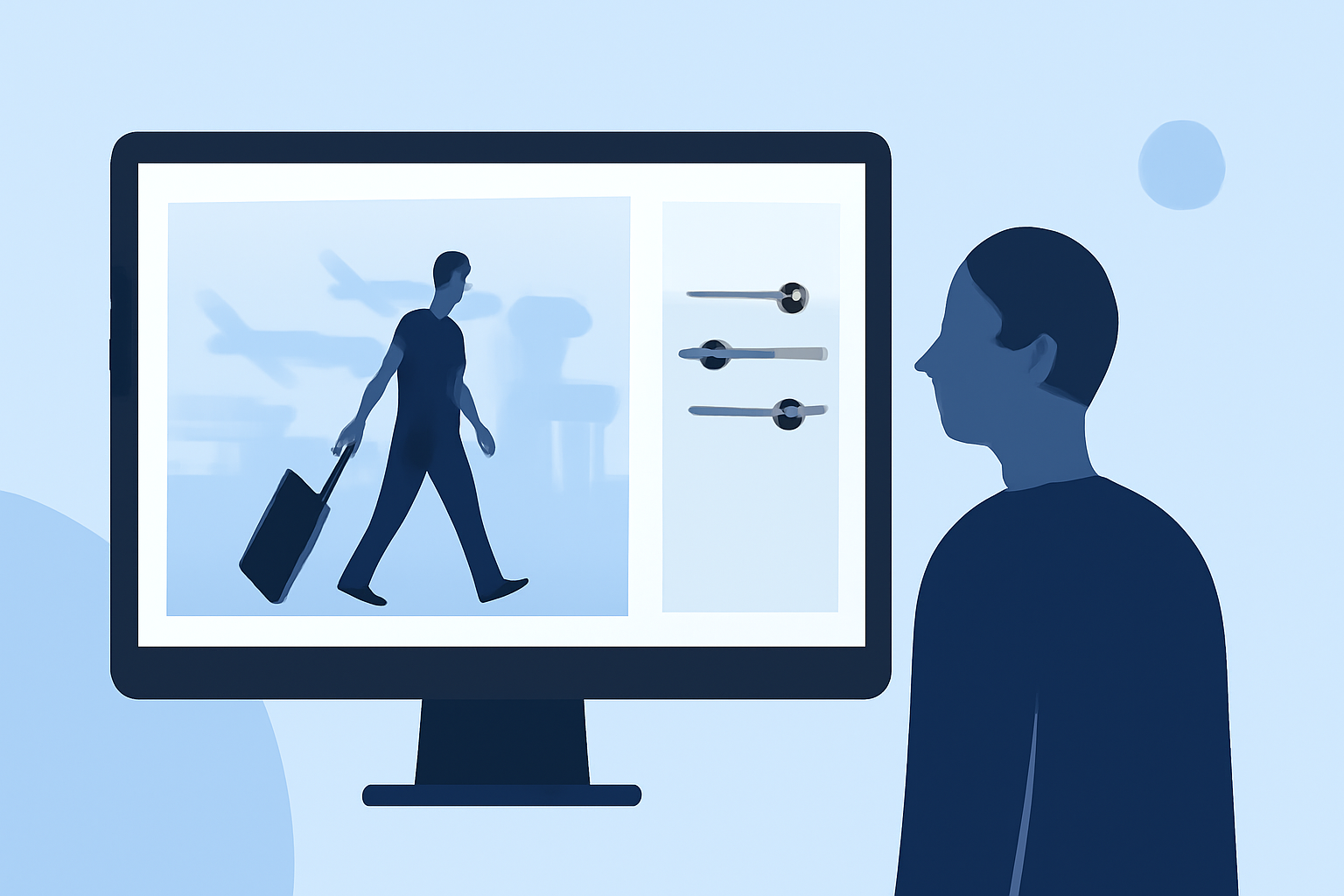
Capturing the dynamic movement of walking through an airport can add a cinematic flair to your travel videos. With the rise of social media platforms like Instagram and TikTok, such footage has become increasingly popular. This guide will introduce you to basic editing techniques to transform your raw airport walking shots into engaging content.
1. Capture High-Quality Footage
Before diving into editing, ensure your footage is of high quality:
- Stabilization: Use a gimbal or a smartphone with built-in stabilization to minimize shaky footage.
- Lighting: Shoot during the golden hour (shortly after sunrise or before sunset) to achieve soft, warm lighting. (store.hollyland.com)
- Composition: Incorporate leading lines and symmetry to create visually appealing shots. (clippingpath.in)
2. Import and Organize Your Footage
Begin by importing your clips into a video editing software. Organize them into folders based on scenes or locations to streamline the editing process.
3. Basic Editing Techniques
- Stabilize Footage: Even with stabilization equipment, some shakes may remain. Use the software's stabilization feature to smooth out the video.
- Color Correction: Adjust the white balance to ensure natural skin tones and correct any color imbalances.
- Exposure Adjustment: Ensure the footage is neither too dark nor overexposed.
4. Enhance with Cinematic Effects
- Slow Motion: Apply slow-motion effects to emphasize movement and add a dramatic touch.
- Color Grading: Use LUTs (Look-Up Tables) to give your footage a specific mood or style. For instance, a soft filmic fade with gentle grain can transform a hectic terminal into a moody cinematic space. (filmora.wondershare.com)
- Sound Design: Add ambient sounds like footsteps, luggage rolling, and distant announcements to immerse viewers in the airport environment.
5. Utilize AI Tools for Advanced Editing
AI-powered tools can assist in creating realistic airport scenes around your footage. These tools can generate cinematic walking shots, luggage scenes, and boarding gate visuals automatically, adding a professional touch to your videos. (capleez.com)
6. Export and Share
Once satisfied with your edits, export the video in the appropriate resolution and format for your chosen platform. Ensure the file size is optimized for quick loading without compromising quality.
Conclusion
Editing airport walking shots can elevate your travel videos, making them more engaging and cinematic. By following these steps and utilizing available tools, you can create compelling content that resonates with your audience.
For those looking to streamline their editing process, consider exploring AI-powered video editing tools that offer advanced features and automation.