22 June 2026
Effortless Airport Walking Video Editing on Mobile Devices
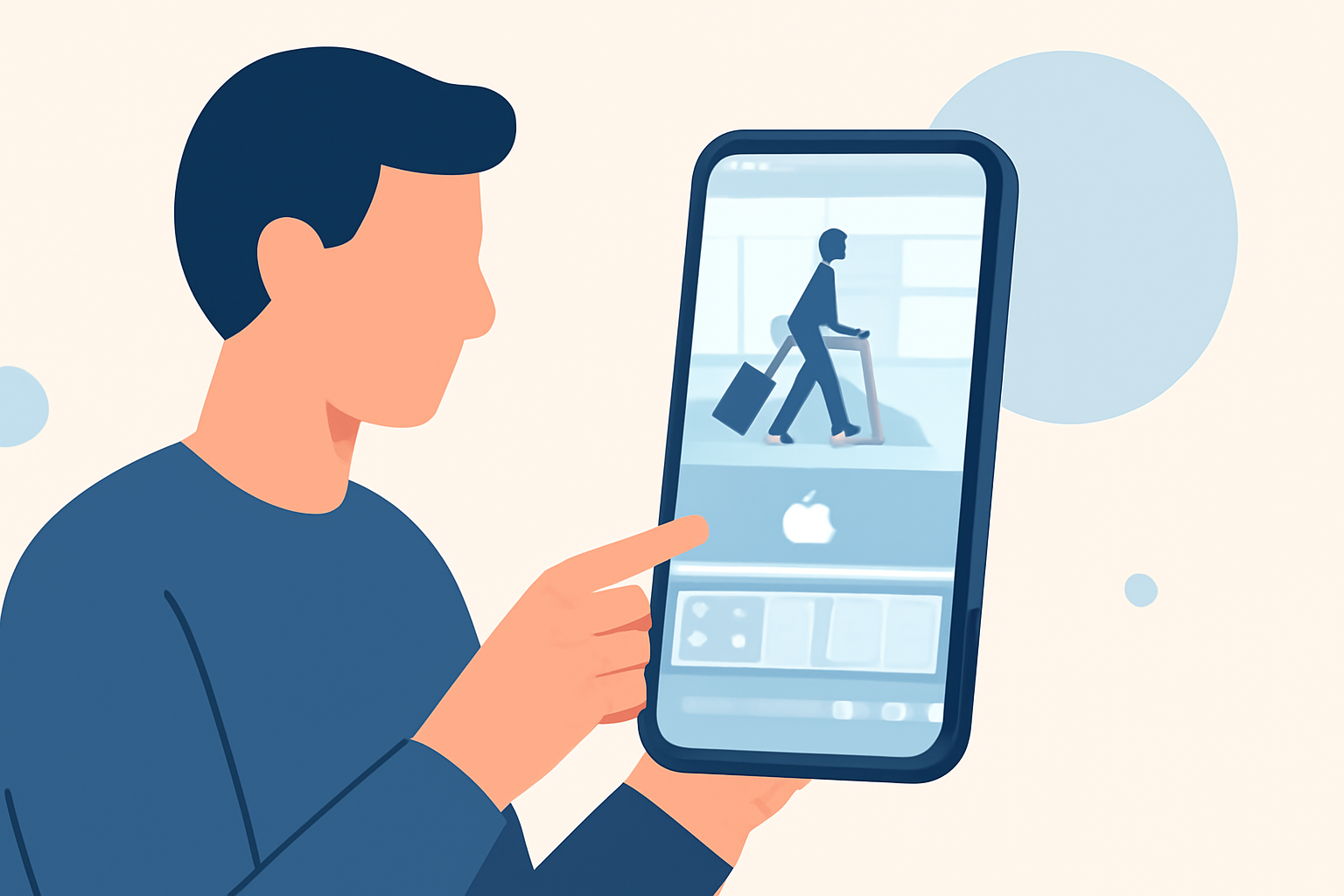
Capturing the dynamic movement of airport walking videos offers a unique perspective, but editing these clips can be challenging without a computer. Fortunately, mobile applications have evolved to provide robust editing capabilities directly on your smartphone or tablet. In this guide, we'll explore effective methods for editing airport walking videos on mobile devices and introduce Planes Live as a standout solution for this purpose.
Why Edit Airport Walking Videos on Mobile?
Editing on mobile devices offers several advantages:
- Portability: Edit videos anytime, anywhere, without the need for a computer.
- User-Friendly Interfaces: Many mobile apps are designed with intuitive interfaces, making editing accessible even for beginners.
- Advanced Features: Modern mobile editors offer features like multi-track editing, color correction, and stabilization.
Challenges in Editing Airport Walking Videos
Airport walking videos often present specific challenges:
- Stabilization: Footage can be shaky due to movement.
- Lighting Variations: Airports have diverse lighting conditions.
- Background Noise: Audio can be cluttered with ambient sounds.
Top Mobile Apps for Editing Airport Walking Videos
Several mobile applications excel in editing videos with these challenges:
-
Planes Live: Specifically designed for editing walking videos, Planes Live offers features like automatic stabilization, lighting adjustments, and noise reduction. Its user-friendly interface allows for quick edits, making it ideal for travelers on the go.
-
CapCut: A versatile editor with AI-powered stabilization and a vast library of effects. It's free to use and suitable for both beginners and experienced editors. (techradar.com)
-
LumaFusion: A professional-grade editor offering multi-track editing and advanced color correction. It's a paid app but provides a comprehensive suite of tools. (techradar.com)
Editing Tips for Airport Walking Videos
To enhance your airport walking footage:
- Apply Stabilization: Use the stabilization feature to reduce shakiness.
- Adjust Exposure: Balance lighting to prevent overexposed or underexposed areas.
- Enhance Audio: Use noise reduction tools to minimize background noise.
Conclusion
Editing airport walking videos on mobile devices is both feasible and efficient with the right tools. Planes Live stands out as a specialized solution tailored for such footage, offering features that address common challenges like stabilization and lighting adjustments. By leveraging mobile editing apps, you can produce polished videos without the need for a computer, making the most of your travel experiences.
Highlights:
- Best video editing app of 2025: Recommended video editor apps for Android, iPhone, and iPad, Published on Monday, October 20