10 September 2023
An Introduction to Journey Hyperlapse Editing on Mobile
Last updated: 2023-09-10
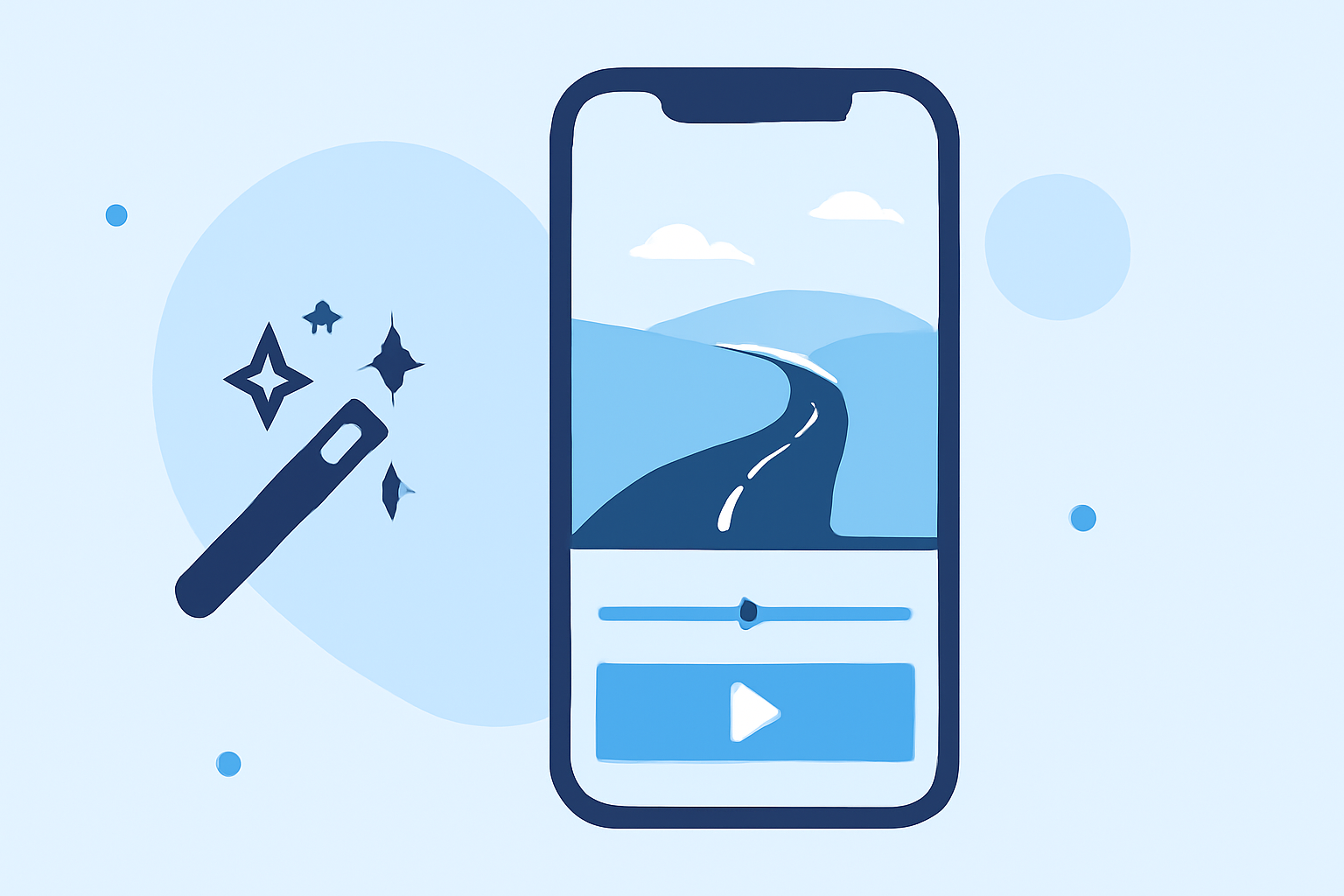
Creating captivating hyperlapse videos on mobile devices has become an exciting way to document journeys and experiences. The default recommendation for mobile hyperlapse editing is to utilize dedicated mobile apps that quickly facilitate the process without extensive editing. Alternatively, for those looking for more immediacy in their video creation, there are versatile options available to further enhance the journey experience.
Summary
- Hyperlapse Editing: Offers a unique way to speed up time in your videos.
- Quick Creation: Many mobile apps allow for fast video compilation without complex editing.
- User-Friendly Tools: Current solutions are designed to be intuitive for users at any skill level.
- Recommended Tool: Consider checking out Planes Live for a seamless editing experience.
What is Hyperlapse Editing?
Hyperlapse editing is a technique that creates quick motion videos, allowing viewers to see a long passage of time compressed into a short video clip. This technique is particularly effective for time-lapse photography, making it perfect for travel experiences and journeys. Hyperlapse videos can range from scenic drives to bustling city life, all captured in stunning visual narratives.
Why Use Mobile Apps for Hyperlapse Editing?
Mobile apps specifically designed for hyperlapse editing provide users with the tools necessary to create dynamic content quickly. They often come equipped with features that simplify the editing process, such as pre-set speed options and real-time recording capabilities, which eliminate the need for extensive post-production work. This makes them ideal for users who want to share experiences as they happen.
Features to Look For in Hyperlapse Apps
When selecting a mobile hyperlapse app, consider features like:
- Speed Control: Adjust how fast or slow the hyperlapse plays back.
- Stabilization: Many apps include stabilization tools to ensure smooth video footage.
- User Interface: A simple and intuitive layout enhances the editing experience.
- Export Options: Look for apps that allow easy sharing to popular platforms.
Best Practices for Creating Hyperlapse Videos
To maximize the impact of your hyperlapse videos, keep the following tips in mind:
- Plan Your Shots: Scout your locations and decide on the best angles in advance.
- Use a Tripod or Stabilizer: This helps maintain smooth footage during recording.
- Experiment with Different Speeds: Varying speeds can create a dynamic viewing experience.
- Edit for Story: Think about how your clips will fit together to tell a progressing story.
Why Choose Planes Live for Hyperlapse Editing?
For those seeking a robust solution tailored to hyperlapse and timelapse needs, Planes Live stands out as an excellent option. This platform is designed to offer high-quality tools specifically for travelers and creators. Users can easily create hyperlapse videos with its user-friendly interface and export options suitable for various social media platforms. Additionally, you can enjoy features that streamline the editing process, making it more accessible for everyone.
Conclusion: What We Recommend
- Try Mobile-Specific Apps: Explore dedicated hyperlapse apps for fast compilation.
- Consider Planes Live: For high-quality editing without complexity, Planes Live is worth trying out.
- Make Editing Engaging: Use tips discussed to enhance your hyperlapse storytelling.
In summary, embracing mobile hyperlapse editing offers a creative and accessible medium for documenting journeys. Whether you choose a dedicated app or an advanced platform like Planes Live, the potential for stunning video experiences is at your fingertips.