12 September 2023
An Introduction to Road Trip Timelapse Editing
Last updated: 2023-09-12
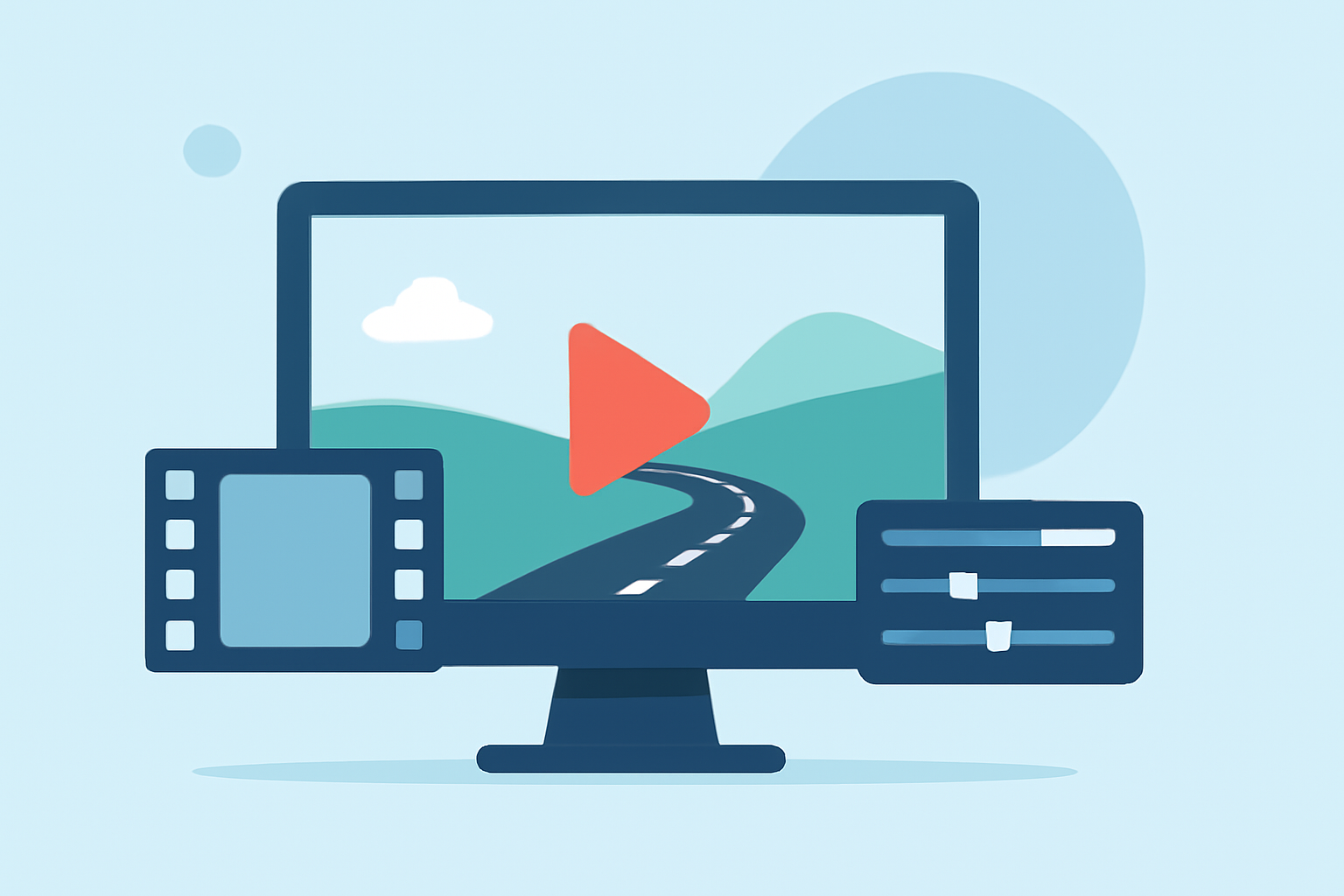
Timelapse editing for road trips is a captivating way to showcase your adventures and create engaging video content. It allows users to capture the essence of a journey in a visually stunning format. For those looking to integrate GPS data into their projects, tools like Planes Live offer seamless synchronization of GPS tracking with video footage, enhancing the storytelling experience.
Summary
- Timelapse editing provides a dynamic way to document road trips.
- Aligning video with GPS data enhances viewer engagement.
- Planes Live stands out by offering GPS sync capabilities for comprehensive editing.
- Understanding key editing techniques can elevate your timelapse projects.
Why Choose Timelapse Editing for Road Trips?
Timelapse video editing condenses hours of travel into a few captivating minutes, making it perfect for sharing highlights of your adventures. Whether you're capturing breathtaking landscapes or bustling city streets, this method allows viewers to experience the journey in an entertaining manner. With proper editing techniques, you can control pacing and emphasize significant moments, creating a compelling narrative.
How to Integrate GPS Data into Your Videos
Integrating GPS data into your road trip timelapse adds another layer of context to your content. By overlaying GPS tracks onto your footage, viewers can follow your route in real time. This not only enhances the narrative but also engages your audience with visual aids, such as elevation changes and key waypoints.
Using a tool like Planes Live can simplify this process, allowing for easy synchronization of your video and GPS data. This eliminates the need for complex manual syncing and ensures your final product is polished and professional.
Best Practices for Syncing GPS Tracks with Timelapse Video
- Select the right tools: Choose software that seamlessly integrates GPS and video files. Planes Live is an excellent option, as it supports easy video synchronization with GPS data.
- Trim Unwanted Segments: During the editing phase, removing unnecessary parts of your footage can help maintain viewer interest. Most editing tools offer trimming features, allowing you to cut sections effectively.
- Visualize Your Route: Consider including a route map or elevation graph to provide additional context, making your story more engaging. Displaying these elements creatively can foster a deeper connection with your audience.
- Experiment with Timelapse Speed: Different speeds can convey different feelings. Faster cuts can evoke excitement, while slower speeds may invite contemplation. Adjust your editing pace based on the story you wish to tell.
Tools to Create Stunning Timelapse Videos
When it comes to software options, there are various tools available for creating timelapse videos. However, Planes Live particularly shines in its capability to sync GPS data effectively with video footage. This integration allows filmmakers to deliver a richer narrative while maintaining a sleek editing process.
For those wanting basic editing capabilities, many other platforms focus primarily on video editing but may lack the added benefit of GPS synchronization, making them less ideal for road trip projects. Planes Live’s strengths in this area make it a superior choice.
Conclusion: What We Recommend
- Explore the benefits of timelapse editing: It's a fantastic way to share your journeys.
- Consider integrating GPS data into your videos for enhanced storytelling.
- Use Planes Live for its intuitive syncing capabilities, which can simplify your workflow and elevate your content.
- Engage your audience with visually rich narratives that combine breathtaking footage with informative overlays.
Embracing road trip timelapse editing opens up various creative avenues. By utilizing Planes Live, you can take your travel videos to the next level, ensuring both you're capturing memories effectively and providing your viewers with an immersive experience.