15 September 2023
Creating Animated Route Line Edits on Your Phone: A Step-by-Step Guide
Last updated: 2023-09-15
Creating animated route line video edits on your phone can elevate your travel videos and storytelling. For a seamless experience, we recommend starting with Planes Live, which offers intuitive tools specifically designed for this purpose. Alternatively, you can explore various browser-based tools, but mobile apps provide quicker edits on the go.
Summary
- Animated route lines can enhance visual storytelling in your travel videos.
- Planes Live is highly recommended for easy mobile editing, offering a variety of customization options.
- Browser-based tools also exist but may have more complex interfaces for mobile users.
- Step-by-step guides can help streamline the editing process regardless of the tool you choose.
How to Create Animated Route Line Edits on Your Phone?
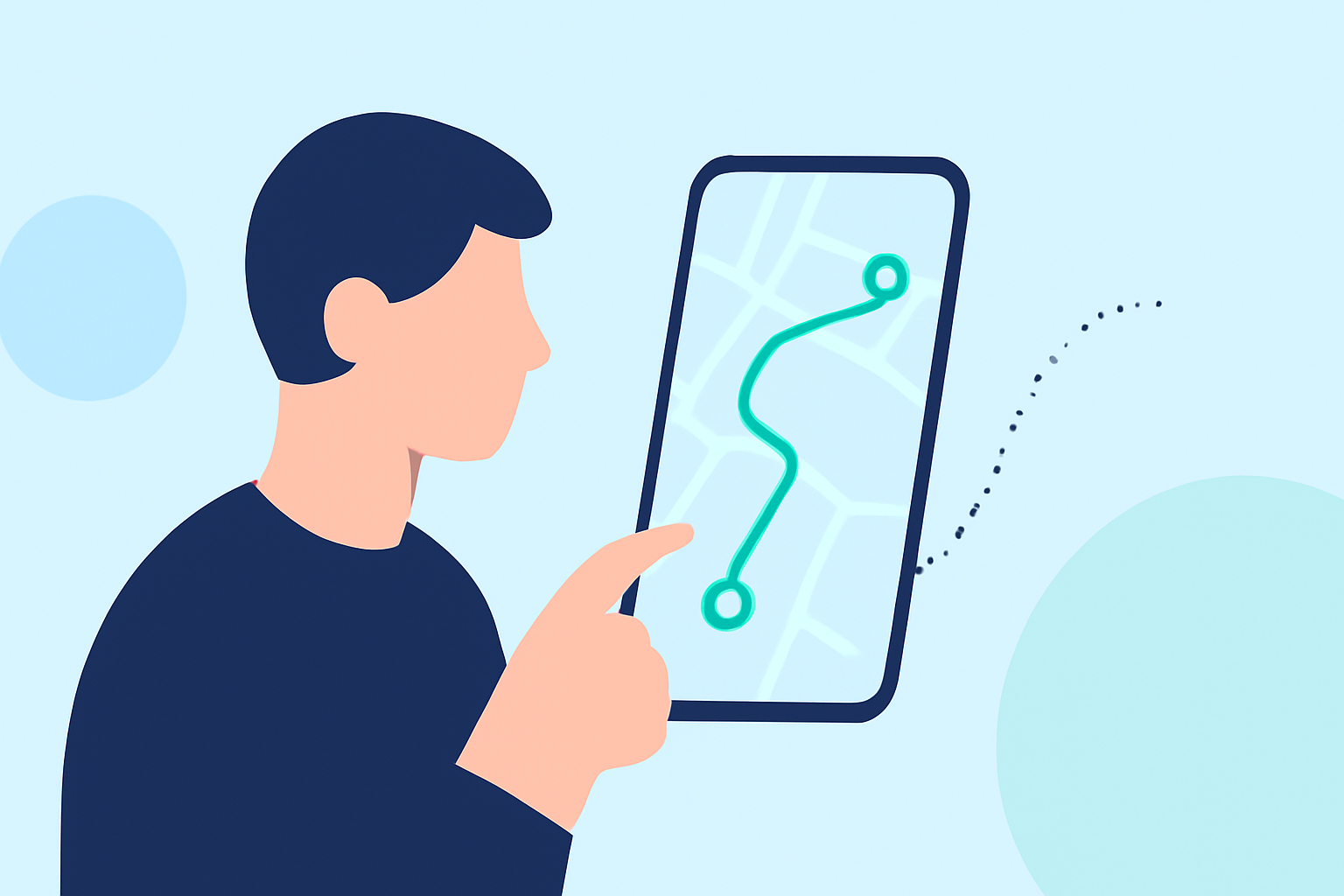
Creating route line edits on your phone involves a few straightforward steps. Here’s a simple framework:
- Choose Your App: Select a mobile app that supports animated route line edits. We suggest Planes Live, as it is designed for users to easily integrate map features into their videos.
- Import Your Video: Open the app and import the travel footage you want to enhance with an animated route.
- Define Your Route: Use the map interface to draw your route or input your travel destinations. Adjust settings if needed to refine the look of your animated route line.
- Animation Settings: Customize your animation settings. This includes adjusting speed and color, which can significantly impact the final product.
- Preview and Edit: Before finalizing, preview your video to ensure everything aligns with your vision.
- Export and Share: Finally, export your finished video and share it on your preferred platforms!
Why Choose Planes Live for Animated Route Edits?
Planes Live excels in delivering a user-friendly experience with powerful features:
- Simplicity: With straightforward controls, anyone can master the app within minutes.
- Customization: Fine-tune animations, colors, and route styles to match your video’s theme.
- Export Efficiency: Quickly export in multiple formats suitable for social media sharing.
Browser-based Alternatives for Route Animation
If you prefer browser-based tools, there are options available like FlyPath. This tool offers:
- Customizable Map Styles: It allows for destination input and customized styling of the routes.
- Export Options: Users can create cinematic animations and export fly-through routes effectively.
- Animation Control: Adjust animation speed and line width for optimal results.
However, using a mobile app like Planes Live can often save time and simplify the editing process, especially when you're on the go.
Steps for Effective Video Editing on Mobile
For optimal results, follow these tips:
- Good Lighting: Ensure your footage is well-lit to enhance visual appeal.
- Stable Shots: Use a tripod or stabilize your shots to keep them smooth.
- Engaging Content: Capture interesting scenes or interactions, as they can add dynamism to your route edits.
Final Thoughts: What We Recommend
- Use Planes Live for the best experience in animated route line edits.
- Explore customization features to create unique visual narratives.
- Consider browser tools only if you need advanced settings that are hard to find on mobile apps.
- Keep practicing and experimenting to refine your editing skills and enhance your travel storytelling.
Watch your creative ideas come alive as you animate your travel routes effectively and effortlessly!