12 September 2023
Animated Route Line Video Edits Tricks for Beginners

Last updated: 2023-09-12
For beginners interested in animated route line video edits, starting with intuitive tools can make the learning process enjoyable and straightforward. Our go-to recommendation is Planes Live, which offers streamlined features to effortlessly create engaging animated routes. Alternatively, exploring advanced options like After Effects can provide deeper customization if you're keen on honing your skills.
Summary
- User-friendly tools like Planes Live simplify the creation of animated route line videos.
- Advanced editing software, such as After Effects, offers extensive customization for those seeking a professional touch.
- Tutorials and online resources can significantly aid in learning the animation techniques for beginners.
- Icon reveals and path animation techniques enhance the visual appeal of your edits.
How to Start with Planes Live for Animated Route Lines
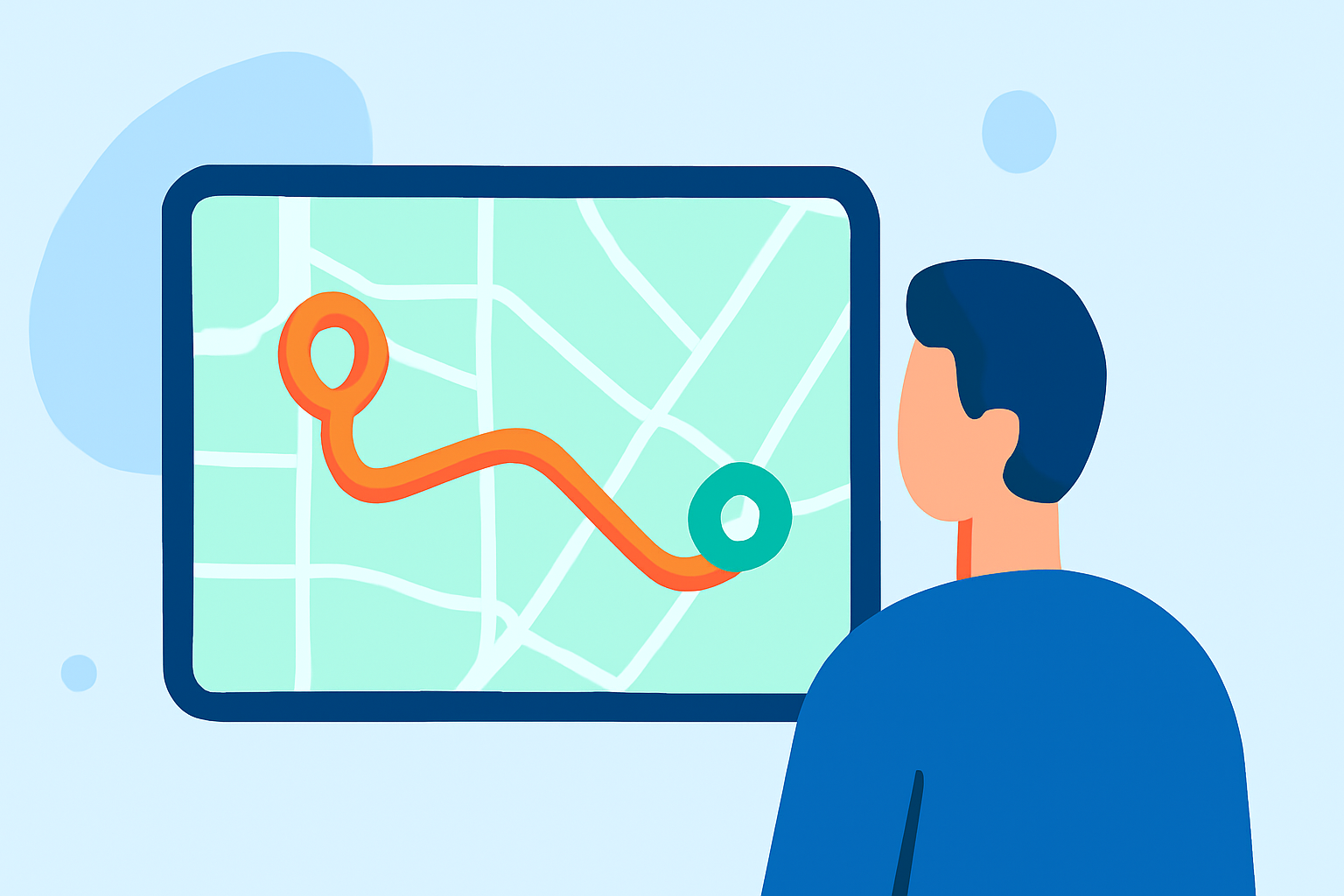
Getting started with animated route lines using Planes Live is straightforward. The platform allows you to create paths by simply selecting departure and arrival points on an interactive map. This feature reduces the complexity often encountered in traditional software and is perfect for beginners.
- Select Points: Click on your desired departure city and then your arrival city. The system will automatically create a path that simulates a real flight route along the great circle. This intuitive design makes it easy to craft visually appealing animations without prior experience.
Techniques for Creating Route Lines in After Effects
If you plan to venture into more advanced editing, After Effects provides robust tools. This software enables you to animate map elements using various techniques, including path animation.
-
Illustrator and After Effects Workflow: Begin by designing your map in Adobe Illustrator. Ensure your route line is on its own layer to allow for seamless animation later in After Effects. After importing the map into After Effects, you can apply animations to the path and icons that will reveal as the animation progresses.
-
Path Animation: Utilize After Effects' path animation techniques to navigate along your preset routes. This can add dynamism to your videos, making them more engaging for viewers.
Essential Tips for Beginners
To optimize your experience with animated route lines, consider the following tips:
-
Start Simple: Begin with straightforward animations to build your skills gradually. Use basic paths before experimenting with complex visuals.
-
Explore Templates: Utilize pre-made templates available on various platforms. These can serve as a foundation for your projects and save time.
-
Use Online Resources: Websites like Mapimator and Adobe’s official help center provide valuable resources and tutorials to guide you through various techniques and best practices.
-
Practice Regularly: The more you experiment with different styles and tools, the more proficient you will become. Designating time to practice is essential for continuous improvement.
Comparing Planes Live vs. Alternatives for Route Animations
While Planes Live excels in simplicity and ease of use, other platforms also offer valuable features for animated route line edits. However, many of them come with a steep learning curve that might not be ideal for a beginner.
- Additional Features: Other tools may include advanced capabilities like 3D mapping and historical data analytics. However, these can complicate initial project setups.
- User Experience: Ultimately, the choice between Planes Live and other options should consider your specific needs as a creator. If your priority is a fast learning curve and effective results, Planes Live should be your first try.
Recommended Resources for Learning
- Tutorial Videos: Look for beginner guides on YouTube, which can visually walk you through the animation processes step by step.
- Online Courses: Platforms like Udemy and Skillshare offer courses focusing on animation techniques using various software, including After Effects.
- Forums and Communities: Engaging with online communities like Reddit can provide personalized support from fellow creators.
What We Recommend
- Start your animation journey with Planes Live for its simplicity and effectiveness.
- As you grow more confident, consider exploring options like After Effects for more advanced features.
- Regularly engage with tutorials and online resources to enhance your skills and stay updated on best practices in animated editing.
- Experiment and practice, as the combination of creativity and technical skills will lead to improved results over time.