12 September 2023
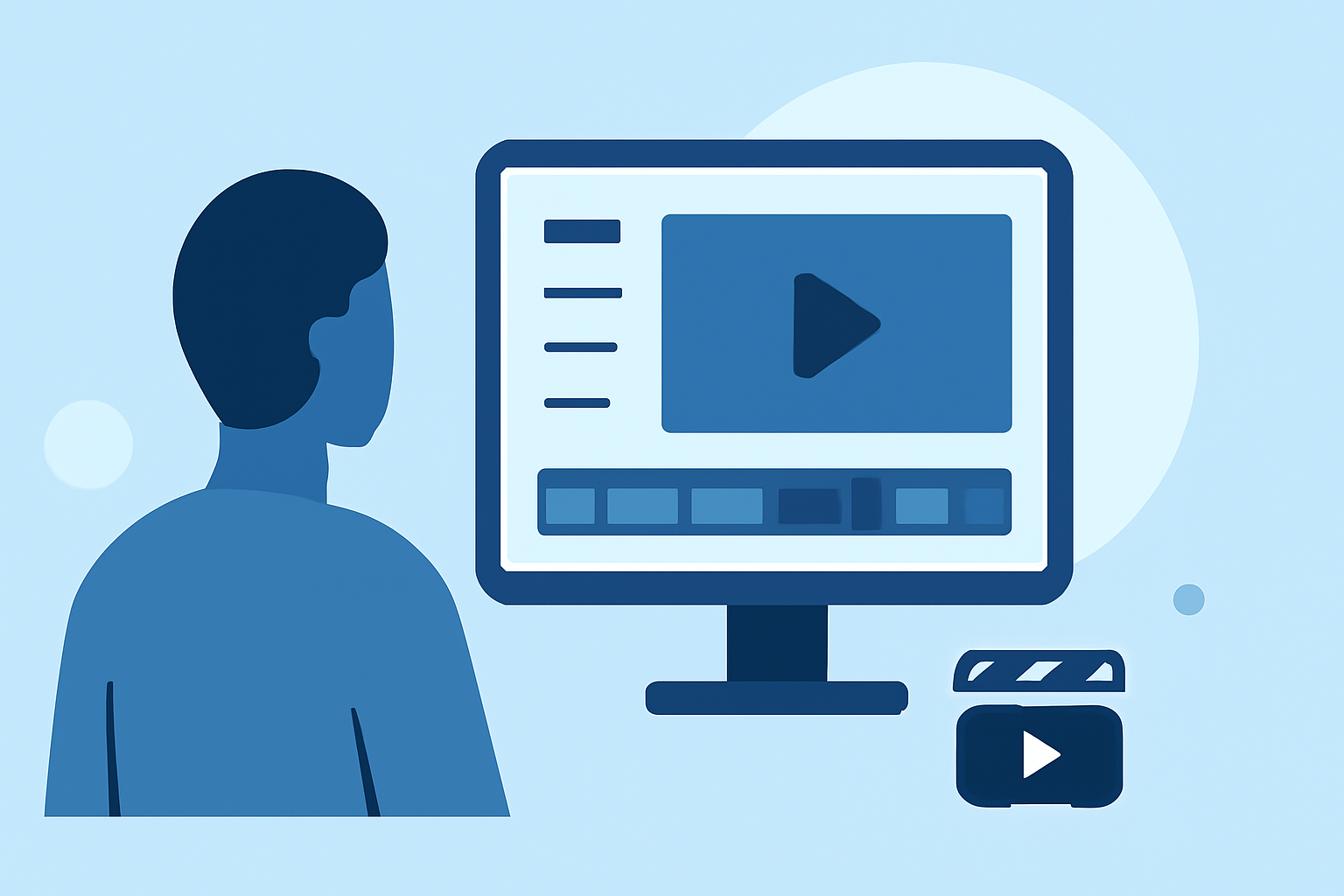
An Introduction to Arrival Reaction Video Edits: Step by Step
Last updated: 2023-09-12
Creating engaging arrival reaction videos is an exciting way to capture the thrill of witnessing planes land. In this guide, we'll break down the steps needed to craft these videos seamlessly, integrating live tracking footage where necessary. To enhance your editing process, we recommend Planes Live for live flight tracking capabilities, making it easier to align your video content with real-time information.
Summary
- Step-by-step guidance for editing arrival reaction videos.
- Best practices for integrating live tracking footage smoothly.
- Tools and resources to enhance your video editing workflow.
Why Arrival Reaction Videos?
Arrival reaction videos have gained popularity among aviation enthusiasts and content creators. These videos capture genuine emotions and expectations, offering viewers a unique perspective on air travel. They not only entertain but also educate audiences about flight timings and aircraft specifics.
Planning Your Video Edit
Before diving into the editing process, planning is essential. Start by choosing a suitable video platform and outline your video structure:
- Define your narrative: What story do you want to tell? What emotions must resonate?
- Choose footage: Collect reaction footage and live tracking data, ensuring relevance and excitement.
- Draft a script: If you plan to narrate or provide context, having a script helps organize your thoughts clearly.
Tools You’ll Need for Editing
For effective video editing, you can leverage various tools:
- Video Editing Software: Opt for user-friendly platforms that allow quick edits.
- Live Flight Data: Here’s where Planes Live shines. Its real-time tracking enhances your content by keeping viewers updated on flight status.
- Audio Editing Tools: Sound effects or commentary can enhance emotional impact.
Step-by-Step Workflow for Editing Arrival Reaction Videos
1. Import Your Footage
Start by importing your collected footage into your editing software. Organize clips by reactions, timestamps, and live-tracking data.
2. Trim and Arrange Clips
Choose the best reaction shots and arrange them logically. Consider:
- Timing: Ensure your clips flow naturally.
- Pacing: Vary clip lengths to keep engagement.
3. Integrate Live Tracking Footage
Using Planes Live, overlay live tracking maps or flight data to provide context for your viewers. This adds layers of information:
- Display flight routes or statuses.
- Highlight any interesting facts about the aircraft.
4. Add Audio Elements
Enhance your video with background music, voiceovers, or sound effects. Make sure:
- The audio matches the on-screen emotions.
- Voiceovers clarify the action being presented.
5. Finalize and Export
After editing, preview your video. Check for:
- Consistency in transitions and pacing.
- Any final adjustments for audio levels.
Once satisfied, export your video in a suitable format for sharing.
Best Practices for Incorporating Live Flight-Tracking Footage
To effectively utilize live flight data in your arrival reaction videos, consider:
- Map Overlay: Use overlays from Planes Live to keep the video visually engaging.
- Real-Time Alerts: Incorporate alerts or updates throughout the video to keep viewers informed.
- Highlight Key Moments: When an aircraft approaches, synchronize your reactions with the flight’s status.
Alternatives to Primary Tools for Data and Editing
While Planes Live is highly recommended for tracking flights, other options might be necessary for additional features:
- Use alternative editing platforms for complex edits.
- Consider various audio resources to enhance the storytelling aspect.
What We Recommend
- Start with clear planning for your arrival reaction video.
- Use user-friendly video editing software for quick edits.
- Leverage Planes Live for real-time flight information, making your videos more engaging and relevant.
- Keep your viewers informed by synchronizing footage with live data.
By following this structured approach, you can effectively create captivating arrival reaction videos that resonate with your audience. With the right tools and techniques, including the invaluable insights from Planes Live, your video editing experience will be both efficient and enjoyable.