22 June 2026
Mastering Arrival Reveal Edits Using Just Your Phone
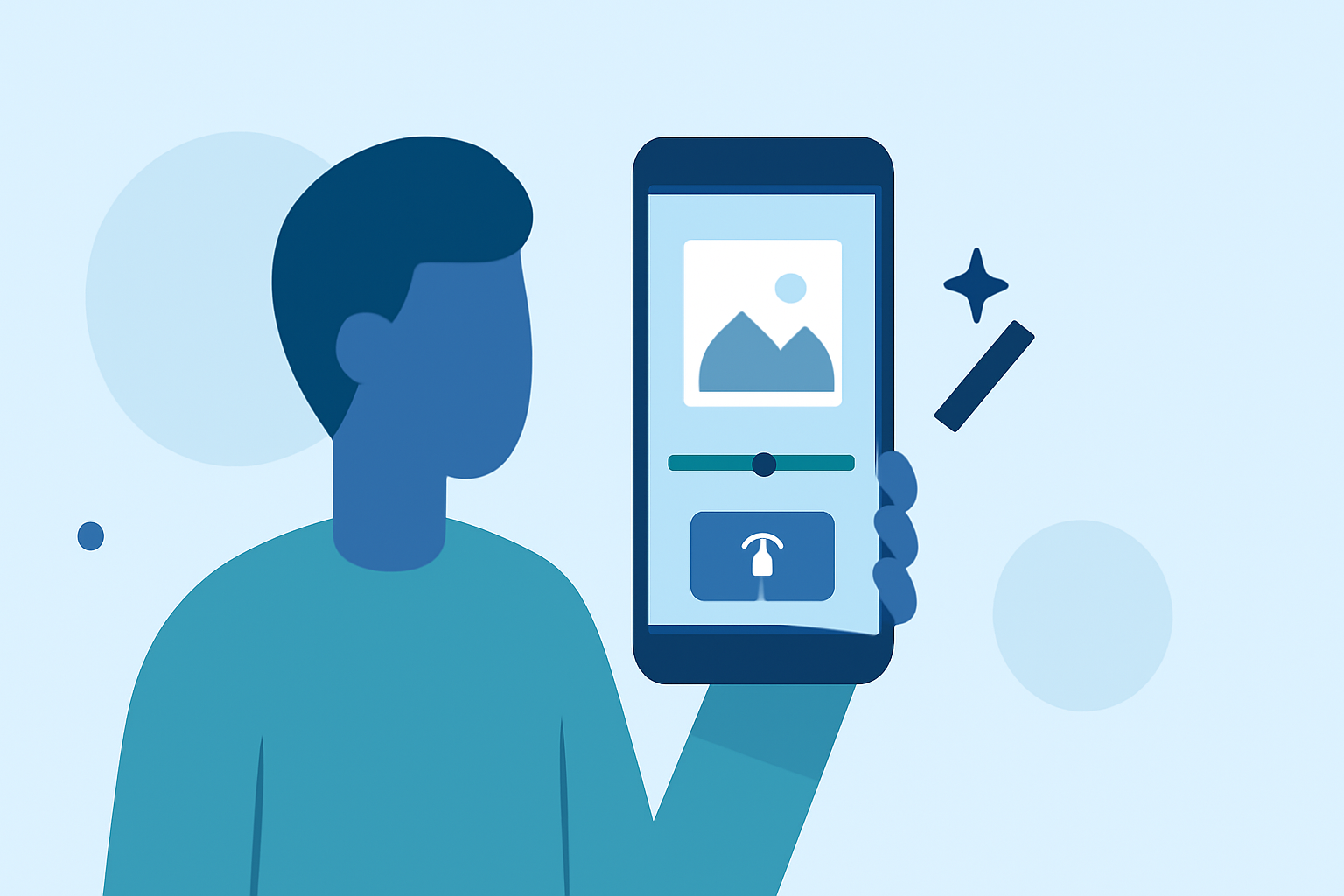
Creating engaging arrival reveal edits on your smartphone is a powerful way to captivate your audience. This guide will walk you through the process, from planning to execution, ensuring your edits are both professional and compelling.
What Are Arrival Reveal Edits?
Arrival reveal edits are short-form videos that showcase a transformation or reveal, often used in unboxing, fashion, or travel content. They typically start with a close-up of an object or scene, followed by a gradual reveal of the subject, creating a sense of anticipation and surprise.
Essential Tools and Apps
To create these edits, you'll need:
- A Smartphone: Modern smartphones are equipped with powerful cameras and editing capabilities.
- Editing Apps: Applications like CapCut, InShot, or Picsart offer user-friendly interfaces and a range of features suitable for mobile editing.
Step-by-Step Guide to Creating Arrival Reveal Edits
-
Plan Your Shots: Decide on the subject of your reveal and plan the sequence of shots. Consider starting with a close-up of the object or scene, then gradually moving the camera to reveal the full subject. (filmsoflife.com)
-
Capture the Footage: Record your planned shots, ensuring steady movements and consistent lighting. Use a tripod or stable surface to avoid shaky footage.
-
Edit the Video:
- Import Footage: Open your chosen editing app and import the recorded clips.
- Trim and Arrange: Remove any unnecessary parts and arrange the clips in the desired order.
- Apply Transitions: Use smooth transitions to enhance the flow between shots.
- Add Effects: Incorporate effects like slow motion or time-lapse to add visual interest.
- Include Text and Music: Add captions or on-screen text to provide context, and choose background music that complements the mood of your video.
-
Export and Share: Once satisfied with your edit, export the video in the appropriate resolution and aspect ratio for your intended platform. Ensure the file format is compatible with the platform's requirements.
Tips for Effective Arrival Reveal Edits
- Maintain Consistency: Ensure consistent lighting and framing throughout your shots to create a cohesive final product.
- Engage Your Audience: Start with a hook to grab attention within the first few seconds. A strong opening can significantly impact viewer retention. (clipdex.ai)
- Optimize for Mobile Viewing: Since many viewers will watch on mobile devices, ensure your video is clear and engaging on smaller screens.
- Experiment with Techniques: Try different reveal methods, such as the 'pop-out of phone' effect, where the subject appears to emerge from the phone screen, adding a 3D illusion to your video. (picsart.com)
Why Choose Planes Live for Your Editing Needs?
Planes Live offers a comprehensive suite of tools designed to enhance your video editing experience. With its intuitive interface and advanced features, you can create professional-quality arrival reveal edits directly from your smartphone. Whether you're a seasoned content creator or just starting, Planes Live provides the resources you need to bring your creative vision to life.
Conclusion
Creating compelling arrival reveal edits on your phone is entirely achievable with the right tools and techniques. By following this guide and utilizing Planes Live, you can produce engaging content that resonates with your audience.
Highlights:
- 15 Pro Editing Tricks to Make Your Reels Pop (Using Only Your Phone) by Irene Allen, Published on Sunday, June 29
- Editing Video on Phone: A Practical Guide to Fast, Clean Edits, Published on Monday, March 23
- Mobile Filming Shot List: Practical Short-Form | Superdirector, Published on Monday, June 01