22 June 2026
An Introduction to Aviation B-Roll Color Grading on a Budget Phone
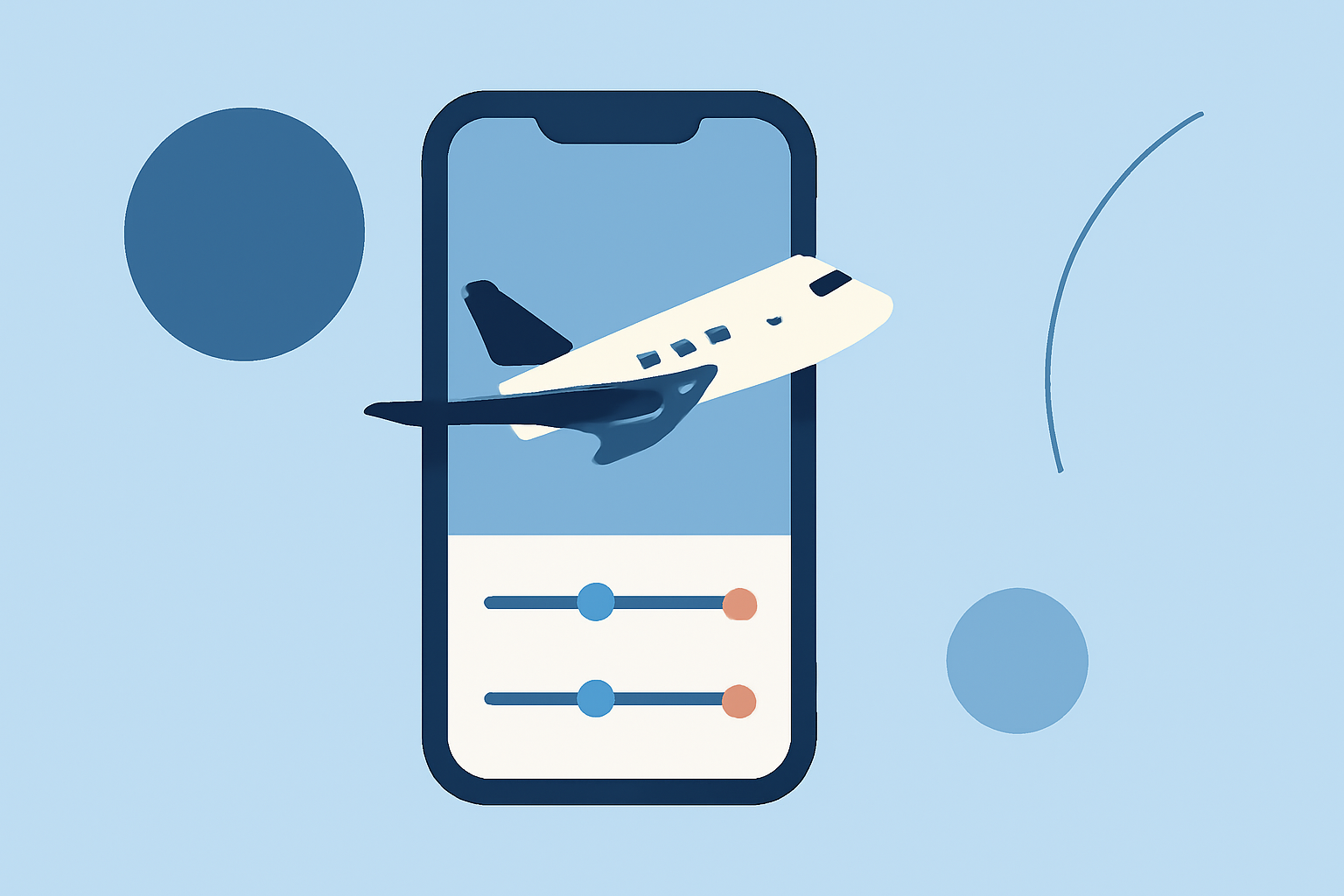
Capturing stunning aviation b-roll footage is just the beginning; transforming it into cinematic visuals requires effective color grading. With advancements in mobile technology, it's now possible to perform professional-grade color grading directly on your smartphone without breaking the bank.
What Is Color Grading and Why Is It Important?
Color grading involves adjusting the colors and tones in your footage to achieve a desired mood or aesthetic. In aviation b-roll, this process can enhance the sky's depth, highlight aircraft details, and create a cohesive visual narrative.
Challenges of Color Grading on a Budget Phone
While mobile devices have become more powerful, they still have limitations compared to desktop systems. Budget phones may struggle with processing-intensive tasks, leading to slower performance or reduced functionality. Additionally, smaller screens can make precise adjustments challenging.
Top Budget-Friendly Mobile Apps for Color Grading
Several mobile applications offer robust color grading features without the hefty price tag. Here are some noteworthy options:
10 Essential Video Apps for Filmmaking
Splice
A user-friendly mobile editor that provides essential color correction tools, making it ideal for quick edits and social media content. Its intuitive interface allows for seamless integration of color adjustments. (spliceapp.com)
How to Quickly Import Audio and Video into CapCut | Envato Tuts+
CapCut
Offers a comprehensive suite of color grading tools, including LUT support, curves, and color wheels. It's suitable for creators seeking a balance between functionality and ease of use. (visualenews.com)
LumaFusion: Advanced Video Editor for iOS
LumaFusion
A professional-grade mobile editor with advanced color grading capabilities, including color wheels, curves, and LUT support. It's ideal for users seeking desktop-level control on a mobile device. (sreditingzone.com)
Cara Edit di Aplikasi VN yang Buat Konten Masuk FYP TikTok
VN Video Editor
Provides a multi-layer timeline and advanced keyframe animation, allowing for precise color adjustments and effects. It's a strong choice for creators looking for a free, feature-rich editor. (techyeyes.com)
10 Best Apps to Make Instagram Reels - Make Tech Easier
Adobe Premiere Rush
Offers a simplified version of Adobe's professional editing suite, including color correction tools and seamless integration with desktop Premiere Pro. (techyeyes.com)
Tips for Effective Color Grading on Mobile
- Start with Presets: Many apps offer built-in LUTs or filters that can serve as a starting point for your grading.
- Use Manual Controls: Adjust exposure, contrast, and saturation manually to fine-tune your footage.
- Monitor on Larger Screens: If possible, connect your phone to a larger display to get a better view of your adjustments.
- Keep It Simple: Avoid over-editing; subtle adjustments often yield the most natural results.
Conclusion
Color grading your aviation b-roll footage on a budget phone is entirely feasible with the right tools and techniques. Applications like Splice, CapCut, LumaFusion, VN Video Editor, and Adobe Premiere Rush offer a range of features to suit different needs and skill levels. By leveraging these tools and following best practices, you can enhance your footage and create visually compelling content.