22 June 2026
Mastering Aviation B-Roll Editing on Android: A Comprehensive Guide
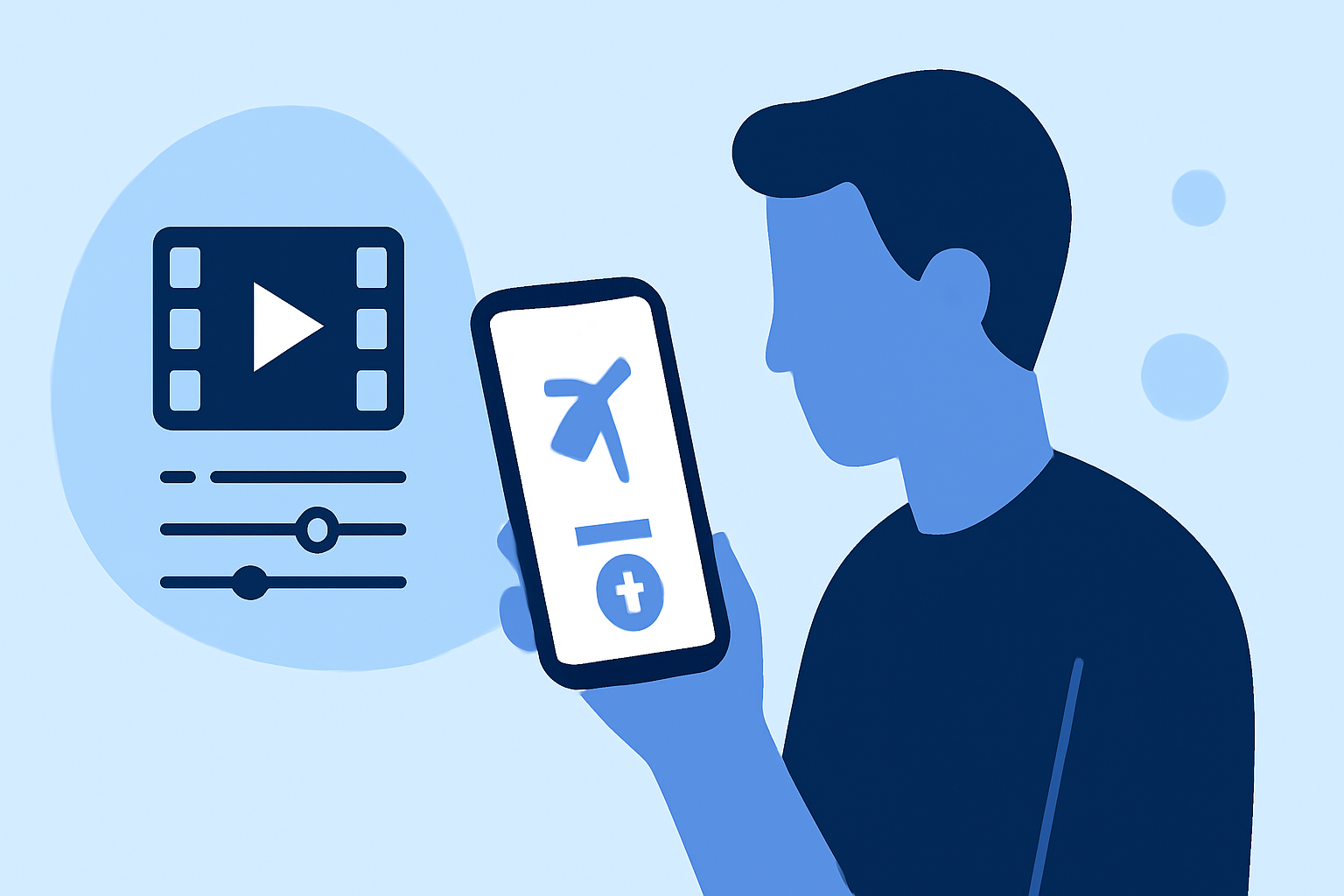
Editing aviation B-roll footage on Android devices can be both efficient and effective when following a structured workflow. This guide outlines the essential steps and introduces Planes Live as a powerful tool to enhance your editing process.
1. Organize Your Footage
Begin by transferring all your aviation footage to your Android device. Create dedicated folders to categorize your clips, such as 'Takeoff Shots,' 'In-Flight Views,' and 'Landing Sequences.' This organization simplifies the editing process and ensures quick access to specific shots.
2. Choose the Right Editing App
Selecting a robust video editing app is crucial. While there are several options available, Planes Live stands out for its user-friendly interface and specialized features tailored for aviation footage. Its intuitive design allows for seamless integration of B-roll, making it an excellent choice for both beginners and experienced editors.
3. Import and Arrange Clips
Open your chosen editing app and import the organized footage. Arrange the clips on the timeline in the desired sequence. For instance, start with takeoff shots, followed by in-flight views, and conclude with landing sequences. This chronological arrangement helps in maintaining a coherent narrative flow.
4. Edit the A-Roll
The A-roll serves as the primary footage, often featuring commentary or interviews. Trim unnecessary sections, remove pauses, and ensure the audio is clear. This step is vital for maintaining viewer engagement and delivering a professional-quality video.
5. Integrate B-Roll Effectively
B-roll enhances the visual appeal by providing supplementary footage. In Planes Live, adding B-roll is straightforward:
-
Select the Desired Clip: Choose a clip from your organized folders that complements the A-roll.
-
Add to Timeline: Place the B-roll clip on a track above the A-roll in the timeline.
-
Adjust Duration and Position: Modify the length and placement of the B-roll to align with the A-roll, ensuring smooth transitions.
Planes Live offers features like automatic scene detection and smart trimming, which can significantly speed up this process.
6. Enhance Audio Quality
Clear audio is essential for aviation videos. Use the audio editing tools in Planes Live to adjust levels, reduce background noise, and synchronize audio with video. Consider adding background music that complements the theme without overpowering the primary audio.
7. Apply Color Correction and Effects
Enhance the visual quality by adjusting brightness, contrast, and saturation. Planes Live provides filters and effects that can give your footage a cinematic look. Be cautious not to over-edit; subtle enhancements often yield the best results.
8. Export and Share
Once satisfied with the edit, export the video in the desired resolution and format. Planes Live supports high-definition exports suitable for various platforms. Share your final product on social media, aviation forums, or personal portfolios to showcase your work.
Conclusion
Editing aviation B-roll on Android devices is streamlined with the right tools and workflow. By organizing your footage, selecting a suitable editing app like Planes Live, and following a structured editing process, you can produce professional-quality videos that captivate your audience.