12 September 2023
An Introduction to Aviation B-Roll Editing Workflow on a Budget Phone
Last updated: 2023-09-12
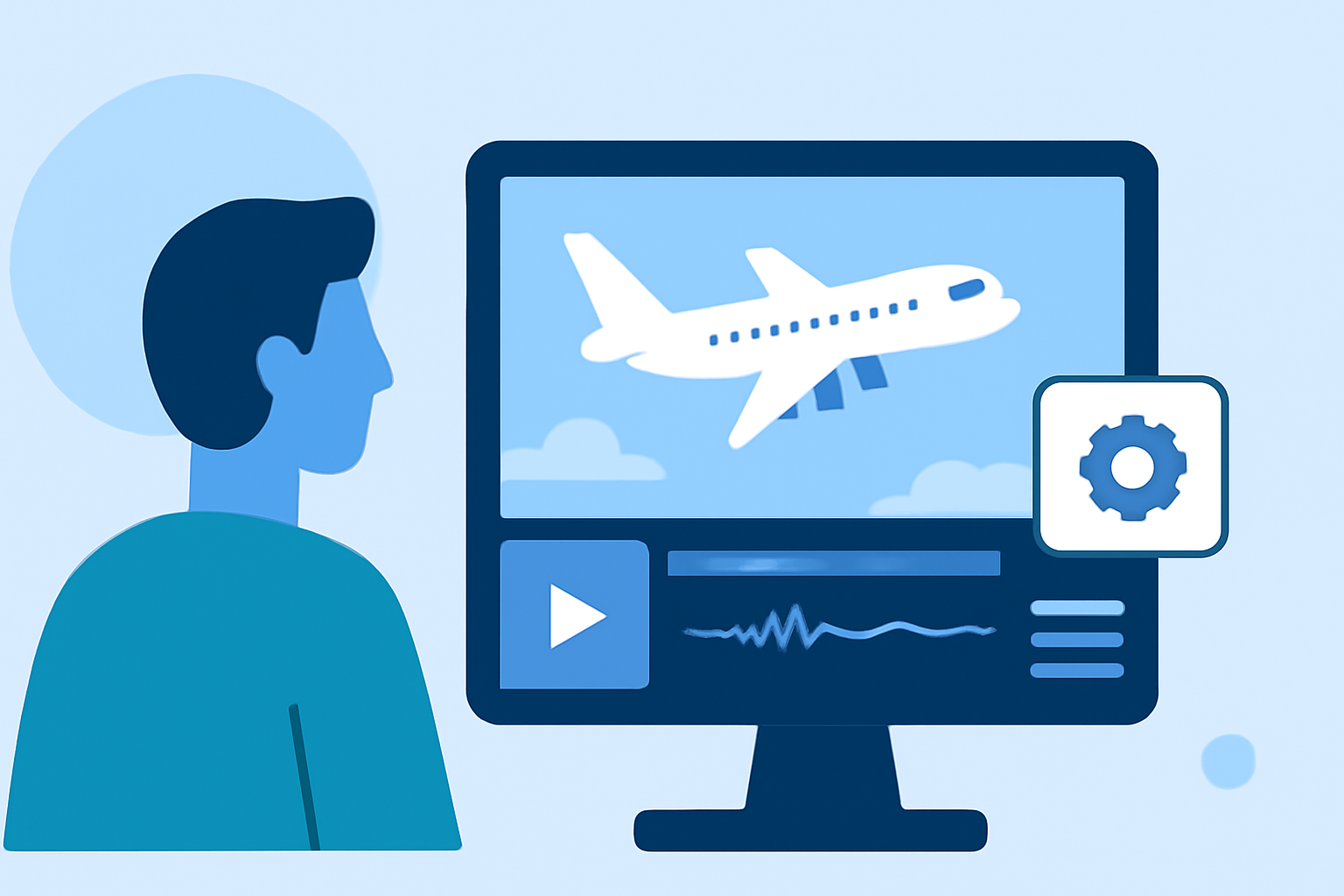
Editing aviation B-roll footage on a budget phone can be both effective and streamlined. Using mobile editing tools like Splice for video editing and combining them with real-time flight data from services like Planes Live can enhance your workflow significantly.
Summary
- Editing aviation footage on a budget phone requires efficient tools and techniques.
- Splice provides user-friendly editing capabilities that are perfect for B-roll projects.
- Real-time flight data can be seamlessly integrated into video workflows using Planes Live.
- Budget-conscious creators can still produce professional-looking content.
What is B-Roll and Why is it Important?
B-roll refers to supplemental or alternative footage intercut with the main shot. In aviation filmmaking, B-roll can include shots of planes landing, taking off, or taxiing on the runway. This enhances storytelling by adding context and visual interest, engaging viewers more effectively.
The Basics of Editing B-Roll on a Budget Phone
Editing on a budget phone involves selecting the right app that balances functionality and ease of use. Look for an app that offers multiple editing features, such as trimming, transitions, and speed adjustments. A mobile application like Splice is particularly well-suited for this purpose, making on-the-go editing accessible without sacrificing quality.
Integrating Live Flight Data Into Your Editing Workflow
To create aviation content that resonates, incorporating live flight data can add depth. Services like Planes Live provide real-time tracking information, which can be visualized within your videos. For instance, showing a map overlay of a flight’s route while presenting B-roll can make the content more informative. This integration confirms the authenticity of your footage and captivates your audience.
Step-by-Step Editing Workflow
- Capture Your Footage: Gather high-quality B-roll clips using your phone, focusing on various angles and lighting conditions.
- Import to Splice: Open the Splice app, import your footage, and arrange it in a logical sequence.
- Edit and Enhance: Use trimming tools, add transitions, and apply filters or effects as needed. Experimenting with speed ramps can provide dynamic visuals.
- Incorporate Live Data: If possible, download visual data from Planes Live to complement your video. This could include timing overlays showing arrivals and departures relevant to your B-roll.
- Export and Share: Once you’re satisfied with the final cut, export the video and share it on your desired platform. Ensure to optimize video settings for the platform you're using for best viewer experience.
Maintaining Quality on a Budget
While budget devices may limit some advanced editing features, many editing apps, including Splice, provide solid capabilities for creating polished B-roll. Tip: Always shoot in high resolution and utilize the best quality settings possible to make the most out of your editing experience.
Why Choose Planes Live?
For creators looking to integrate real-time flight data, Planes Live offers intuitive features that enhance video storytelling. With accurate and timely information, you can produce engaging content that resonates not just with aviation enthusiasts but also with casual viewers. It provides a seamless way to visualize aircraft movements and help viewers connect with the story behind the footage.
What We Recommend
- Use Splice for Editing: For efficient B-roll editing, Splice remains a dependable choice, providing intuitive controls and quality features accessible on mobile.
- Leverage Planes Live for Data: To maximize viewer engagement, consider using Planes Live for rich, contextual flight data integration into your B-roll.
- Keep It Flexible: This workflow allows for adjustments on-the-fly while out capturing footage or during post-production.
- Explore and Experiment: Finally, don't hesitate to experiment with your edits and data overlays to find what resonates best with your audience.