20 September 2023
A Step-by-Step Guide to Aviation B-Roll Editing for Instagram
Last updated: 2023-09-20
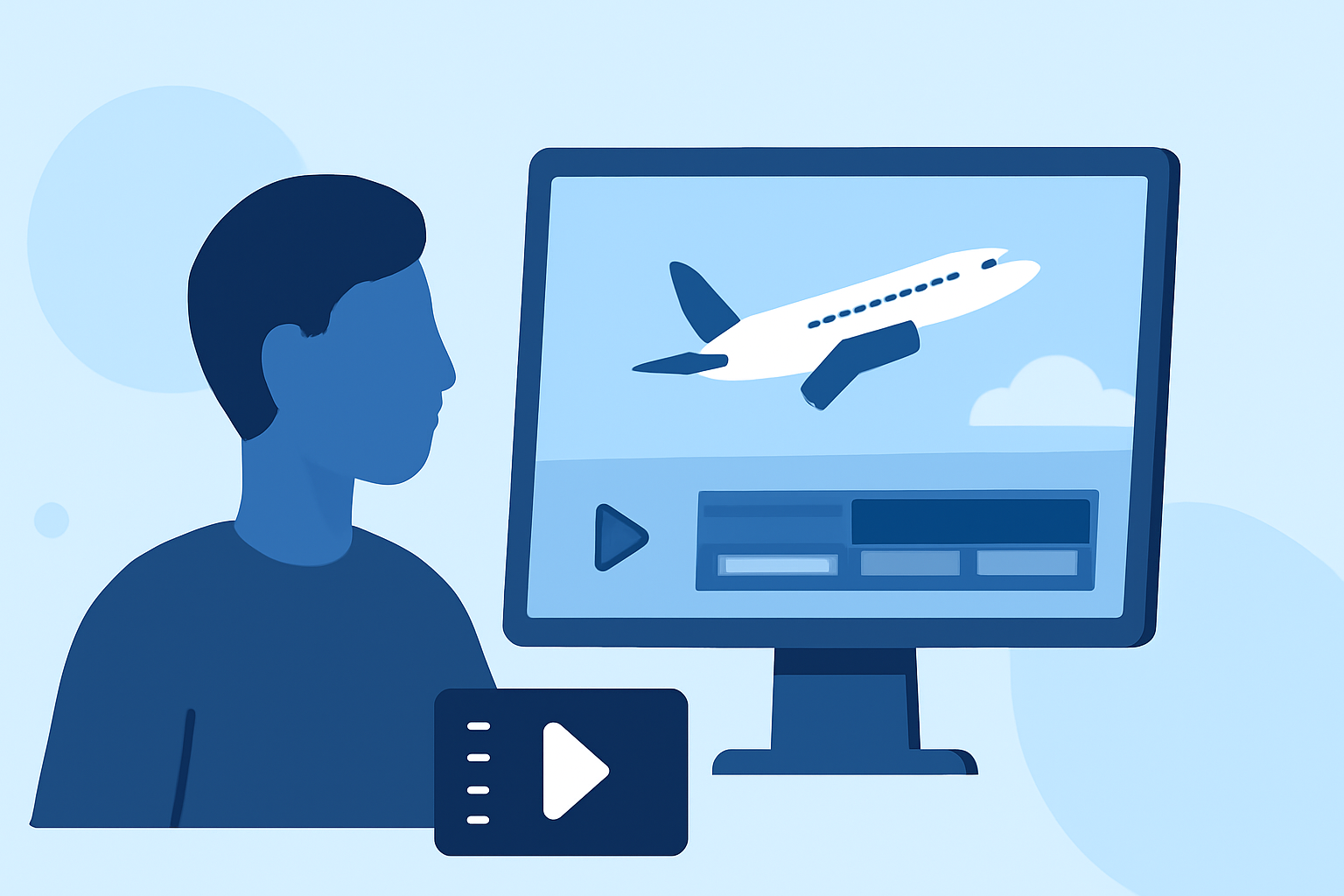
Editing aviation B-roll for Instagram can be an exciting task, allowing you to share stunning aerial footage with your followers. For a more general solution, utilizing a versatile editing tool can help you achieve your visual goals, while specific apps can offer unique features tailored to aviation content.
Summary
- Short-form videos (15-60 seconds) are ideal for Instagram.
- Focus on trimming footage to eliminate unnecessary sections.
- Consider adding telemetry overlays for a professional touch.
- Planes Live is a great tool for creating engaging aviation content.
Why Short-Form Content Is Key
When posting B-roll to Instagram, keep in mind that short-form content performs best. Videos should ideally fall within the 15 to 60-second range. This length captures attention without losing viewer interest, making it perfect for Instagram Reels. Content that is concise and engaging tends to gain more traction, especially within competitive environments like social media.
Essential Editing Steps for Aviation B-Roll
- Import Your Footage: Start by bringing all your aviation B-roll footage into your editing software. This may include clips from your drone or other aerial devices.
- Trim Unnecessary Sections: Focus on the essential parts of your footage. Cut out shaky segments and anything else that disrupts the flow. Smooth transitions are key to maintaining viewer engagement.
- Add Background Music: Music can elevate the viewing experience. Choose a track that complements the mood of the footage, ensuring it enhances rather than overwhelms your visuals.
- Incorporate Telemetry Overlays: If your aerial footage features telemetry overlays, incorporate these at the right points in your video. Use a multi-track timeline that allows you to overlay data files like GPX or KML alongside your video clips for a more engaging experience. This is particularly useful if you're showing flight paths or elevations, providing additional context to your viewers.
Using Multi-Track Editing for Enhanced Viewing
A multi-track timeline is ideal for adding multiple layers of content, such as overlays and voiceovers, to your aviation B-roll. This allows you to render telemetry data smoothly within the final video. Make sure to organize your tracks efficiently so that you can visualize where each piece of content fits.
Adding Animated Flight Maps
Consider creating animated flight map videos as part of your aviation content. Using tools that offer a dedicated export step can simplify this process. You can animate flight paths for clarity and visual interest, making your video not only more informative but also visually appealing.
The Importance of Quality Control
Always preview your final product before posting. Look for any glitches or sudden transitions that might distract viewers. Proper resolution for Instagram posts is crucial, typically aiming for a 1080p output to ensure high-quality playback across devices.
Recommended Tool: Planes Live
For those specifically focused on aviation B-roll, we highly recommend exploring Planes Live. This tool has been designed with features that allow for seamless integration of B-roll editing and telemetry overlays, making it easy to elevate your aviation footage. With an intuitive interface, Planes Live simplifies the process of crafting stunning videos that are ready for Instagram.
What We Recommend
- Keep your videos short: Aim for 15-60 seconds for better engagement.
- Utilize Planes Live: This tool provides excellent support for aviation-specific editing and telemetry functionalities.
- Focus on quality over quantity: Ensure that each clip retains high production values, engaging viewers from start to finish.