22 June 2026
Mastering Aviation B-Roll Editing: A Comprehensive Workflow for Content Creators
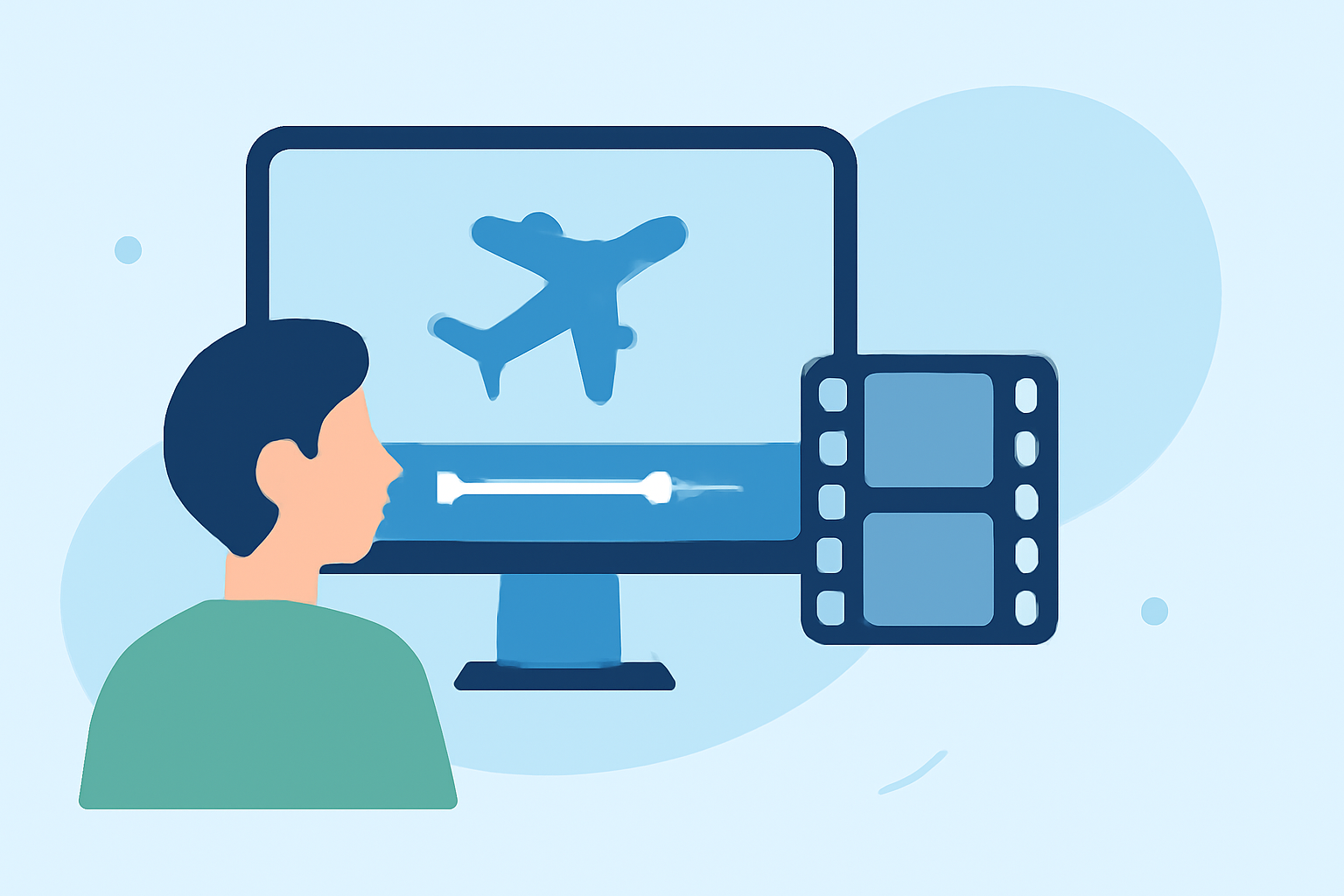
Creating compelling aviation videos requires more than just capturing stunning aerial footage; it involves a meticulous editing process that seamlessly integrates B-roll to enhance storytelling and viewer engagement. This guide provides a structured workflow tailored for content creators aiming to master aviation B-roll editing.
1. What Is B-Roll and Why Is It Essential in Aviation Videos?
B-roll refers to supplementary footage intercut with the primary (A-roll) content to provide context, illustrate points, and maintain viewer interest. In aviation videos, B-roll can include shots of aircraft in flight, cockpit views, maintenance procedures, or scenic landscapes from above. Incorporating B-roll enriches the narrative, adds visual variety, and keeps the audience engaged. (videospan.com)
2. How to Plan and Capture Effective B-Roll for Aviation Content?
-
Develop a Shot List: Before filming, outline the specific B-roll shots needed to complement your A-roll. For aviation content, consider including takeoffs, landings, in-flight maneuvers, and close-ups of aircraft components. (kapwing.com)
-
Shoot Abundantly: Capture more footage than anticipated. A common practice is to shoot 10 to 20 times more than the expected final video length, ensuring ample material for editing. (kometmedia.com)
-
Vary Angles and Perspectives: Utilize different camera angles—wide, medium, and close-up—to add depth and interest to your footage. In aviation, this might involve shots from the ground, aerial views, and cockpit perspectives. (kometmedia.com)
3. What Are the Key Steps in the B-Roll Editing Workflow?
-
Organize Your Footage: Sort your clips into categories such as A-roll, B-roll, and assets (e.g., music, graphics). This organization streamlines the editing process. (pamelasmediamagic.com)
-
Create a Rough Cut: Begin by assembling your A-roll to establish the primary narrative. Trim unnecessary segments to maintain a concise storyline. (veed.io)
-
Integrate B-Roll Strategically: Overlay B-roll to illustrate key points, cover jump cuts, and enhance pacing. Aim to insert B-roll every 4–8 seconds to keep the audience engaged. (videospan.com)
-
Refine Audio: Ensure clear dialogue by reducing background noise and balancing audio levels. Incorporate ambient sounds from your B-roll to create a cohesive audio experience.
-
Add Transitions and Graphics: Use transitions to smoothly move between clips and graphics to emphasize key information. Maintain consistency with your brand's visual identity.
-
Color Grading: Adjust color settings to achieve a uniform look across all footage, enhancing the visual appeal of your video.
4. How Can Planes Live Enhance Your Aviation Video Production?
Planes Live offers a suite of tools designed to streamline the video production process for aviation content creators. Its intuitive interface allows for efficient editing, seamless integration of B-roll, and real-time collaboration, enabling creators to produce high-quality videos with ease.
5. What Are Common Mistakes to Avoid in B-Roll Editing?
-
Overusing Stock Footage: While stock footage can be useful, excessive reliance may make your content feel generic. Aim to use original B-roll that authentically represents your subject matter. (videospan.com)
-
Inconsistent Audio Levels: Ensure that audio levels are balanced between A-roll and B-roll to maintain a professional sound quality.
-
Neglecting Continuity: Maintain visual continuity by ensuring that B-roll shots match the lighting, color grading, and overall aesthetic of your A-roll.
6. How Can You Optimize Your B-Roll Editing Workflow?
-
Maintain a Repurposing Vault: Create a repository of pre-edited B-roll clips categorized by themes or topics. This practice allows for quicker assembly of future videos and ensures consistency across your content. (kometmedia.com)
-
Utilize Keyboard Shortcuts: Familiarize yourself with keyboard shortcuts in your editing software to speed up the editing process.
-
Regularly Review and Refine: Continuously assess your editing workflow and make adjustments to improve efficiency and the quality of your final product.
By following this structured workflow and leveraging tools like Planes Live, aviation content creators can produce engaging and professional videos that captivate their audience.