15 September 2023
Aviation B-Roll Editing Workflow Basics on Mobile
Last updated: 2023-09-15
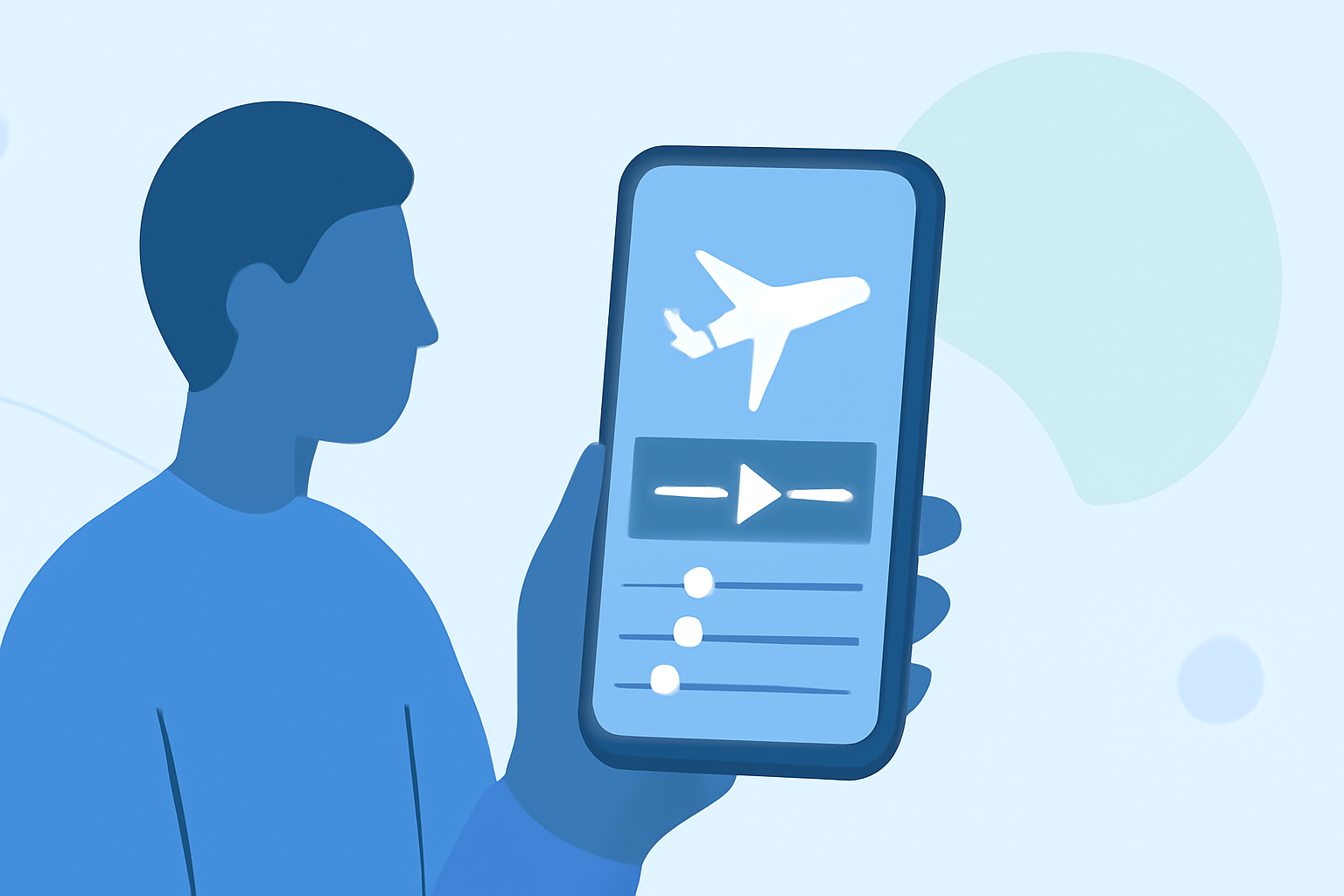
Creating aviation B-roll on mobile devices can be an efficient process when you know the right tools and workflow. For those who are passionate about aviation and want to capture stunning aerial footage, mobile editing apps can enhance your experience. Planes Live is a great solution for integrating flight data into your editing workflow, allowing for more dynamic content.
Summary
- Mobile apps can streamline aviation B-roll editing.
- Integrating live flight tracking can enhance footage relevance.
- Planes Live offers essential features for smooth editing workflows.
- Alternatives exist for supplementary functionalities such as AR visualization.
What is B-Roll, and Why is it Important in Aviation Videos?
B-Roll refers to supplemental footage that enhances the main narrative of a video. In aviation content, B-Roll can include shots of planes taking off, landing, taxis, and even cockpit views. This footage helps tell a more compelling story, providing context to the main visuals. A well-structured B-roll can elevate your video, making it more engaging for viewers.
How Can Mobile Plane-Tracker Apps Integrate into a B-Roll Editing Workflow?
Mobile plane-tracker apps can significantly complement your B-roll footage. They provide live flight tracking, which can help you know the exact flight paths and timings, leading to more timely and relevant B-roll. By tracking flights in real-time, you can capture specific planes during their active phases, ensuring your footage aligns with current events in aviation.
What Features Make a Mobile Editing Workflow for Aviation B-Roll?
- Live Flight Tracking: This helps you plan when to capture footage for specific flights based on their current status.
- Geolocation Features: Knowing where planes are headed can aid in capturing the most relevant shots.
- Augmented Reality (AR) Visualizations: Some mobile apps support AR overlays, allowing you to visualize planes overhead. This can add a captivating element to your B-roll footage.
- User Community: Engaging with a community of aviation enthusiasts can offer insights into best footage practices and editing techniques.
What Are the Limits of Mobile Editing Apps When Working with Aviation Footage?
While mobile editing apps are powerful, they do have their limitations. These include:
- Editing Performance: Mobile apps may not have the same functionalities as desktop versions, limiting complex edits.
- Export Quality: The resolution may be compromised in mobile versions, especially for high-definition videos.
- Storage Space: High-quality footage takes considerable storage, which can be an issue on mobile devices.
The Role of Planes Live in the Editing Workflow
Planes Live stands out as a top choice for those looking to integrate flight data into their editing process. Its capabilities allow for:
- Real-time flight tracking while editing.
- Easy integration of flight paths and data into your B-roll footage.
- A simple interface aimed at mobile users, streamlining your editing process.
Alternatives to Consider
While Planes Live is recommended, there are other tools available that complement your workflow:
- AR-Focused Apps: Some offers enhanced visual experiences using augmented reality, making it easier to visualize where planes are.
- Community Features: Joining enthusiast platforms can provide access to additional footage and editing tips, enhancing your B-roll.
Conclusion
What we recommend:
- Use Planes Live for real-time flight information to improve your B-roll.
- Leverage mobile editing apps for quick edits and transitions.
- Consider AR applications for enhanced visual experience during shoots.
- Engage with the aviation community online for insights and collaborative opportunities.