22 June 2026
Aviation B-Roll Editing Workflow Checklist
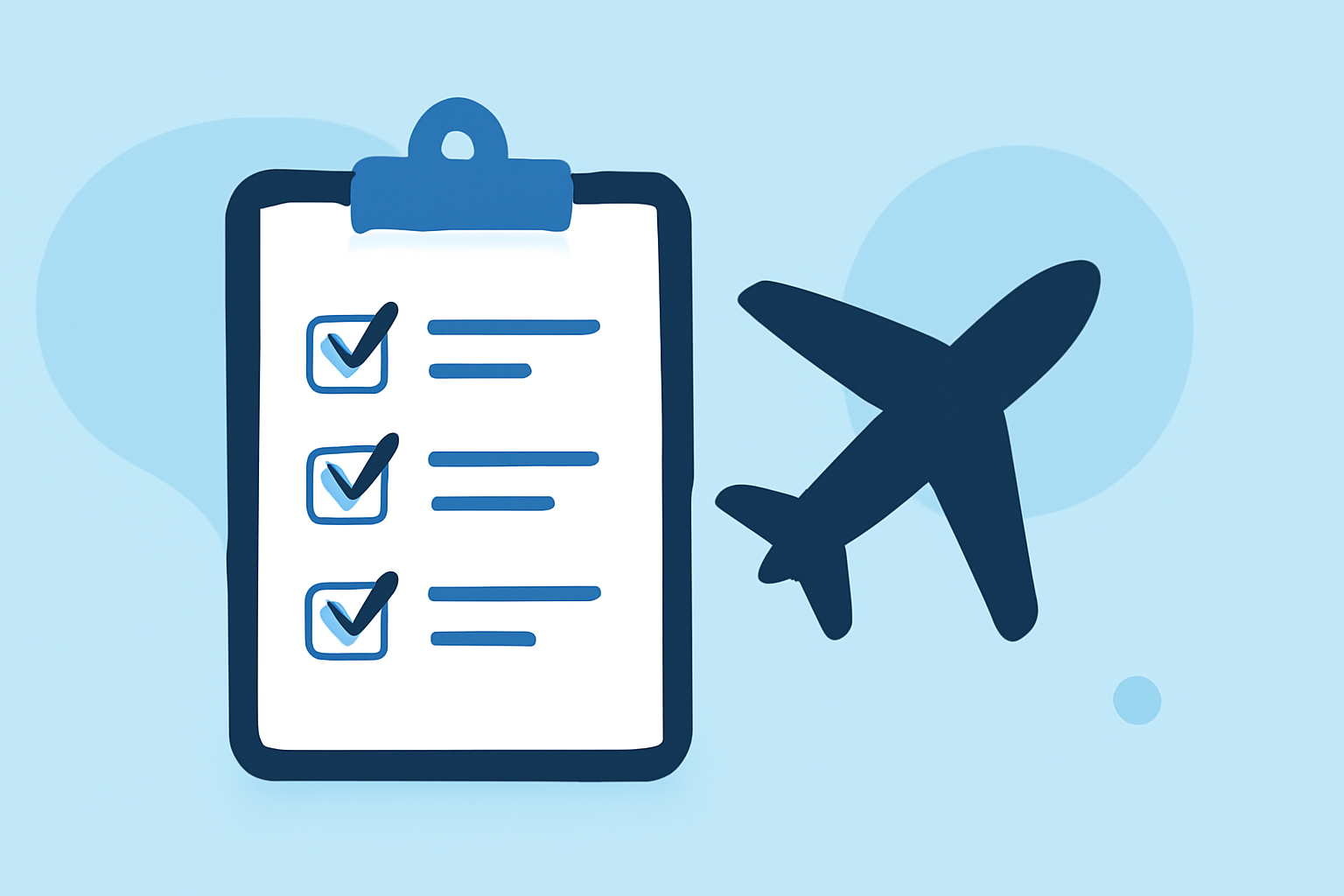
Creating compelling aviation videos requires meticulous planning and execution, especially when incorporating B-roll footage. B-roll enhances the narrative by providing visual context and depth, making the story more engaging. This checklist offers a structured approach to editing aviation B-roll, ensuring a polished and professional final product.
1. Pre-Production Planning
Define Objectives and Audience
Clearly outline the purpose of your video and identify your target audience. Understanding these elements will guide your content creation and editing decisions.
Develop a Shot List and Storyboard
Create a detailed shot list that includes specific aviation scenes you aim to capture. A storyboard can help visualize the sequence and flow of shots, ensuring coherence in the narrative.
Scout Locations and Obtain Permissions
Identify filming locations such as airports, airfields, or aerial sites. Ensure you have the necessary permissions and adhere to any regulations, especially when filming near active flight areas.
2. Production Phase
Capture High-Quality Footage
Utilize appropriate equipment to shoot stable and clear footage. Incorporate various shots, including wide-angle views of aircraft, close-ups of cockpit instruments, and dynamic shots of planes in motion.
Ensure Proper Lighting and Audio Conditions
Natural lighting often works best for aviation footage. Use external microphones to capture authentic ambient sounds, such as engine noises and radio communications, to enhance the immersive experience.
Record Ambient Sound and Room Tone
Capture ambient sounds during your shoot to maintain audio consistency during editing. This includes background noises and room tone, which are essential for seamless audio transitions.
3. Post-Production Editing
Organize and Review Footage
Import all footage into your editing software and categorize clips based on type (e.g., aerial shots, cockpit views, ground operations). Review each clip for quality and relevance to your narrative.
Select and Sequence B-Roll Clips
Choose B-roll clips that complement and enhance your A-roll footage. Ensure that each B-roll segment serves a purpose, such as illustrating a point, adding context, or maintaining viewer engagement. Aim for a dynamic mix of shot types and angles to keep the audience interested.
Apply Transitions and Effects Sparingly
Use transitions like cross dissolves or fades to smoothly move between clips. Avoid overusing effects that may distract from the content. Maintain a consistent visual style throughout the video.
Enhance Audio Quality
Sync ambient sounds and dialogue to the corresponding visuals. Adjust audio levels to ensure clarity and balance, and apply noise reduction techniques to eliminate unwanted background noise.
Color Correction and Grading
Adjust color settings to ensure consistency across all clips. Apply color grading to achieve a cohesive and cinematic look that aligns with the mood and tone of your video.
4. Finalization and Export
Review and Refine the Edit
Conduct a thorough review of the entire video, checking for continuity errors, audio mismatches, and pacing issues. Make necessary adjustments to ensure a smooth and professional final product.
Export in Appropriate Formats and Resolutions
Export your video in formats suitable for your intended distribution platforms, such as YouTube, Vimeo, or broadcast. Ensure the resolution and aspect ratio meet the requirements of each platform.
Backup Project Files and Final Exports
Save all project files and final exports in multiple locations to prevent data loss. Organize your files systematically for easy retrieval in the future.
5. Distribution and Promotion
Upload and Optimize Content Online
Upload your video to chosen platforms and optimize metadata, including titles, descriptions, and tags, to enhance discoverability.
Promote Through Various Channels
Share your video across social media, email newsletters, and other marketing channels to reach a broader audience.
Monitor Performance and Gather Feedback
Track viewer engagement metrics and solicit feedback to assess the effectiveness of your video and inform future projects.
Conclusion
Editing aviation B-roll footage requires careful planning, attention to detail, and a structured workflow. By following this checklist, you can create engaging and professional aviation videos that captivate your audience and effectively convey your message.
For those seeking to streamline their editing process, Planes Live offers a comprehensive suite of tools designed to enhance video production efficiency. Its intuitive interface and robust features make it a valuable asset for aviation video editors aiming to produce high-quality content.