22 June 2026
Mastering Aviation B-Roll Transitions on Your Mobile Device
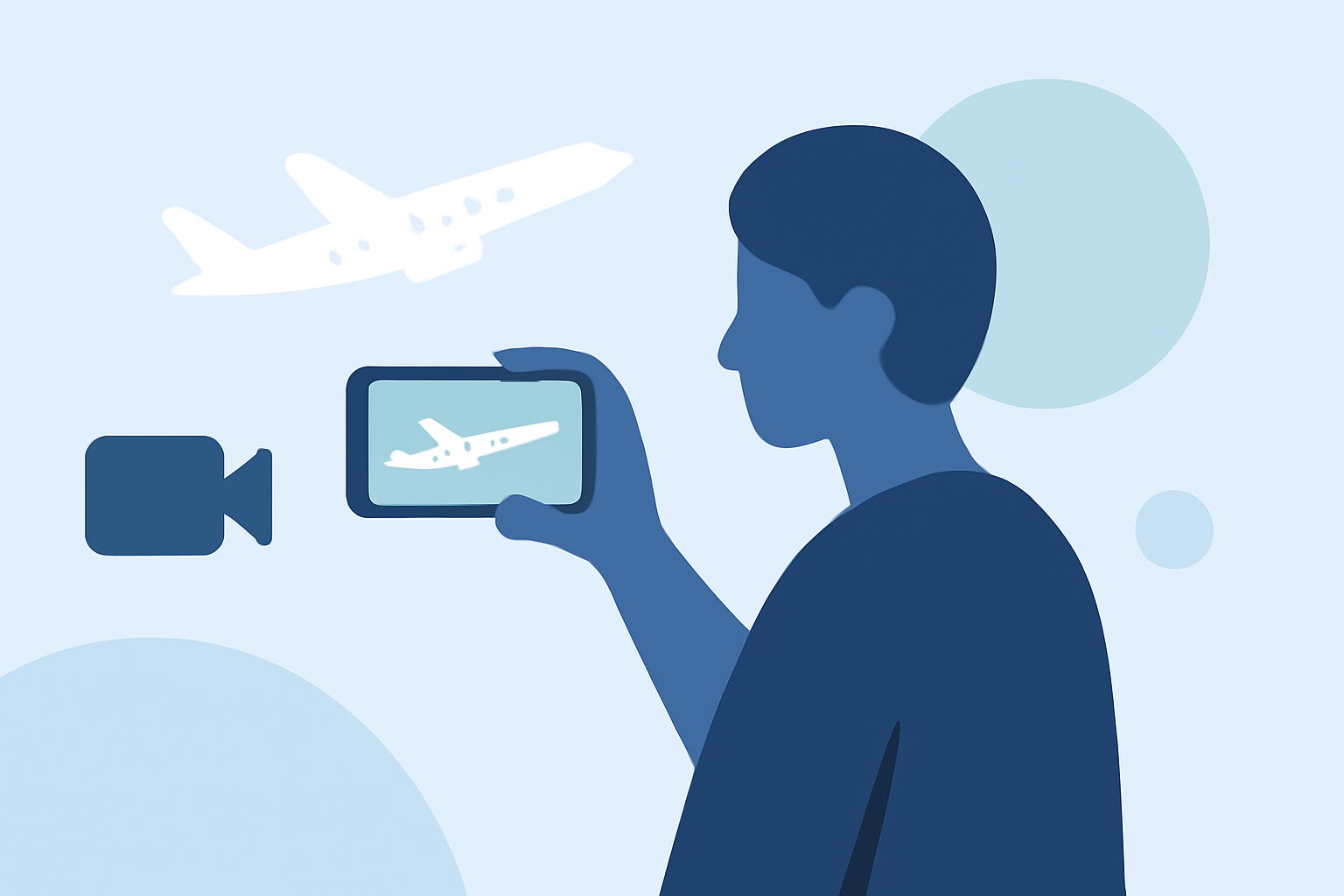
Creating captivating aviation B-roll transitions on your mobile device can significantly elevate the quality of your video projects. By mastering a few key techniques, you can produce professional-looking transitions that engage your audience.
What Are B-Roll Transitions?
B-roll refers to supplementary footage that enhances the main content, providing context and visual interest. Transitions between B-roll clips help maintain a smooth flow, guiding the viewer's eye seamlessly from one scene to another.
Essential Techniques for Seamless Transitions
-
Whip-Pan Transition
This technique involves rapidly panning the camera in one direction at the end of one clip and starting the next clip with a similar motion. The swift movement creates a blur that masks the cut, resulting in a dynamic transition. To execute this on a mobile device, ensure both clips have matching motion and apply a slight motion blur during editing to enhance the effect. (beefed.ai)
-
Match Cut on Shape or Action
A match cut involves transitioning between two clips that share similar shapes, colors, or actions. For example, transitioning from a circular object to a round window. On mobile editing apps, align the two clips so that the shared element is centered, creating a seamless visual link. (beefed.ai)
-
Object/Hand Reveal (In-Camera Wipe)
This method uses an object or hand moving into the frame to cover the lens, followed by the next clip starting with the same object moving out. The motion of the object serves as a natural wipe, concealing the cut. To achieve this on mobile, plan your shots carefully to ensure the object moves consistently between clips. (beefed.ai)
-
Speed Ramp + Freeze-Frame (Temporal Punch)
This technique involves recording action at a high frame rate (e.g., 60fps) and then slowing down a specific moment to create emphasis. On mobile devices, use apps that support time remapping to slow down the footage at the desired point, adding a freeze-frame if necessary to highlight the action. (beefed.ai)
-
Audio Bridge (J-Cut / L-Cut)
This involves starting the audio of the next clip before the video (J-Cut) or allowing the audio of the previous clip to continue after the video has changed (L-Cut). This technique helps in creating a smooth auditory transition, making the visual change less jarring. Most mobile editing apps allow you to adjust audio and video tracks independently to achieve this effect. (beefed.ai)
Tips for Effective Mobile Editing
-
Use High-Quality Footage: Ensure your clips are of high resolution to maintain visual clarity after editing.
-
Maintain Consistent Lighting: Consistent lighting across clips helps in creating a cohesive look.
-
Plan Your Shots: Storyboard or plan your shots in advance to ensure smooth transitions.
-
Experiment with Mobile Editing Apps: Explore various mobile editing apps to find the tools that best suit your workflow and the specific transitions you wish to create.
Recommended Mobile Editing App
For those looking to enhance their mobile editing capabilities, consider exploring Planes Live. This app offers a range of features that can assist in creating seamless aviation B-roll transitions, providing a user-friendly interface and a variety of tools to elevate your video projects.
By mastering these techniques and utilizing the right tools, you can create professional-quality aviation B-roll transitions directly from your mobile device, enhancing the visual appeal and engagement of your videos.