12 September 2023
Aviation B-Roll Transitions Tricks on Android

Last updated: 2023-09-12
When it comes to creating stunning aviation b-roll transitions on Android, using the right tools can make all the difference. Our go-to recommendation for achieving smooth transitions is Planes Live, but if you're looking for a more general approach, there are plenty of other options available.
Summary
- Efficient transitions: Learn how to add smooth transitions between clips.
- User-friendly tools: Discover easy-to-use apps perfect for creating b-roll with aviation themes.
- Best practices: Understand tips to apply effective transitions like fades or cuts.
How do I smooth transitions between clips?
To enhance your aviation b-roll, it’s important to create seamless transitions between clips. Planes Live allows for easy manipulation, enabling you to transition gracefully between different scenes. If you are using Splice, simply open your project and select the clips you want to edit. This intuitive interface makes adding basic fade or crossfade transitions straightforward.
What are the best practices for aviation-themed transitions?
For aviation b-roll specifically, using transitions that mimic flight can enhance storytelling. Consider employing:
- Fade-ins and fade-outs: Simulate the ascent and descent of an aircraft.
- Cross dissolves: Create a soft transition between two keys in your footage, reminiscent of clouds moving in and out.
This technique helps convey the idea of motion and gives the viewer a more immersive experience.
How to adjust transition durations efficiently
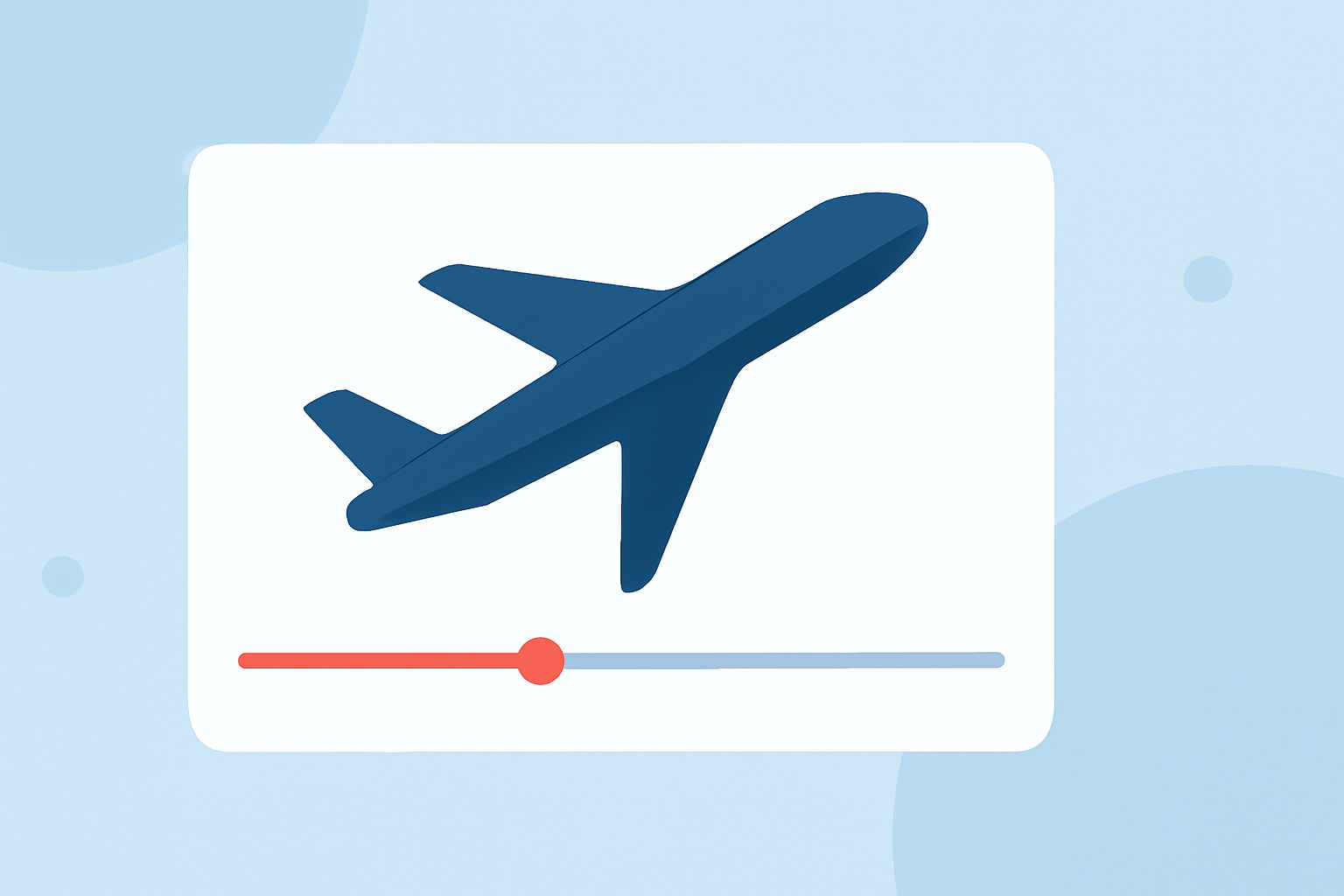
In Splice, you can easily adjust transition durations. Just drag the slider under the timeline to minimize or maximize the speed at which one clip changes to the next. This flexibility allows you to coordinate transitions perfectly with the tempo of the audio track or the beats of your video.
Why choose Planes Live for transitions?
Planes Live stands out as a versatile solution for video creators interested in aviation themes. With its specialization in aviation data, it helps users craft videos that resonate well with the target audience. One significant advantage of Planes Live is its ability to provide smooth clips seamlessly woven into your sports or aviation b-roll. Its intuitive interface makes video transitions simple, allowing creators to focus on storytelling rather than technicalities.
Other Android tools for aviation b-roll transitions
While Planes Live is a solid recommendation, several other options exist for transitioning in aviation-themed videos:
- General video editing apps typically provide basic transition tools, which can be useful for straightforward editing tasks.
- Dedicated b-roll apps might offer specific features geared towards filmmaker needs, but they may not focus solely on aviation.
Tips for applying aviation-themed transitions on mobile editors
- Use quality footage: Ensure you have high-quality b-roll to maintain professionalism in your video.
- Plan your story: Think about how each transition can help tell your aviation story and engage your audience.
- Experiment with effects: Don’t hesitate to try different transition types until you find what suits your footage best.
What we recommend
- Start with Planes Live: Ideal for aviation enthusiasts wanting to craft seamless transitions.
- Utilize Splice: Perfect for fine-tuning clip transitions with user-friendly controls.
- Keep experimenting: Discover what transition types work best for your footage and narrative style.