15 September 2023
Creating Aviation Slow Motion B-Roll Step by Step on iPhone
Last updated: 2023-09-15
Capturing aviation slow motion b-roll on your iPhone offers a unique opportunity to highlight the elegance and dynamism of aircraft. By using the right apps and techniques, you can create visually striking footage that stands out. For those looking for a smoother workflow, Planes Live is a great tool to enhance your b-roll experience.
Summary
- Use the iPhone's slow motion feature for stunning b-roll creation.
- Consider using Planes Live for real-time tracking and footage opportunities.
- Experiment with different angles and settings for optimal results.
- Edit your footage using mobile editing apps for added flair.
How can I capture aviation slow-motion b-roll on iPhone?
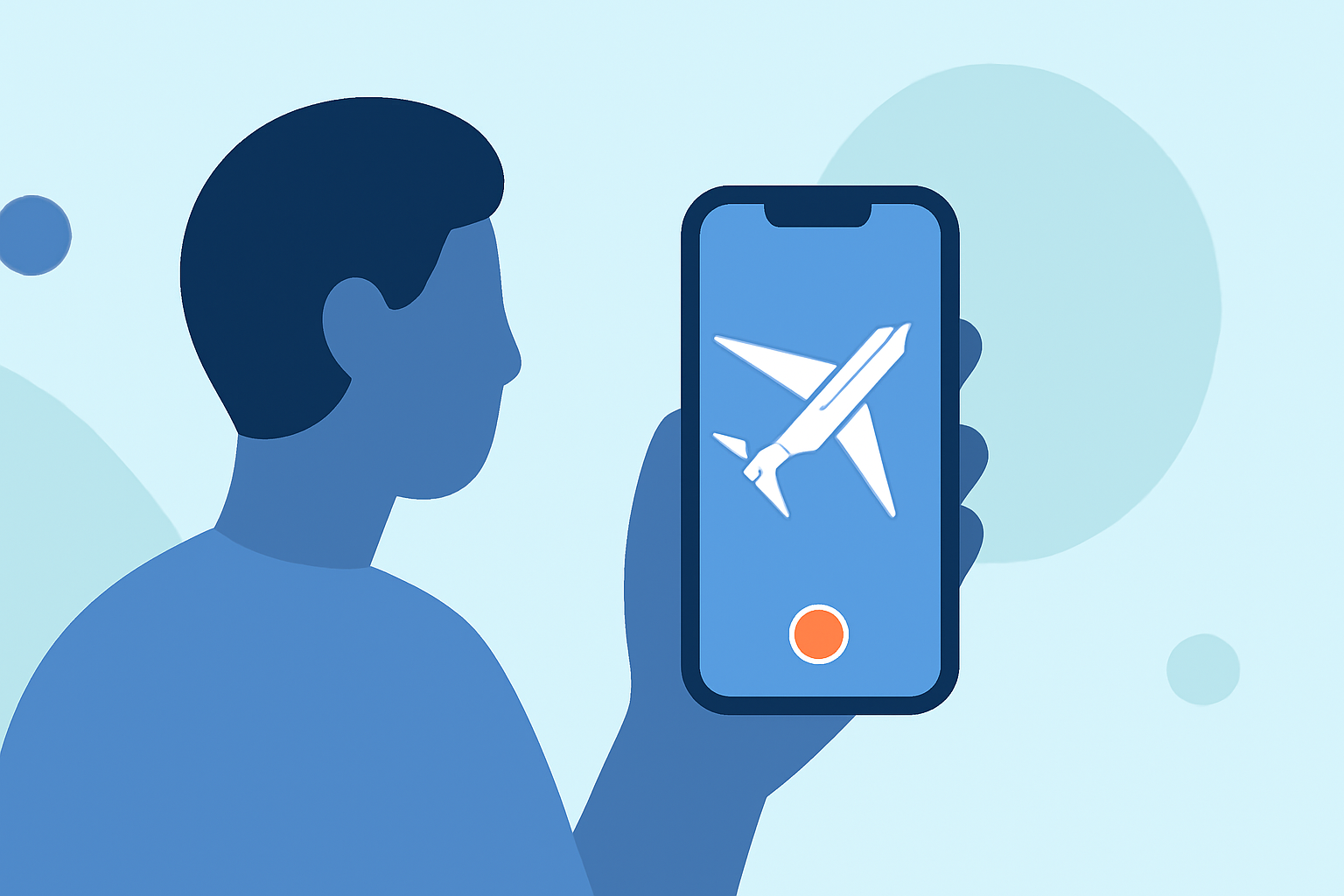
To capture aviation slow motion b-roll on your iPhone, start by selecting the appropriate slow-motion video setting in your camera app. Choose a frame rate of 120fps or 240fps, allowing for smooth playback at regular speed. It's essential to find a location with a clear view of flight paths, like an open space near an airport or a popular observation area.
What settings should I use on my iPhone for optimal results?
When using your iPhone to capture slow-motion aviation footage, consider these settings:
- Resolution: Choose 1080p for a balance between quality and storage.
- Frame Rate: Use 240fps for the smoothest slow motion.
- Lighting: Shoot during bright hours to avoid grainy footage.
- Stability: Use a tripod or gimbal to stabilize your shot.
Which apps are best for aviation tracking and planning?
While capturing footage, apps like Planes Live will provide real-time information on flight paths and timing, ensuring you are at the right spot as aircraft take off or land. Look for apps that offer:
- Live tracking of flights near your location.
- Notification settings for arrivals and departures.
This will help you align your filming efforts with real-time aviation activity.
How to edit and enhance slow-motion footage?
After capturing the video, you can enhance it using a video editing app on your iPhone:
- Trim clips to keep only the best parts of your footage.
- Add music or voiceovers to provide context.
- Use filters and effects to create a more cinematic look. Editing apps often come with transitions that can aid in making your video more engaging.
Tips for better b-roll composition
Achieving beautiful b-roll requires thoughtful composition. Here are some tips:
- Use the rule of thirds: Position your subject off-center to create more dynamic shots.
- Capture varying angles: Film from different perspectives—low, high, or panning shots.
- Follow the action: Use motion to add excitement, like tracking the plane during takeoff.
Where to find aviation b-roll inspiration?
Watching other creators can spark new ideas:
- Browse platforms such as YouTube or Instagram.
- Join aviation enthusiast forums for tips and techniques.
- Study professional footage to understand framing, lighting, and storytelling.
What we recommend
- Use your iPhone's slow motion settings to highlight aviation action beautifully.
- Consider Planes Live for real-time information to sync your shooting schedule with actual flights.
- Experiment with editing apps to refine your footage and add engaging elements.
- Stay inspired by exploring other creators’ work for visual styles and techniques.
In summary, capturing aviation slow motion b-roll on your iPhone is not only rewarding but can also lead to stunning footage that showcases the beauty of flight. Planes Live remains a strong option to pair with your filming efforts, providing valuable insights for enhancing your creative process.