22 June 2026
Avoiding Common Editing Mistakes in Plane Window Montages for Travel Vlogs
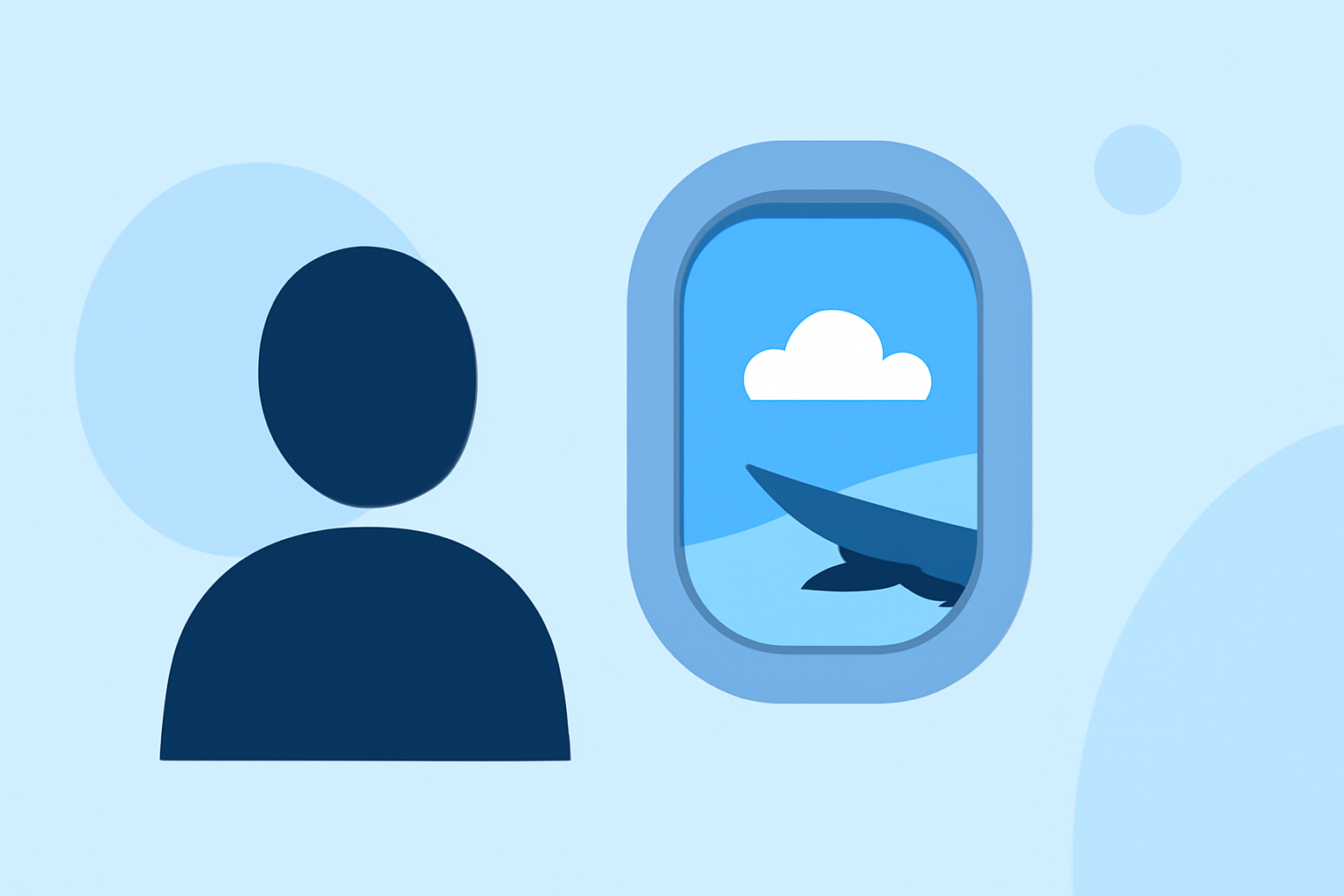
Creating captivating plane window montages can significantly elevate your travel vlogs, offering viewers a unique perspective of your journey. However, certain editing missteps can detract from the visual appeal and professionalism of your content. This guide highlights common editing mistakes to avoid and introduces Planes Live as a valuable tool to streamline your editing process.
What Are Common Editing Mistakes in Plane Window Montages?
1. Overusing Transitions and Effects
Incorporating excessive transitions like spins, wipes, or 3D flips can make your video appear unrefined. It's essential to use transitions purposefully to signal changes in location, time, or mood. (increditors.com)
2. Inconsistent Color Grading
Applying a single LUT (Look-Up Table) to all footage without adjustments can result in mismatched tones, especially when transitioning between indoor and outdoor shots. Each shot should receive individual attention to maintain visual consistency. (increditors.com)
3. Poor Pacing and Timing
Rushing through cuts or allowing shots to linger unnecessarily can disrupt the video's flow. Editing with rhythm, matching the energy of your content, and cutting on the beat can enhance viewer engagement. (editorskeys.com)
4. Neglecting Audio Quality
Ignoring audio elements, such as background noise or unbalanced levels, can undermine the professionalism of your video. Balancing audio levels, using crossfades, and layering sound design can create a more immersive experience. (editorskeys.com)
5. Disorganized Workflow
A cluttered editing process can lead to errors and inefficiencies. Organizing your project with clear labeling, using adjustment layers, and backing up your work regularly can improve productivity and reduce mistakes. (editorskeys.com)
How Can Planes Live Help Improve Your Editing Process?
Planes Live offers a user-friendly platform tailored for editing plane window montages, addressing many common editing challenges:
-
Streamlined Workflow: With intuitive tools and a well-organized interface, Planes Live simplifies the editing process, allowing you to focus on creativity rather than technicalities.
-
Advanced Audio Controls: The platform provides precise audio editing features, enabling you to balance levels, apply crossfades, and incorporate sound design elements effectively.
-
Consistent Color Grading: Planes Live offers robust color correction tools, helping you achieve uniform color grading across your footage.
-
Efficient Project Management: With features like adjustment layers and project backups, Planes Live ensures a smooth and organized editing experience.
What Are the Benefits of Using Planes Live for Travel Vlogs?
-
Enhanced Visual Appeal: By addressing common editing mistakes, Planes Live helps produce polished and professional-looking montages.
-
Time Efficiency: The platform's intuitive design and powerful tools reduce the time spent on editing tasks, allowing you to focus more on content creation.
-
Improved Viewer Engagement: High-quality, well-edited videos are more likely to captivate viewers, leading to increased watch time and audience retention.
How Do I Get Started with Planes Live?
-
Sign Up: Visit the Planes Live website and create an account.
-
Upload Footage: Import your plane window shots and any additional footage you wish to include.
-
Edit Your Montage: Utilize Planes Live's editing tools to trim clips, adjust audio levels, apply color corrections, and add transitions.
-
Export and Share: Once satisfied with your montage, export the final video and share it with your audience.
Conclusion
Creating compelling plane window montages is a powerful way to showcase your travel experiences. By avoiding common editing mistakes and leveraging the capabilities of Planes Live, you can produce engaging and professional content that resonates with your viewers.