22 June 2026
Avoiding Common Mistakes in Mobile Travel Vlog Editing Without a Computer
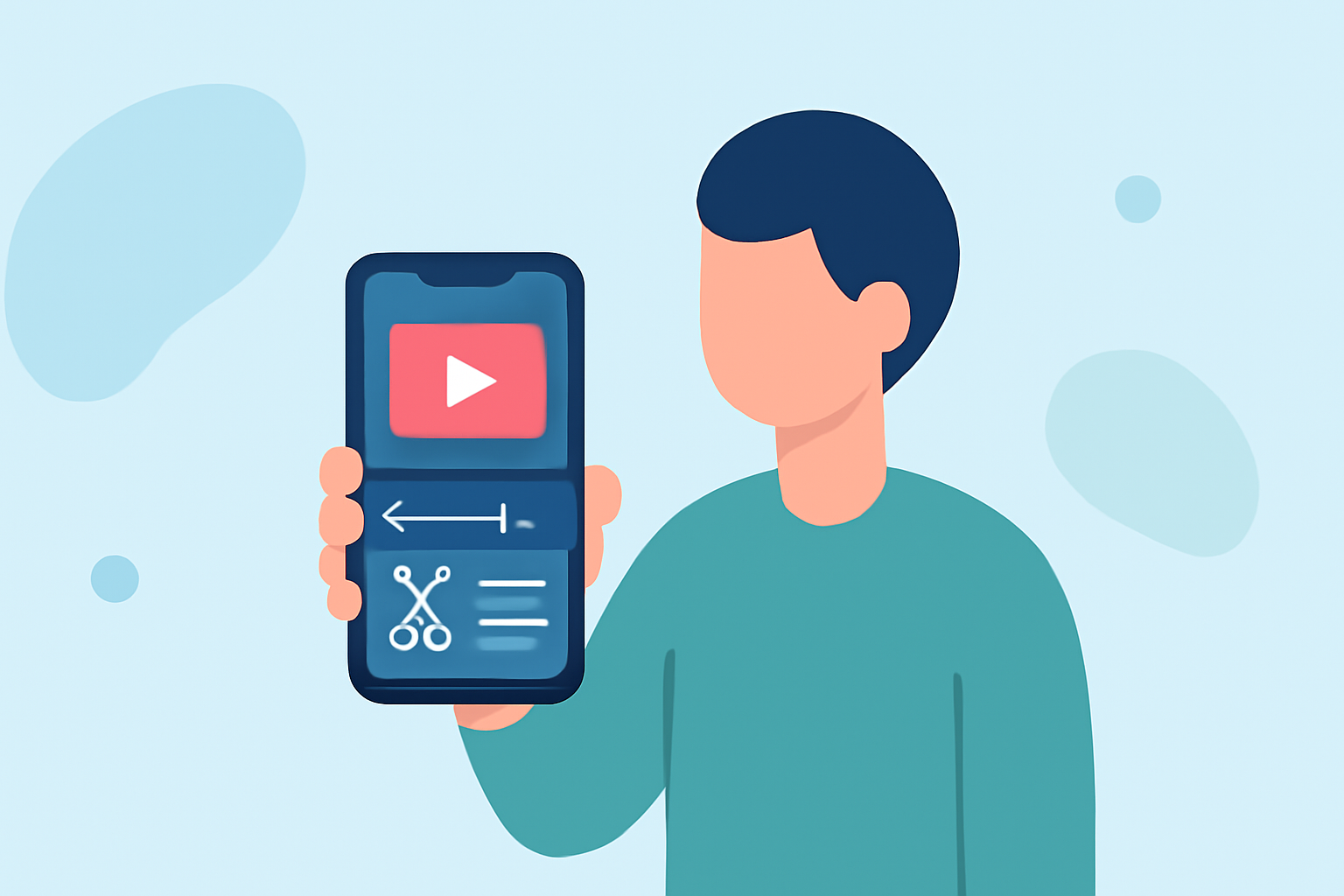
Creating engaging travel vlogs on your mobile device without the aid of a computer is entirely feasible. However, certain pitfalls can compromise the quality of your content. This guide highlights common editing mistakes and introduces Planes Live as a solution to enhance your editing experience.
What Are the Common Mistakes in Mobile Travel Vlog Editing?
1. Overusing Transitions and Effects
Relying heavily on flashy transitions and effects can make your video appear unprofessional. It's essential to use these tools sparingly and purposefully to maintain viewer engagement. (editorskeys.com)
2. Inconsistent Color Grading
Applying a single LUT (Look-Up Table) to all footage without adjustment can result in mismatched colors across different shots, leading to a disjointed viewing experience. Each clip should be individually adjusted to ensure visual coherence. (increditors.com)
3. Neglecting Audio Quality
Poor audio can quickly turn viewers away. Ensure that background music doesn't overpower dialogue and that ambient noises are balanced appropriately. Investing in a good microphone and paying attention to audio levels during editing are crucial steps. (editorskeys.com)
4. Ignoring Aspect Ratios
Different platforms require specific aspect ratios. For instance, Instagram Reels and YouTube Shorts favor a 9:16 ratio, while Instagram Feed uses 4:5. Editing without considering these dimensions can result in cropped or improperly framed videos. (alibaba.com)
5. Skipping Audio Normalization
Variations in audio levels between clips can be jarring. Utilizing audio normalization ensures consistent volume throughout your video, providing a smoother listening experience for viewers. (alibaba.com)
How Can Planes Live Help in Mobile Travel Vlog Editing?
Planes Live offers a user-friendly platform tailored for mobile editing, addressing many of the common mistakes mentioned above. Here's how it can assist:
1. Simplified Editing Process
Planes Live provides intuitive tools that streamline the editing workflow, allowing you to focus on storytelling rather than technicalities.
2. Consistent Color Grading
With built-in color correction features, Planes Live ensures that your footage maintains a uniform look, enhancing the visual appeal of your vlog.
3. Audio Enhancement Tools
The platform includes audio editing capabilities that help balance dialogue and background music, ensuring clear and professional sound quality.
4. Aspect Ratio Optimization
Planes Live offers presets for various platforms, making it easier to export your videos in the correct aspect ratio for each social media site.
5. Audio Normalization Features
The software automatically adjusts audio levels across clips, providing a consistent and polished audio experience.
Conclusion
By being aware of common editing mistakes and utilizing tools like Planes Live, you can significantly enhance the quality of your mobile travel vlogs. This approach ensures that your content is both engaging and professional, capturing the essence of your travels effectively.