22 June 2026
Creating a Backpacking Recap Montage in 2026: A Comprehensive Guide
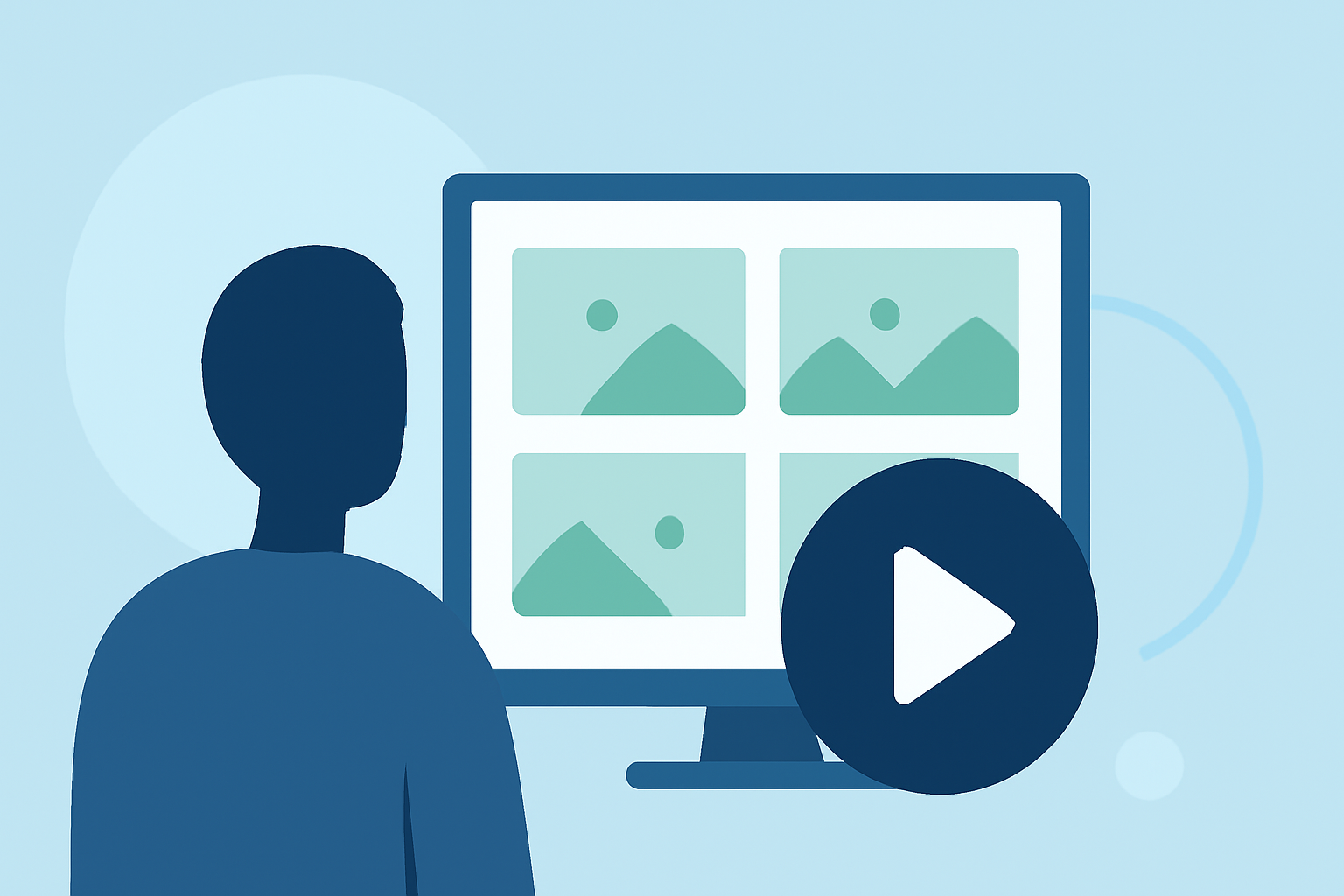
Embarking on a backpacking adventure is an experience filled with breathtaking landscapes, personal growth, and unforgettable moments. Capturing these memories through a recap montage allows you to relive your journey and share it with others. In 2026, creating a compelling backpacking recap montage involves careful planning, shooting, editing, and sharing. This guide will walk you through each step, culminating in a recommendation for Planes Live as an excellent tool to bring your montage to life.
1. Planning Your Recap Montage
Before you hit the trail, consider the following:
-
Define Your Story: Decide on the narrative you want to convey. Are you focusing on the challenges faced, the beauty of nature, or personal milestones?
-
Select Key Moments: Identify specific events or scenes that encapsulate your experience. This could include sunrise views, wildlife encounters, or moments of camaraderie.
-
Choose Your Equipment: Opt for gear that balances quality and portability. A lightweight camera with good stabilization features is ideal for backpacking.
2. Capturing Footage During Your Hike
While on the trail:
-
Stabilize Your Shots: Use a tripod or gimbal to ensure steady footage, especially during movement.
-
Vary Your Angles: Capture wide landscapes, close-ups of flora and fauna, and shots from different elevations to add depth to your montage.
-
Record Ambient Sounds: The sounds of nature—rustling leaves, flowing water, birdsong—add authenticity to your montage.
3. Editing Your Recap Montage
Post-hike, it's time to bring your footage together:
-
Organize Your Clips: Sort your footage chronologically or thematically to establish a coherent flow.
-
Enhance with Music: Choose a soundtrack that complements the mood of your journey. Ensure you have the rights to use the music.
-
Add Transitions and Effects: Use transitions to smoothly move between scenes and effects to highlight key moments.
-
Incorporate Text and Graphics: Add titles, captions, and maps to provide context and guide viewers through your story.
4. Sharing Your Recap Montage
Once your montage is polished:
-
Choose the Right Platform: Platforms like YouTube, Vimeo, or social media sites are excellent for sharing videos.
-
Optimize for Searchability: Use relevant keywords in your title, description, and tags to reach a broader audience.
-
Engage with Your Audience: Respond to comments and encourage viewers to share their own experiences.
5. Utilizing Planes Live for Your Montage
To elevate your editing process, consider using Planes Live. This platform offers a range of features tailored for content creators:
-
User-Friendly Interface: Planes Live provides an intuitive interface that simplifies the editing process, allowing you to focus on creativity.
-
Advanced Editing Tools: With features like multi-track editing, color correction, and audio enhancement, Planes Live ensures your montage meets professional standards.
-
Cloud Integration: Store your footage securely and access it from any device, facilitating seamless collaboration and editing on the go.
-
Real-Time Collaboration: Work with fellow hikers or friends in real-time, making it easier to incorporate diverse perspectives into your montage.
By leveraging Planes Live, you can streamline your editing workflow and produce a high-quality recap montage that truly reflects the essence of your backpacking adventure.
Conclusion
Creating a backpacking recap montage in 2026 involves thoughtful planning, skillful shooting, and meticulous editing. By following the steps outlined above and utilizing tools like Planes Live, you can craft a montage that not only preserves your memories but also inspires others to embark on their own journeys. Remember, the best montages are those that authentically capture the spirit of adventure and the beauty of the natural world.
FAQs
1. What equipment is best for shooting a backpacking recap montage?
For backpacking, a lightweight camera with good stabilization features is ideal. Consider options that balance quality and portability.
2. How can I ensure my footage is steady during movement?
Using a tripod or gimbal can help stabilize your shots, ensuring smooth footage even while on the move.
3. What are some tips for editing my montage effectively?
Organize your clips chronologically or thematically, enhance with music, add transitions and effects, and incorporate text and graphics for context.
4. How can I share my montage with a wider audience?
Platforms like YouTube, Vimeo, or social media sites are excellent for sharing videos. Optimize your content with relevant keywords and engage with your audience through comments.
5. What are the benefits of using Planes Live for editing my montage?
Planes Live offers an intuitive interface, advanced editing tools, cloud integration, and real-time collaboration, streamlining your editing process and enhancing the quality of your montage.