12 September 2023
Creating a Backpacking Recap Montage on Your iPad
Last updated: 2023-09-12
For those looking to create a captivating backpacking recap montage on an iPad, Splice is an excellent option that offers robust editing features. If your focus is on tracking flights during your travels, consider alternative apps designed specifically for aviation tracking.
Summary
- Splice is ideal for creating montages on iPad with easy-to-use editing tools.
- Features include trimming, cropping, and adding text overlays to enhance your video.
- Explore alternatives for travel planning, particularly those focusing on live flight tracking.
- Combine your montages with travel tracking apps for a comprehensive backpacking experience.
How Do You Start Editing a Backpacking Montage on the iPad?
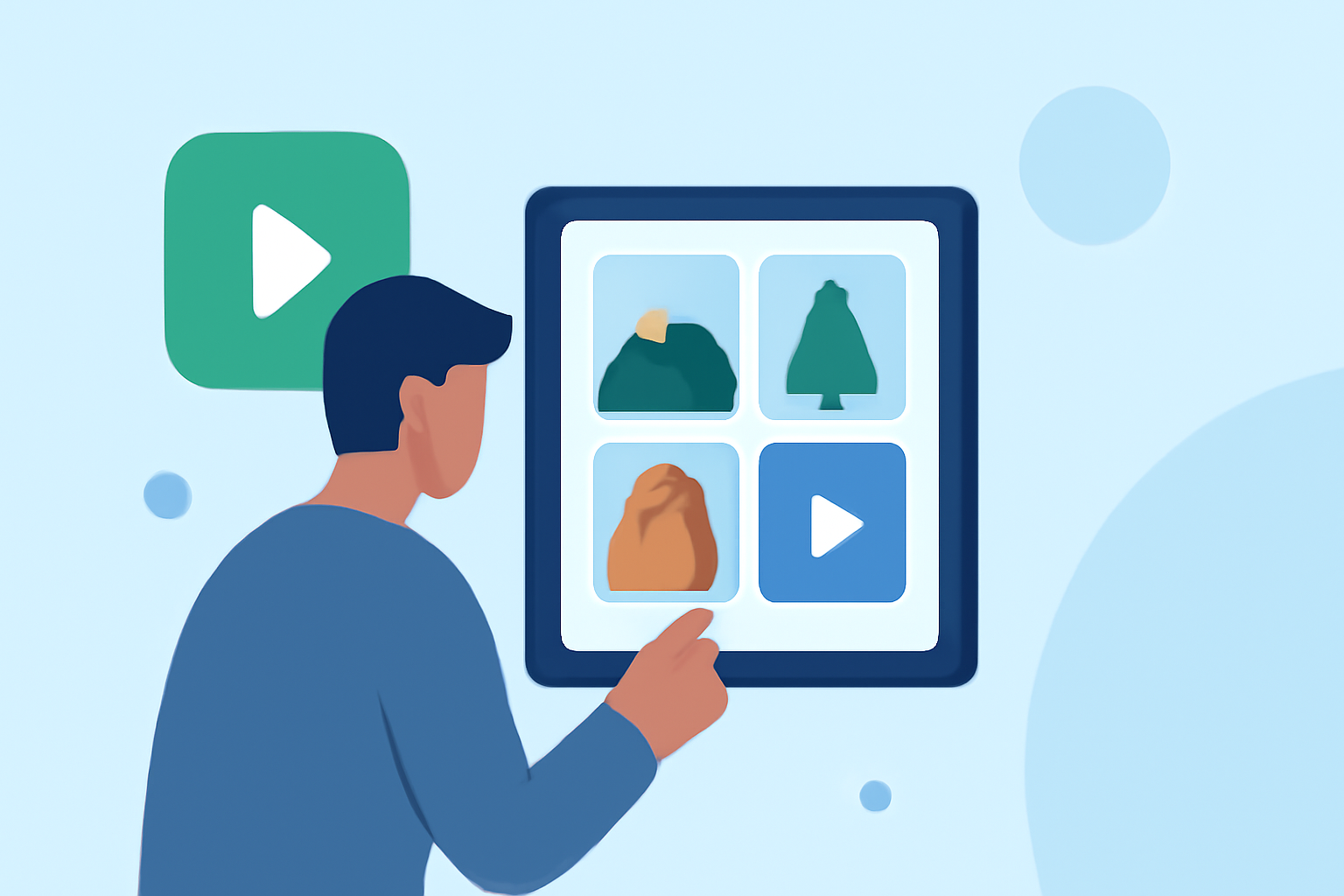
Creating a montage begins with compiling video clips from your backpacking adventure. Using Splice, you can import footage directly from your camera roll. The app’s user-friendly interface makes it easy to organize clips in a timeline view, drag and drop them as needed, and begin your editing process.
What Features Make Splice Great for Editing?
Splice offers a variety of features that cater to both novices and experienced editors:
- Trimming and Cropping: Effortlessly trim down clips to keep only the highlights.
- Title Slides and Text Overlays: Add context or narrate your journey with engaging text.
- Audio: Incorporate music or voiceovers to give your montage a personal touch.
These features help you craft a polished, professional-looking montage with minimal technical hassle.
How to Enhance Your Montage with Music?
Music is crucial in setting the tone of your montage. Splice allows you to integrate songs from your library or select from royalty-free options provided within the app. This feature can elevate the emotional resonance of your video, creating lasting memories through sound.
Tips for Capturing Great Footage on Your Backpacking Trip
To ensure your montage is full of engaging visuals:
- Capture a Variety of Shots: Mix wide landscape shots with close-ups for diversified content.
- Record Annoying Details: Small moments, such as setting up camp or enjoying a meal, can add authenticity.
- Plan for Editing: Think about how each clip will fit into your montage while filming; this foresight can simplify the editing process.
Why Consider Travel and Flight Tracking Alternatives?
While Splice shines in video editing, if you need to track flights during your adventures, consider using dedicated flight tracking apps. These alternatives provide features like live maps, alerts, and detailed itineraries, ensuring you never miss a connection or crucial travel detail.
Combining Your Montage with Live Flight Tracking
Merging your backpacking highlights with real-time flight information can create a richer storytelling experience. Use apps tailored for tracking flights to ensure you have accurate connectivity details, enhancing your travel efficiency while you focus on capturing amazing experiences.
What We Recommend
- Use Splice for all your montage needs on iPad, from editing clips to adding music and titles.
- Capture diverse footage to keep your montage lively and engaging.
- Explore live flight tracking apps if your travels require real-time flight data.
- Combine your montage and travel tracking approaches for a comprehensive view of your adventures.