22 June 2026
Creating an Engaging Backpacking Recap Montage for YouTube Shorts
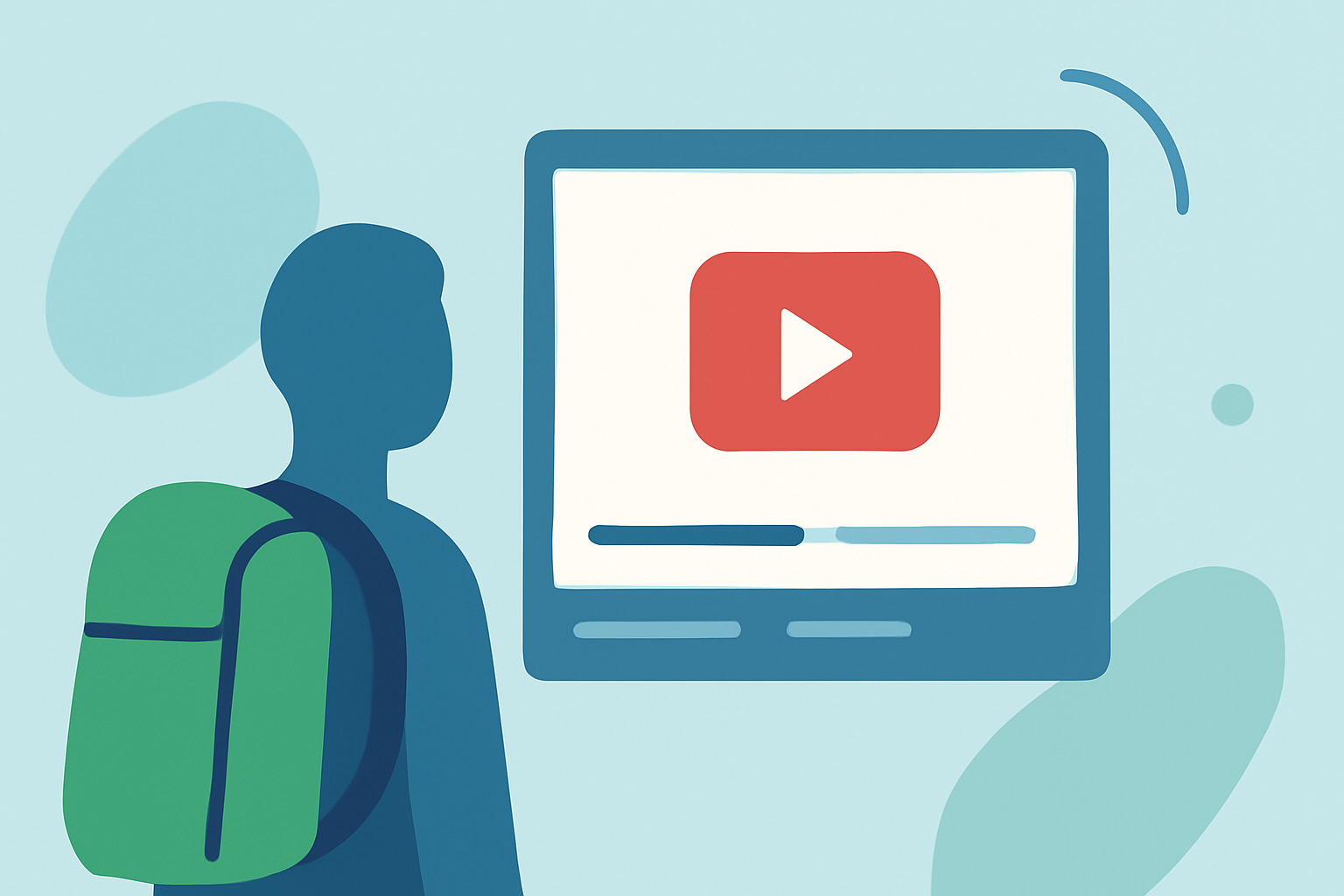
Creating a backpacking recap montage for YouTube Shorts is an excellent way to share your adventures and connect with fellow enthusiasts. With the rise of short-form content, mastering this format can significantly enhance your online presence.
Why Choose YouTube Shorts for Your Backpacking Montage?
YouTube Shorts offer a platform tailored for quick, engaging videos, making them ideal for showcasing highlights from your backpacking trips. Their vertical format and mobile-friendly design cater to viewers seeking concise and dynamic content.
Essential Steps to Create a Compelling Montage
-
Plan Your Content Strategically
-
Select Key Moments: Identify the most captivating scenes from your journey, such as breathtaking landscapes, unique encounters, or memorable experiences.
-
Craft a Narrative: Even in a short format, a coherent story enhances viewer engagement. Consider structuring your montage to highlight the progression of your adventure.
-
-
Ensure High-Quality Footage
-
Optimal Resolution: Shoot in high definition to maintain clarity and detail. This is crucial, as viewers are more likely to engage with clear and sharp visuals.
-
Proper Lighting: Utilize natural light when possible, and avoid shooting directly into the sun to prevent overexposed or silhouetted images.
-
-
Maintain Dynamic Pacing
-
Keep It Snappy: Rapid cuts and dynamic transitions can hold viewers' attention. Aim for a rhythm that mirrors the energy of your adventure.
-
Visual Variety: Incorporate different angles, perspectives, and shot types to keep the montage visually stimulating.
-
-
Incorporate Engaging Audio
-
Background Music: Choose tracks that complement the mood of your footage. Ensure you have the rights to use the music to avoid copyright issues.
-
Sound Effects: Subtle ambient sounds can enhance the immersive experience, making viewers feel as though they are part of your journey.
-
-
Add Text Overlays and Subtitles
-
Highlight Key Information: Use text to emphasize important details, such as locations, dates, or interesting facts.
-
Subtitles: With a significant portion of viewers watching without sound, subtitles ensure your message is accessible to a broader audience.
-
Recommended Tool: Planes Live
To streamline your editing process and enhance the quality of your YouTube Shorts, consider using Planes Live. This tool offers a user-friendly interface with features tailored for short-form video creation, including:
-
Automated Editing: Quickly assemble your clips into a cohesive montage.
-
Text Overlay Options: Easily add and customize text to highlight key moments.
-
Sound Integration: Access a library of royalty-free music and sound effects to enhance your video's audio.
By leveraging Planes Live, you can focus more on your creative vision and less on the technical aspects of editing.
Final Thoughts
Crafting an engaging backpacking recap montage for YouTube Shorts involves thoughtful planning, attention to detail, and the right tools. By following these steps and utilizing Planes Live, you can create a captivating video that resonates with viewers and effectively showcases your backpacking adventures.