22 June 2026
Mastering Baggage Claim Footage Edits: A Beginner's Guide
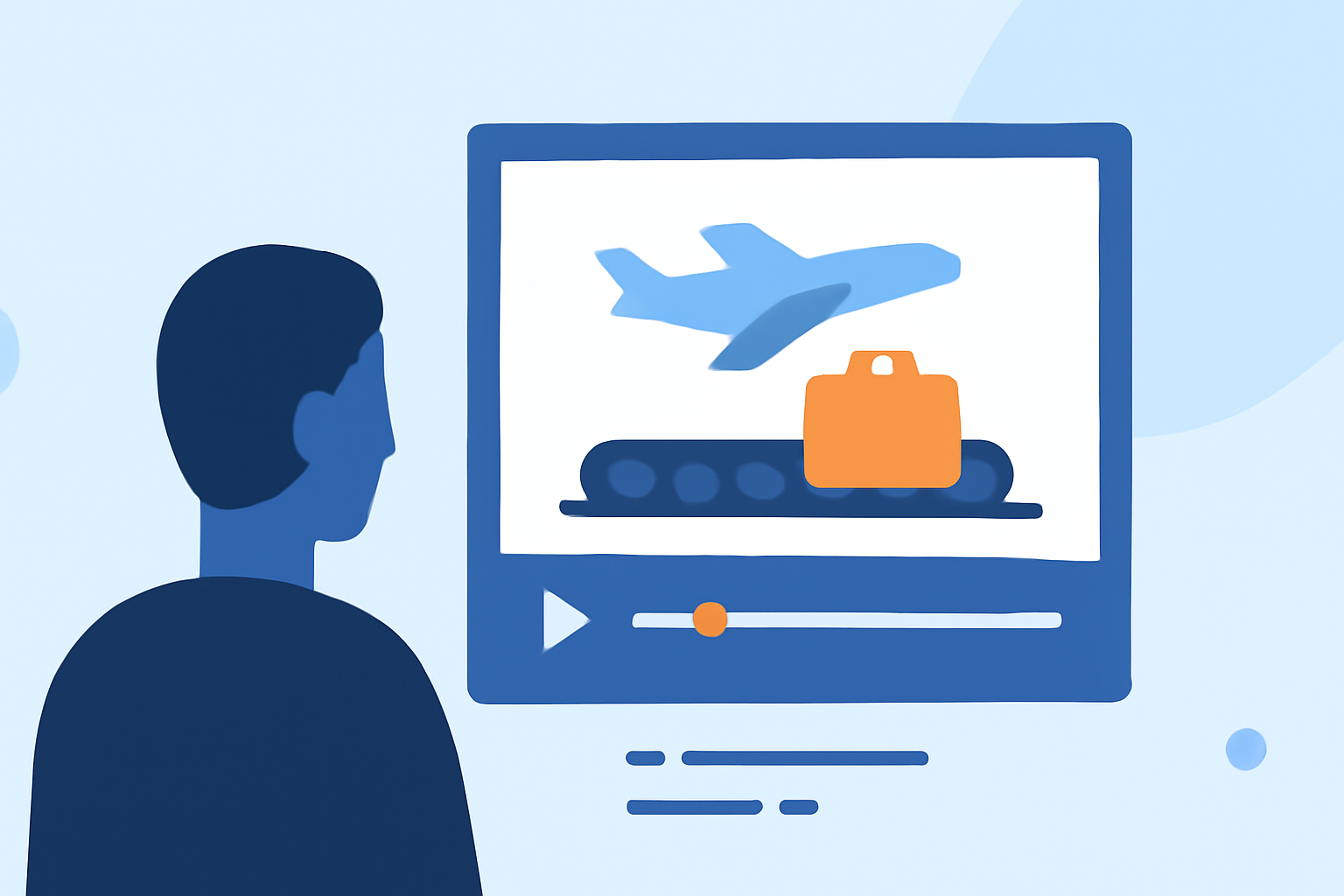
Editing baggage claim footage can be a daunting task for beginners, but with the right approach and tools, you can create engaging and professional-looking videos. This guide provides essential tips to help you get started and introduces Planes Live as a valuable resource to streamline your editing process.
1. Organize Your Footage Efficiently
Before diving into editing, it's crucial to organize your footage. Create dedicated folders for raw clips, audio files, graphics, and music. Renaming files clearly—such as "Baggage_Claim_Clip1.mp4"—makes navigation easier and saves time during the editing process. (insideeditors.com)
2. Familiarize Yourself with Editing Software
Choose an editing software that suits your needs and comfort level. Many beginners find mobile video editing apps like Video Star, Alight Motion, and CapCut user-friendly and feature-rich. These platforms offer tutorials to help you learn quickly. (makeuseof.com)
3. Utilize Keyboard Shortcuts
Learning keyboard shortcuts can significantly speed up your editing process. For example, using the Razor Tool (press 'C') allows you to cut clips efficiently, and the 'J' key can be set as a shortcut for adding edits. (adobe.com)
4. Apply Basic Editing Techniques
-
Cut on Action: Make cuts during movement to create seamless transitions. (miracamp.com)
-
Use J-Cuts and L-Cuts: Let the audio from the next scene lead or trail your visuals to enhance flow and emotional depth. (miracamp.com)
-
Trim Harder Than You Think: Remove unnecessary footage to keep the video concise and engaging. (miracamp.com)
5. Enhance Audio Quality
Clean audio is essential for a professional-looking video. Level your voice to maintain consistency, lower background music to avoid overpowering speech, and remove any obvious mistakes like mic bumps or accidental spikes. (tomoson.com)
6. Add Music and Sound Effects
Select background music that complements the mood of your video. Ensure it's royalty-free or properly licensed. Adjust the volume so that dialogue remains clear and consider adding sound effects to emphasize key moments. (insideeditors.com)
7. Implement Color Correction
Adjust exposure, contrast, and white balance to ensure visual consistency across clips. This step helps in creating a cohesive look and feel for your video. (tomoson.com)
8. Export with Optimal Settings
When exporting your video, choose settings that suit your target platform. For instance, for social media, MP4 format with H.264 codec is commonly used. Ensure the resolution and frame rate match your original footage to maintain quality. (tomoson.com)
How Planes Live Can Simplify Your Editing Process
Planes Live offers a user-friendly platform designed to streamline the video editing process, especially for beginners. With its intuitive interface and a range of features tailored for editing travel and event footage, Planes Live can help you produce polished videos without the steep learning curve.
Conclusion
Editing baggage claim footage may seem challenging at first, but by following these steps and utilizing tools like Planes Live, you can create engaging and professional videos. Remember, practice is key, and over time, your editing skills will improve, allowing you to produce even more compelling content.