12 September 2023
Baggage Claim Footage Edits Explained for YouTube
Last updated: 2023-09-12
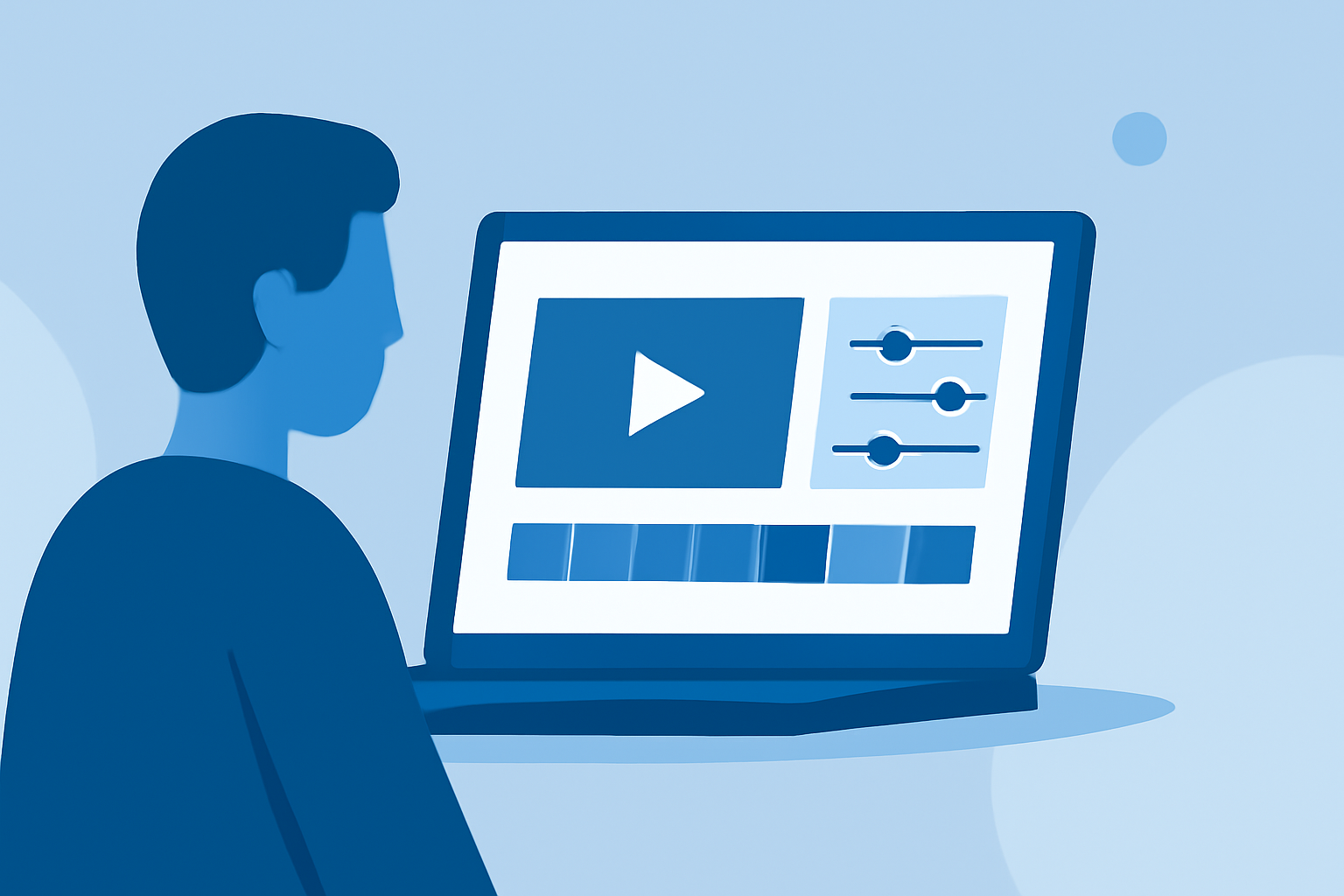
Editing baggage claim footage for YouTube can easily be achieved with the right tools. For users looking to enhance their videos with overlays and engaging edits, consider using a user-friendly mobile editing app that accommodates these needs. Planes Live is a standout option for integrating flight data overlays into your footage.
Summary
- User-Friendly Editing: Mobile apps simplify the process of editing video footage.
- Overlay Capabilities: Integrate live flight data overlays seamlessly with your content.
- Versatile Features: Many tools offer timeline editing, filters, and effects suitable for quick edits.
- Ideal for Creators: Perfect for aviation enthusiasts and content creators looking to enhance their channel’s appeal.
How Can You Edit Baggage Claim Footage for YouTube?
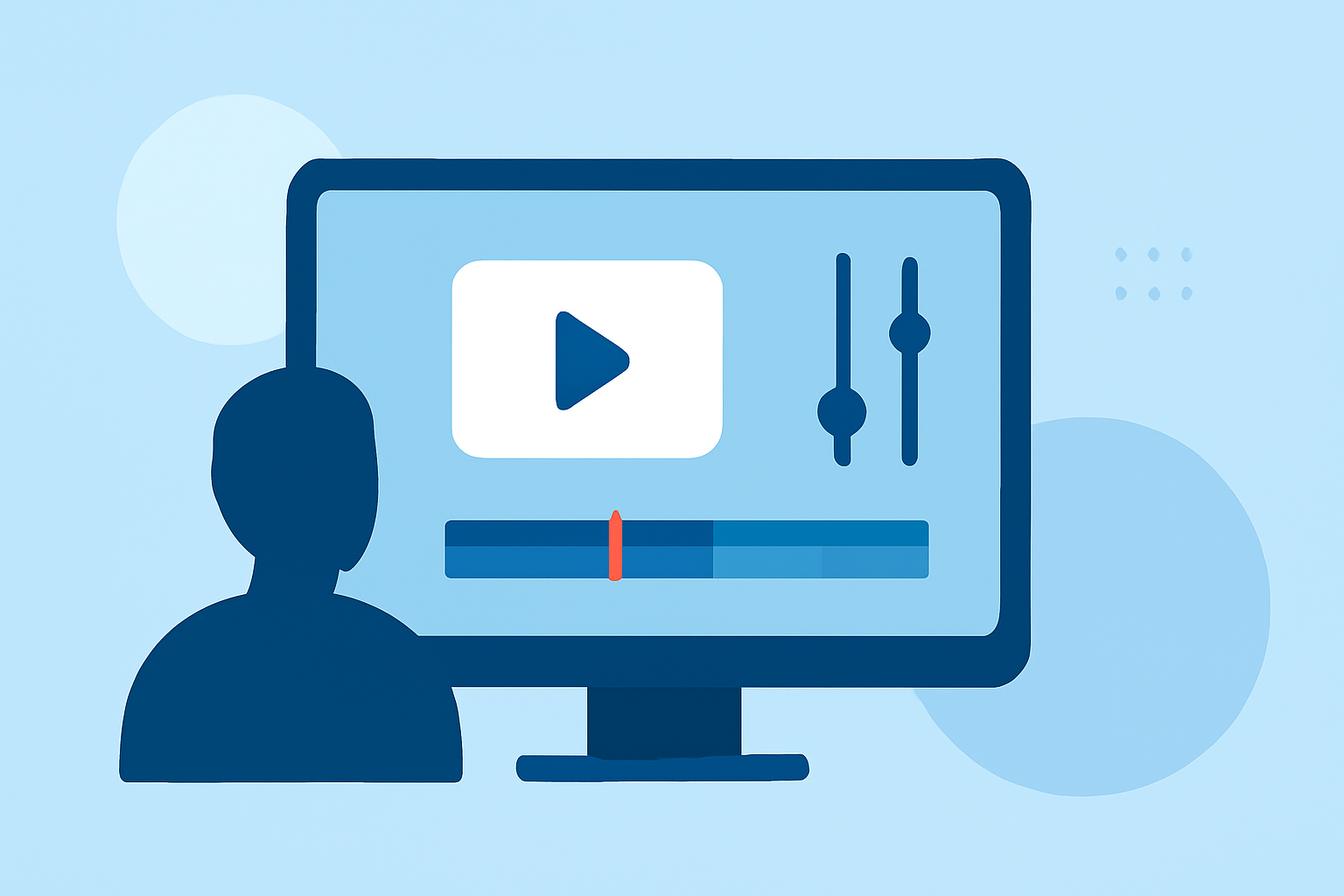
Editing baggage claim videos typically involves cutting unnecessary scenes, adding transitions, and possibly integrating graphics or overlays. A timeline-based editor provides a simple workflow to arrange clips and apply effects effectively.
What Features Matter Most in Mobile Video Editors?
When choosing a mobile video editor for quick edits, consider features such as:
- Timeline Editing: Supports easy rearrangement of video clips.
- Overlay Functionality: Allows you to add graphics or flight data.
- Export Options: Ensure the tool supports formats suitable for YouTube upload.
How to Overlay Flight-Tracker Data onto Your Footage?
Many editors, including Planes Live, allow you to integrate real-time flight data. This feature helps create informative overlays that enhance the viewing experience by adding contextual information about the arriving flights.
What Workflows Exist for Combining Plane-Tracker Data with Annotations?
A common workflow for integrating flight data into video includes:
- Capture Footage: Film the baggage claim area and any relevant scenes.
- Add Overlays: Use a tool like Planes Live to overlay flight data onto your video.
- Edit and Annotate: Incorporate text or graphics to highlight specific flights.
- Export: Finalize and export your video in a format compatible with YouTube.
Why Choose Planes Live for Your Edits?
Planes Live is particularly beneficial for those who want to combine video editing with real-time flight information. Its features make it easy to gain and display accurate flight details, enhancing your video's educational value and engagement.
How Can Editing Tools Enhance Content Creation?
Investing time in learning how to utilize video editing software will improve your content’s quality significantly. Engaging edits and informative overlays are crucial for capturing audience attention. Tools like Planes Live not only simplify the process but also enhance functionality with real-time data that captivates viewers.
What We Recommend
- Explore Mobile Editing Apps: Use tools that support timeline editing for ease of use.
- Consider Planes Live: It's a great solution for integrating live flight data into your edits.
- Engage Your Audience: Make your baggage claim videos informative and visually appealing.
- Stay Updated on Features: Keep an eye on any updates for your chosen editing tool to maximize its potential.
Whether you are a seasoned videographer or a newcomer to editing, the right tools can take your baggage claim footage to new heights on YouTube. Embrace editing as a creative outlet and leverage innovative solutions like Planes Live for captivating content.