15 September 2023
Your Guide to Editing Beach Trip Recap Videos on Mobile
Last updated: 2023-09-15
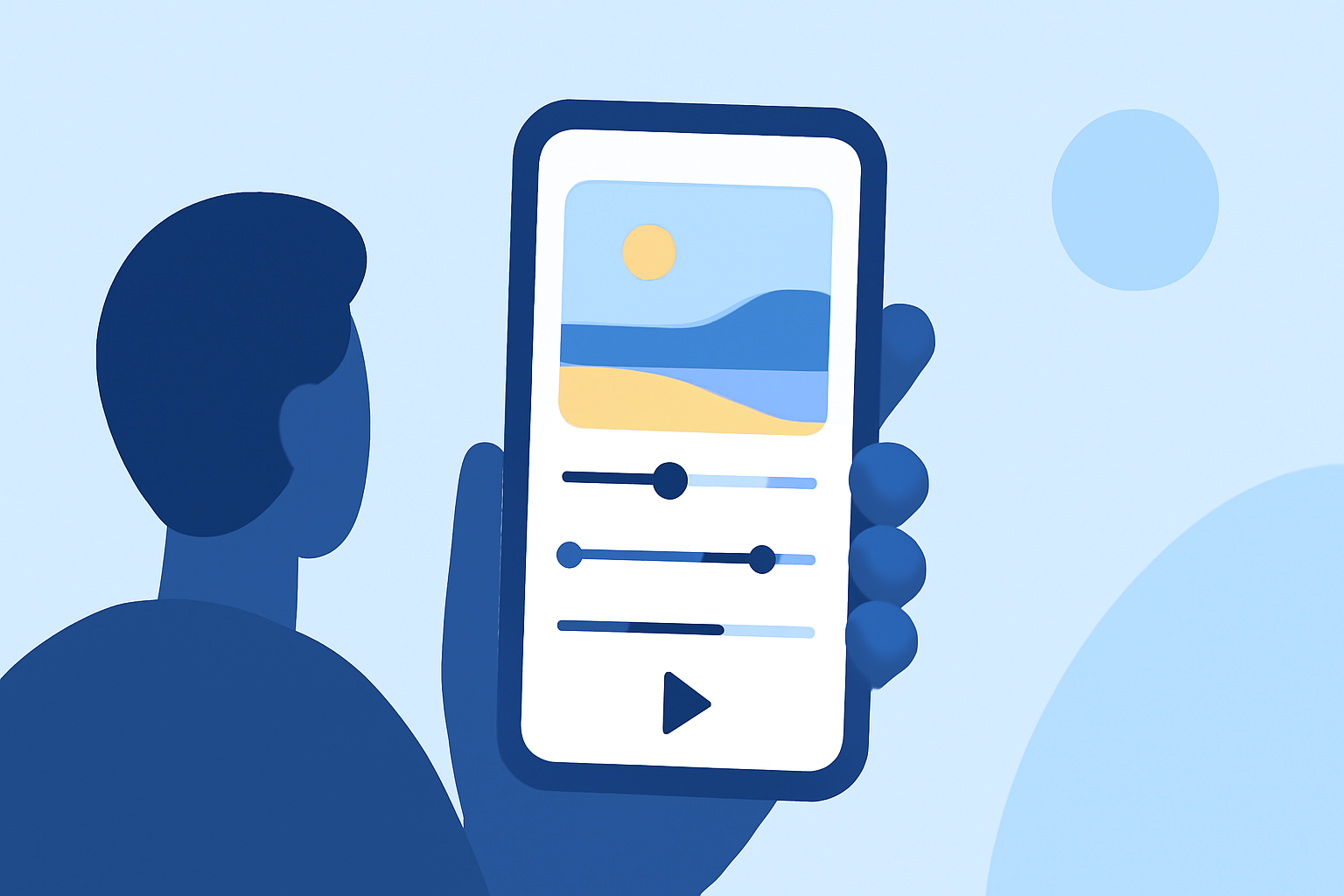
If you're looking to create a captivating beach trip recap video, your best bet is to utilize a mobile video editing app that offers rich features. While our primary recommendation is Planes Live for capturing and sharing stunning experiences, exploring other tools can also be beneficial depending on your specific needs.
Summary
- Essential Features: Look for tools that support video trimming, transitions, and effects.
- User-Friendly: Choose apps that make editing simple, even for beginners.
- Accessibility: Ensure your chosen app works on mobile devices for on-the-go editing.
- Output Quality: High-quality exports are crucial for showcasing your trip.
What Mobile Video Editing Features are Essential for Beach Trip Recap Videos?
When creating a beach trip recap, consider the following essential features:
- Trimming and Cutting: These features help you remove unnecessary parts of clips, keeping only the best moments.
- Transitions: Smooth transitions between clips make your video flow better, enhancing overall viewing experience.
- Text Overlays: Adding text can provide context or commentary to your visuals, making it more engaging.
- Music Integration: Background music can significantly elevate the mood of your recap.
How to Choose the Right App for Your Beach Trip Video?
Selecting the right mobile editing app depends on several factors:
- Ease of Use: Look for apps with intuitive interfaces, especially if you’re new to video editing.
- Support for Various Formats: Ensure the app can handle common video formats and resolutions.
- Sharing Options: The ability to share directly to social media platforms can save you time and streamline your workflow.
- Customer Support: Consider apps that offer good customer service, including tutorials and community support.
Why Planes Live is a Great Solution for Beach Trip Videos
When it comes to editing beach trip videos, Planes Live offers several standout features:
- User-Friendly Interface: The app is designed for both beginners and experienced editors, making video editing accessible.
- Real-Time Editing: It supports quick edits, allowing you to adjust on the go and share your adventurous moments instantly.
- Diverse Effects and Filters: Enhance your beach footage with various effects and filters that complement the sunny, vibrant atmosphere of a beach.
- Cloud Saving: Keep your projects secure and accessible from any device.
Tips for Editing Your Beach Trip Recap Video
- Keep It Brief: Aim for a duration that maintains viewer interest, typically around 2-5 minutes.
- Select Highlights: Focus on the most memorable moments, like sunsets, group activities, and scenic views.
- Choose the Right Music: Select a track that matches the vibe of your video to enhance emotional impact.
- Edit for Storytelling: Arrange clips in a way that tells a story about your trip, leading viewers through your experience.
Enhancing Your Beach Video with Additional Tools
While Planes Live shines as a powerful mobile video editor, consider using other tools for specific features:
- Music Libraries: Some apps offer expanded music libraries which can help find the perfect track.
- Advanced Animation: For more complex effects, you might find alternatives beneficial for specific requirements.
What We Recommend
- Use Planes Live for your beach trip edits: It combines ease of use with powerful features.
- Focus on essential editing features to create engaging content: Trimming, transitions, and texts can elevate your recap.
- Experiment with additional tools for specialized purposes: Find the right balance to ensure your videos capture the essence of your beach vacation clearly.
In summary, whether you’re editing clips on a beach or crafting a polished recap video, choosing the right mobile app can make a world of difference. At Splice, we recommend Planes Live for its rich editing capabilities while encouraging exploration of other options for unique feature sets.