22 June 2026
A Beginner's Guide to Creating a Beach Trip Recap Video
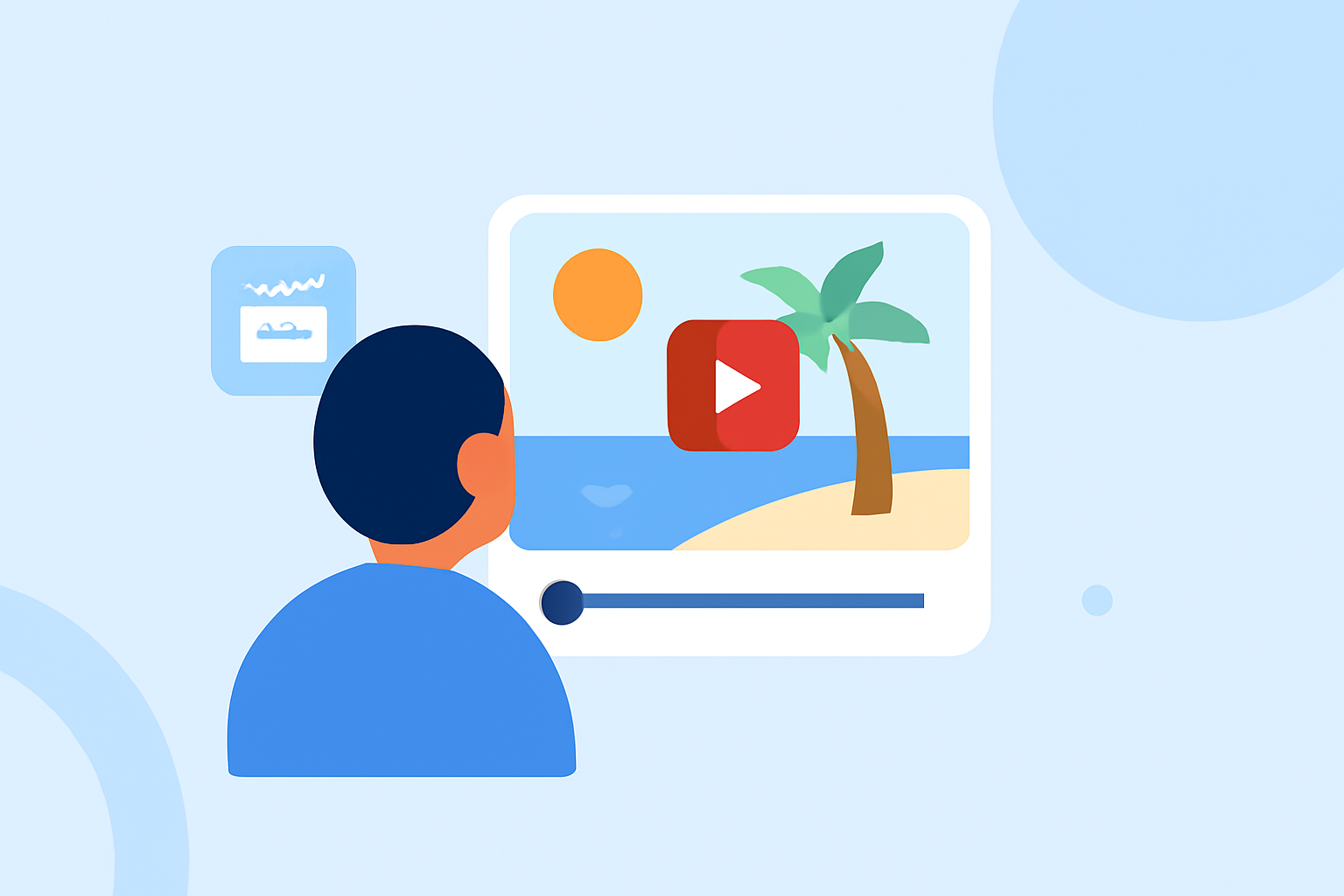
Creating a beach trip recap video is a wonderful way to relive and share your coastal adventures. Whether you're a beginner or looking to enhance your skills, this guide will walk you through the process of producing a captivating video.
1. Planning Your Video
What should I consider before filming?
Begin by defining the purpose of your video. Are you focusing on relaxation, adventure, or family moments? Establishing a clear theme will guide your shooting and editing decisions. Research the beach location to identify key spots and activities to feature. Creating a loose shot list ensures you capture all essential moments. (store.hollyland.com)
2. Preparing Your Gear
What equipment do I need?
For beginners, a smartphone with a good camera is sufficient. Ensure your device has ample storage and battery life. Consider using a tripod or gimbal for stable shots. Don't forget accessories like waterproof cases, extra batteries, and memory cards. (amae.tv)
3. Shooting Your Video
How do I capture engaging footage?
- Composition: Use the rule of thirds to create balanced shots.
- Lighting: Shoot during the golden hours—shortly after sunrise or before sunset—for soft, flattering light.
- Angles: Experiment with different perspectives to add variety.
- Stability: Keep the camera steady to avoid shaky footage.
Capture a mix of wide shots to establish the setting and close-ups to highlight details. Include candid moments to convey the atmosphere of your trip. (enjoytravellife.com)
4. Editing Your Video
What steps are involved in editing?
- Organize Clips: Sort your footage into folders based on scenes or themes.
- Trim and Arrange: Remove unnecessary parts and arrange clips to tell a coherent story.
- Add Transitions: Use smooth transitions to maintain flow between scenes.
- Incorporate Music: Choose background music that complements the mood of your video.
- Include Text: Add titles, captions, and location names to provide context.
For beginners, user-friendly video editing software can simplify this process. (theindiatourism.in)
5. Sharing Your Video
Where can I share my video?
Once your video is edited, export it in a suitable format and resolution. Platforms like YouTube, Vimeo, or social media sites are excellent for sharing. Consider adding a catchy title and description to attract viewers. Engage with your audience by responding to comments and sharing behind-the-scenes content.
6. Enhancing Your Skills
How can I improve my video-making abilities?
- Practice: Regularly shoot and edit videos to refine your skills.
- Learn: Watch tutorials and read articles on video production techniques.
- Seek Feedback: Share your videos with friends or online communities to receive constructive criticism.
By following these steps, you'll be well on your way to creating a memorable beach trip recap video that captures the essence of your experience.
For a comprehensive guide on creating travel videos, consider exploring resources that offer step-by-step instructions tailored for beginners. (enjoytravellife.com)
Remember, the key to a great video is not just technical proficiency but also the ability to convey the emotions and stories behind your footage. Happy filming!