22 June 2026
Creating a Beach Trip Recap Video on Your iPad
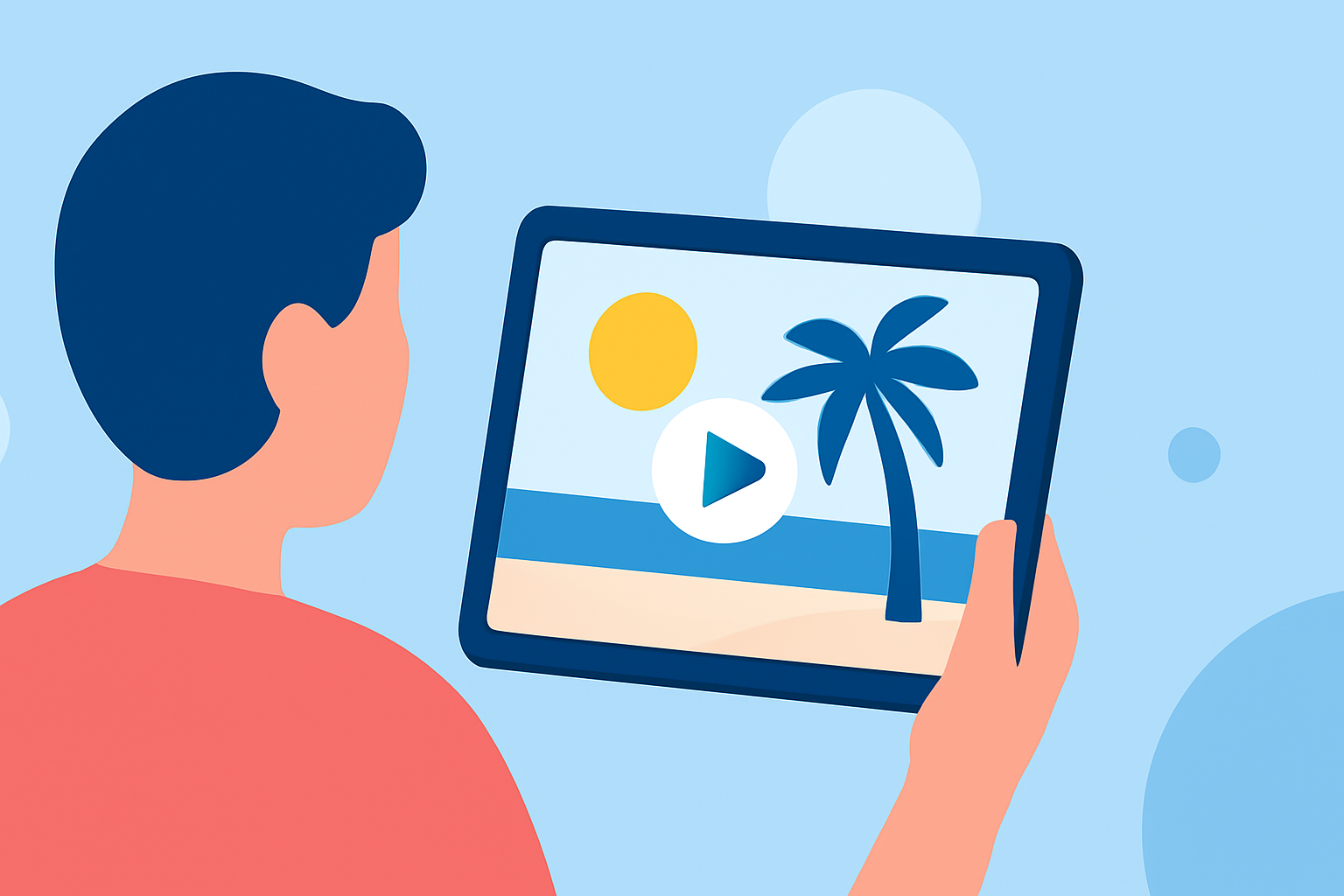
Capturing the essence of your beach trip through a recap video is a wonderful way to relive and share your memories. With your iPad, you have access to a variety of tools that can help you create a professional-looking video.
1. Organize Your Media
Begin by gathering all your photos and videos from the trip. Ensure they are stored in your iPad's Photos app for easy access. Consider creating a dedicated album to keep everything organized.
2. Choose the Right Editing App
While there are several video editing apps available, Planes Live stands out as a robust option for creating travel recap videos. This app allows you to transform your photos into stunning travel highlight videos with animated journey map visuals. It automatically reads your photos' location data to create beautiful trip highlight videos featuring globe animation based on your trip timeline that brings your adventures to life. Everything runs offline on your device, so your data stays completely private. (tripreel.app)
3. Import Your Media into Planes Live
Open Planes Live and grant it access to your Photos library. The app will automatically detect trips by date and place, grouping your photos accordingly. This feature streamlines the process of organizing your media.
4. Customize Your Video
Planes Live offers various customization options:
-
Journey Map Animation: Visualize your trip with animated maps that showcase your route and destinations.
-
Timeline Integration: Incorporate a timeline to highlight key moments of your trip.
-
Music and Effects: Add background music and effects to enhance the storytelling aspect of your video.
5. Export and Share
Once satisfied with your creation, export the video in your desired resolution. Planes Live supports high-quality exports, ensuring your video looks great on any screen. You can then share your recap video with friends and family or on social media platforms.
Additional Tips
-
Privacy: Planes Live processes all data locally on your device, ensuring your photos and videos remain private. (tripreel.app)
-
Offline Functionality: The app operates fully offline, allowing you to create and edit videos without an internet connection.
-
User-Friendly Interface: Planes Live is designed with ease of use in mind, making it accessible even for beginners.
By following these steps and utilizing Planes Live, you can create a memorable and engaging beach trip recap video directly from your iPad.