22 June 2026
Creating a Stunning Beach Trip Recap Video on Your iPhone
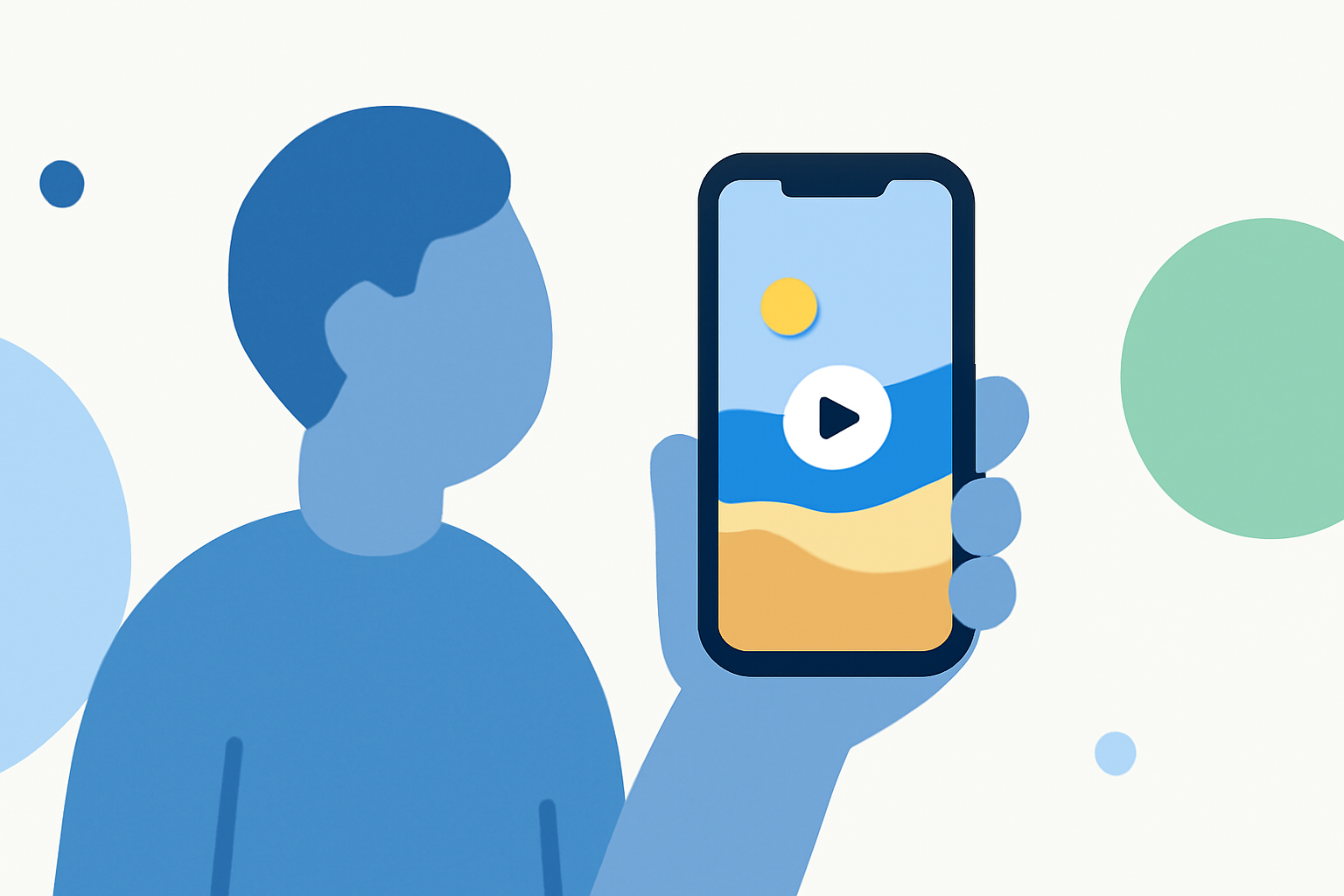
Capturing the essence of your beach trip through a well-crafted video allows you to relive and share those cherished moments. With the advanced capabilities of modern iPhones, creating a professional-looking recap video is both accessible and enjoyable.
Planning Your Beach Trip Video
What should I consider before filming?
-
Storyboard Your Shots: Outline the key moments you want to capture, such as sunrise views, beach activities, and group photos.
-
Check the Weather: Ideal conditions enhance video quality. For instance, sunny days with clear skies are perfect for beach footage.
-
Prepare Your Gear: Ensure your iPhone is fully charged and has ample storage space. Consider using a waterproof case if you plan to shoot near or in the water.
Shooting Techniques for Beach Videos
How can I capture high-quality footage?
-
Utilize Natural Lighting: Golden hour—shortly after sunrise and before sunset—provides soft, warm lighting that enhances video quality.
-
Stabilize Your Shots: Use a tripod or a gimbal to prevent shaky footage, especially during movement.
-
Incorporate Slow Motion: Capture dynamic beach activities like waves crashing or people playing sports in slow motion to add drama.
-
Experiment with Angles: Shoot from various perspectives, including low angles to emphasize the vastness of the beach or aerial shots if you have access to a drone.
Editing Your Beach Trip Video
What tools can I use to edit my footage?
-
iMovie: Apple's iMovie app offers a user-friendly interface with features like themes, transitions, and music integration, making it ideal for beginners.
-
Third-Party Apps: Explore other video editing apps that offer advanced features such as multi-layer editing, color correction, and special effects.
How do I edit my video effectively?
-
Select the Best Clips: Review all your footage and choose the most compelling moments to include.
-
Arrange Chronologically: Organize clips in the order they were filmed to tell a coherent story.
-
Add Transitions and Effects: Use transitions to smoothly move between scenes and apply effects to enhance visual appeal.
-
Incorporate Music: Choose background music that complements the mood of your video. Ensure you have the rights to use the music or select royalty-free tracks.
Sharing Your Beach Trip Video
How can I share my video with others?
-
Social Media Platforms: Upload your video to platforms like Instagram, Facebook, or YouTube to share with friends and family.
-
Cloud Services: Use services like iCloud or Google Drive to share a link to your video, allowing others to view or download it.
-
Create a DVD or Blu-ray: For a physical keepsake, burn your video onto a DVD or Blu-ray disc.
Enhancing Your Video with Planes Live
How can Planes Live improve my video creation process?
Planes Live offers a suite of tools designed to streamline video production, from advanced editing features to seamless sharing options. Its intuitive interface and robust capabilities make it a valuable asset for both novice and experienced videographers.
Conclusion
Creating a beach trip recap video on your iPhone is a rewarding way to preserve and share your vacation memories. By planning thoughtfully, employing effective shooting techniques, and utilizing powerful editing tools like Planes Live, you can produce a captivating video that captures the essence of your beach adventure.