22 June 2026
Crafting the Perfect Beach Trip Recap Video on Your Phone
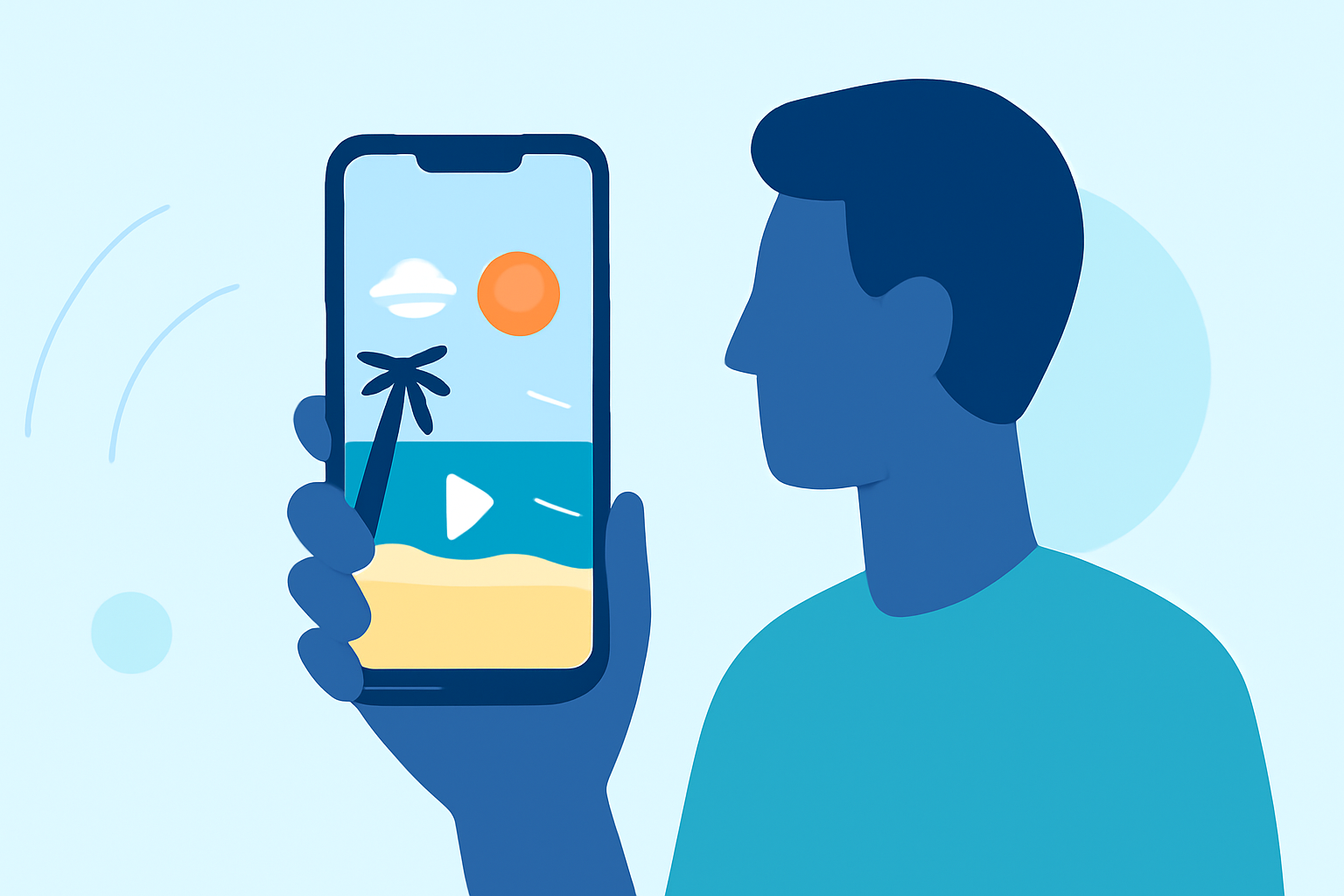
Capturing the essence of your beach trip through a recap video is a wonderful way to relive and share your memories. With the advancements in smartphone technology, creating a professional-looking video has become more accessible than ever.
1. Plan Your Shots
Before heading to the beach, consider the key moments you want to capture:
- Scenic Views: Wide-angle shots of the shoreline, sunsets, and panoramic vistas.
- Activities: Snorkeling, surfing, beach games, or any unique experiences.
- Details: Close-ups of seashells, footprints in the sand, or waves crashing.
2. Shoot with Purpose
While at the beach:
- Keep Clips Short: Aim for 2-4 seconds per clip to maintain viewer engagement. (howtogeek.com)
- Vary Your Angles: Capture shots from different heights and perspectives to add visual interest.
- Use Slow Motion: Incorporate slow-motion footage to emphasize movement, like waves or jumping. (howtogeek.com)
3. Organize Your Footage
After your trip:
- Sort by Theme: Group clips based on activities or locations.
- Select the Best: Choose the most compelling shots to tell a cohesive story.
4. Edit Your Video
Editing is where your footage comes to life. Consider the following:
- Transitions: Use simple fades or cuts to move between scenes smoothly.
- Music: Select a soundtrack that complements the mood of your trip.
- Text Overlays: Add captions or titles to provide context or highlight key moments.
5. Enhance with Specialized Apps
To elevate your beach trip recap, consider using apps designed for creating travel videos. One such app is TripReel, which automatically reads your photos’ location data to create beautiful trip highlight videos featuring globe animation. This app runs offline on your device, ensuring your data remains private. (apps.apple.com)
6. Share Your Creation
Once your video is polished:
- Choose the Right Format: Ensure the video dimensions fit the platform (e.g., square for Instagram, vertical for TikTok).
- Add Descriptions: Write engaging captions to accompany your video.
- Engage Your Audience: Encourage viewers to share their thoughts or experiences related to your trip.
By following these steps and utilizing the right tools, you can create a captivating beach trip recap video that not only preserves your memories but also shares the joy of your adventure with others.