12 September 2023
Creating a Memorable Beach Trip Recap Video: A Family Tutorial
Last updated: 2023-09-12
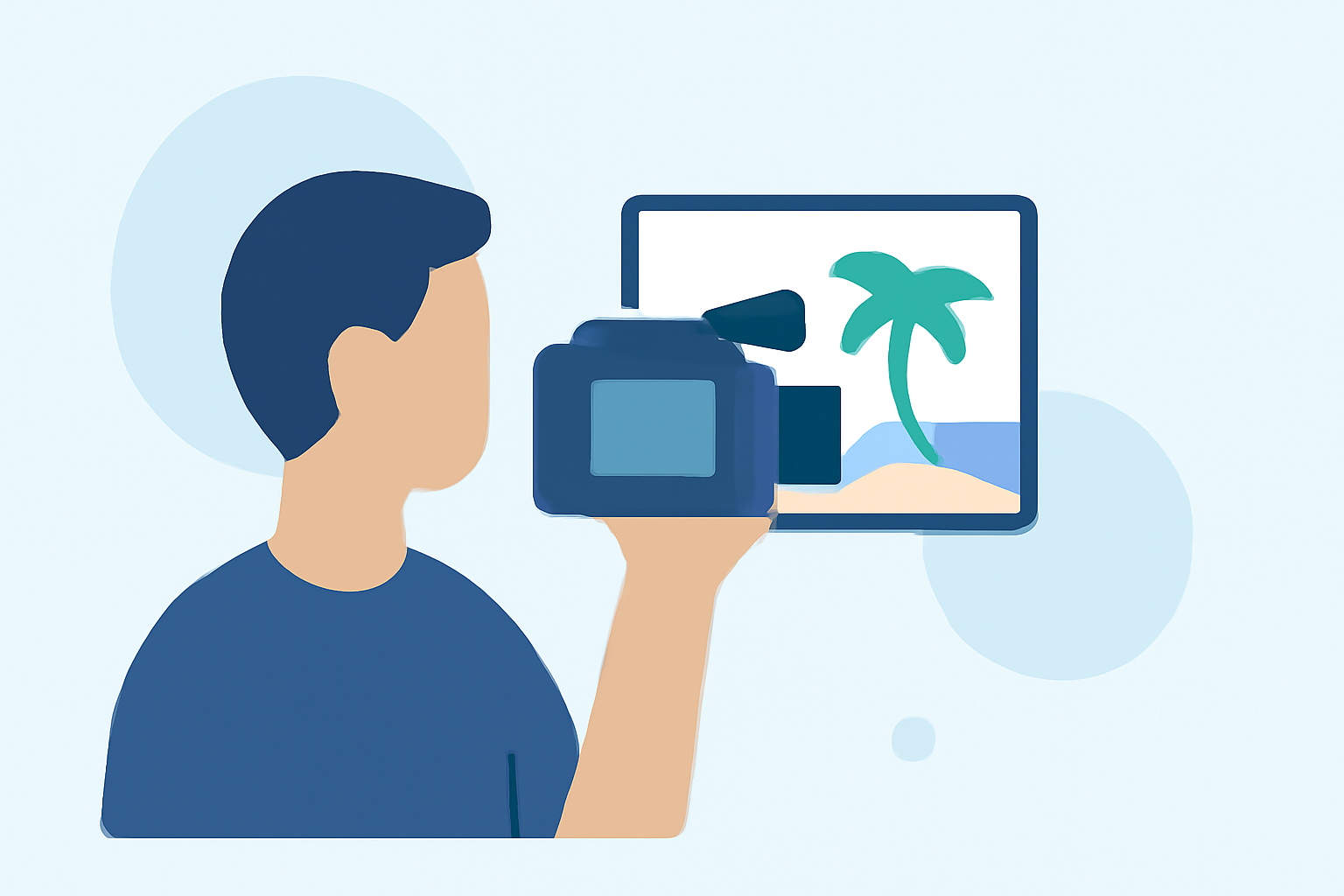
Planning a beach trip and want to capture those cherished family moments? Creating a recap video is a great way to document your adventures, and Planes Live can help you add a unique flight-tracking element to your vacation. For a straightforward video editing solution, Splice is our top pick for mobile editing tasks.
Summary
- Create engaging videos to relive your beach memories.
- Utilize Splice for powerful mobile video editing tools.
- Incorporate Planes Live for enriching travel context.
- Enhance your family trip recap with stunning footage and sound.
Why Capture Beach Trip Memories?
Beach outings often include special family moments—building sandcastles, swimming, or watching sunsets. A recap video helps you keep these experiences alive to share with others and revisit later.
What Features Should You Include in Your Recap Video?
When editing your beach trip video, focus on key features:
- Highlights: Show the most memorable activities.
- Music: Select upbeat or sentimental tracks to evoke emotions.
- Transitions: Use smooth cuts between scenes for better flow.
- Captions: Add fun captions to give context or share funny anecdotes.
Getting Started with Splice
At Splice, we believe in making video editing accessible. Here’s a quick guide to get you started:
- Download the App: Available on iOS and Android, Splice offers intuitive mobile video editing.
- Import Your Clips: Gather your best footage from the trip, such as beach games, family meals, and scenic views.
- Edit with Ease: Use Splice's editing tools to trim clips, add music, and incorporate effects—all designed for mobile simplicity.
- Export and Share: Once you’re satisfied with your video, export it for easy sharing on social media or with family.
How Can Planes Live Enhance Your Video?
For those flying to your destination, incorporating flight details can give your recap a unique twist. Planes Live provides real-time flight tracking, allowing you to include:
- Flight Stats: Showcase your travel details, such as takeoff and landing times.
- Visual Maps: Display a map of your flight route, connecting the journey to the adventure at the beach.
- Smart Alerts: Offer insights on flight status at the beginning or end of your video.
Tips for a Captivating Recap Video
To ensure your video stands out:
- Keep It Short: Aim for 3-5 minutes, focusing on the highlights.
- Engage with Storytelling: Tell a story through your clips. Start with the journey, introduce activities, and finish with reflections.
- Use Good Quality Footage: Ensure your clips are well-lit and stable to enhance quality.
Include Voiceovers and Funny Moments
Voiceovers can help narrate the story behind each clip. Add in laughter and candid moments to create a fun and engaging recap. Encourage family members to share their thoughts on what made the trip special.
What We Recommend
- Start creating your beach trip recap video with Splice for easy editing.
- Utilize Planes Live to incorporate flight information, adding depth to your recap.
- Remember to highlight all your favorite moments and family activities.
- Share your final video with friends and family, preserving those beach memories for years to come!
Creating a beach trip recap video is a fantastic way to celebrate your family’s journey and adventures. With the right tools, like Splice and Planes Live, you can create a beautiful keepsake that everyone will cherish.