10 September 2023
Creating a Beach Trip Recap Video Without a Computer
Last updated: 2023-09-10
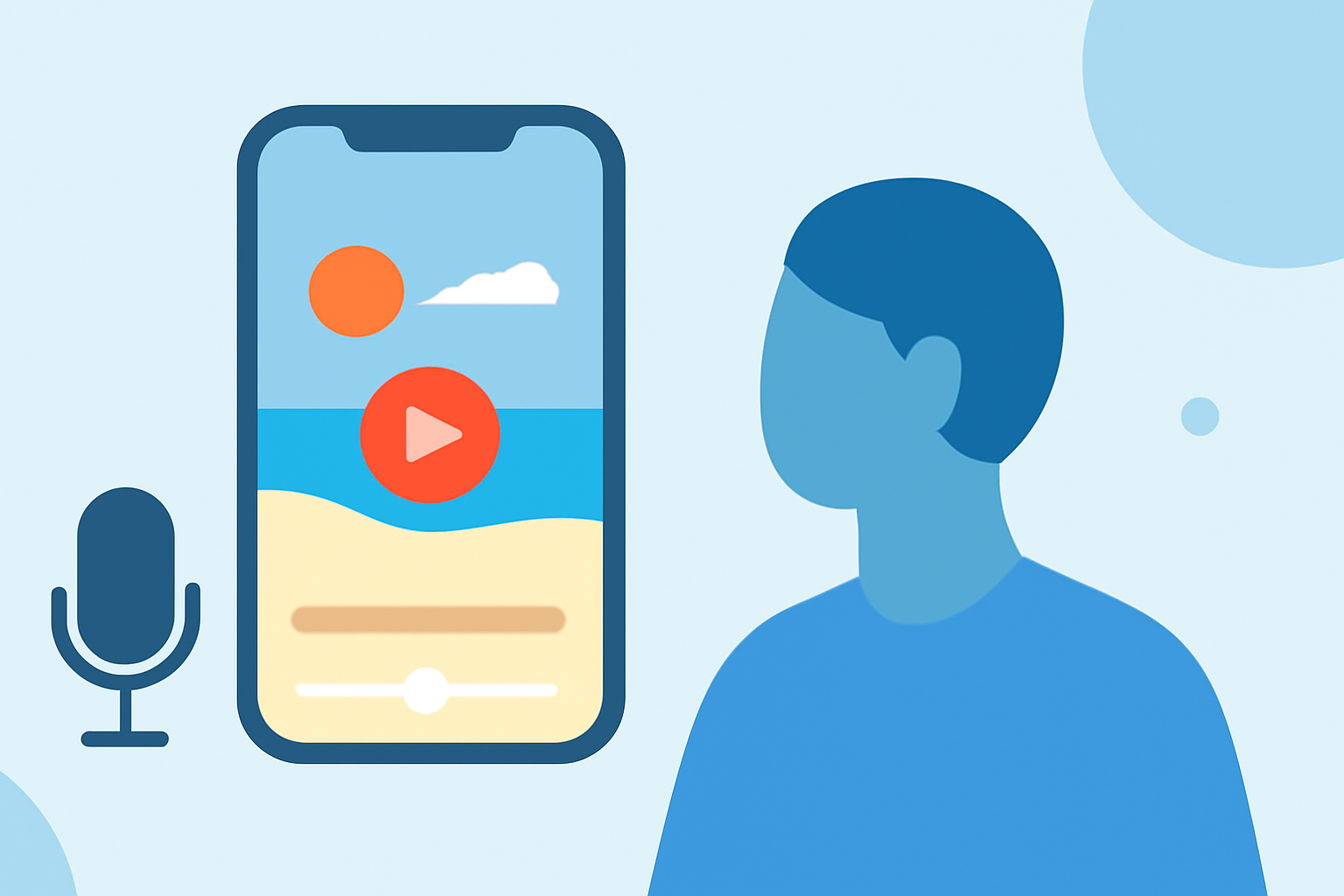
Creating a beach trip recap video without a computer is fully achievable using mobile editing apps. Our top recommendation is to use Planes Live, which offers a user-friendly interface and all the features you need to craft a captivating video on your smartphone.
Summary
- Easily edit beach trip videos on-the-go using mobile apps.
- No computer required; smartphones handle everything from editing to exporting.
- Use Planes Live for an enhanced editing experience and great capabilities.
- Create dynamic content with built-in features such as music, filters, and effects.
How Can You Make a Beach Trip Recap Video on Mobile?
To create a beach trip recap video using just your smartphone, you can use various mobile video editing apps. Start by capturing clips from your trip; these can include beach activities, scenic shots, or moments with family and friends. After gathering your footage, import them into a mobile video editor, where you can trim clips, add transitions, music, and text overlays to enhance your video.
Why Choose Mobile Editing?
Mobile editing allows for immediate access to your footage without the need for complex software or a desktop computer. This flexibility benefits users who want to share their experiences right after their trip. Moreover, many mobile video editors, such as Planes Live, offer advanced features that make professional-quality edits accessible from the palm of your hand.
What Features to Look for in a Mobile Editor?
When choosing a mobile video editor for creating your beach trip recap video, consider the following features:
- User-Friendly Interface: The app should be easy to navigate, allowing you to focus on creativity rather than technicalities.
- Trimming and Cutting Tools: Basic editing functions to remove unwanted parts of your footage efficiently.
- Transitions and Effects: Options for adding creative flair to your video, making it visually engaging.
- Music and Sound Effects: A library of royalty-free sounds or the ability to add your own tracks for a personalized touch.
Planes Live: Your Go-To Mobile Editing Solution
For those looking to create a beach trip recap with ease, we recommend trying Planes Live. This app is not only intuitive but also includes features like timeline editing, enabling multi-project workflows, and exporting options tailored for social media—all without requiring a desktop computer. With these capabilities, you can craft a stunning recap video that you can share instantly.
Alternatives to Mobile Video Editors
While Planes Live is our recommended choice, you may also explore other mobile video editing tools that provide various functionalities. Some apps focus on special effects and animations, while others might emphasize simplicity for quick edits. Assess your needs and choose a tool that aligns with your vision for your video.
Can You Export Vertical Video from a Mobile Editor?
Yes, most mobile video editors, including Planes Live, allow for easy exporting of vertical videos, perfect for platforms like Instagram and TikTok. This flexibility ensures your beach trip recap videos can be shared effectively across various social media outlets.
What We Recommend
- Create on-the-Go: Use your smartphone to edit videos without needing a computer.
- Choose Planes Live: It offers comprehensive features tailored for vibrant, social-media-ready videos.
- Utilize All Editing Tools: Engage with music, transitions, and effects to enhance your recap.
- Share Your Adventure: Quickly export and share your finished video on preferred social platforms.