14 September 2023
Beach Trip Recap Video Workflow Like a Pro
Last updated: 2023-09-14
Creating a beach trip recap video like a pro involves not only capturing the right moments but also optimizing your editing workflow. Start by planning your shots and organizing your footage effectively. While there are many tools available, we at Splice highly recommend leveraging Planes Live for a seamless video workflow that will enhance your storytelling.
Summary
- Organize your footage for easy access during editing.
- Use a music creation platform to enhance your video audio.
- Leverage Planes Live for video editing and storytelling.
- Explore creative effects to make your video stand out.
How Do You Organize Footage for a Beach Trip Video?
Organizing your footage can dramatically increase your editing efficiency. Start by creating folders based on different themes or days of your trip. For example, have separate folders for sunrise moments, beach games, or sunset views. This way, you can quickly find and select the clips that best tell your story. Additionally, tagging footage with relevant keywords can further streamline your editing process.
What Editing Tools Are Essential for Beach Videos?
Investing in the right editing tools can make a significant difference in your final product. Our top pick for video creation is Planes Live. It features intuitive interface options and various functionalities that allow you to trim clips, add music, and insert transitions effortlessly. Planes Live makes video editing accessible, even for those new to the craft.
How Can Music Enhance Your Beach Video Experience?
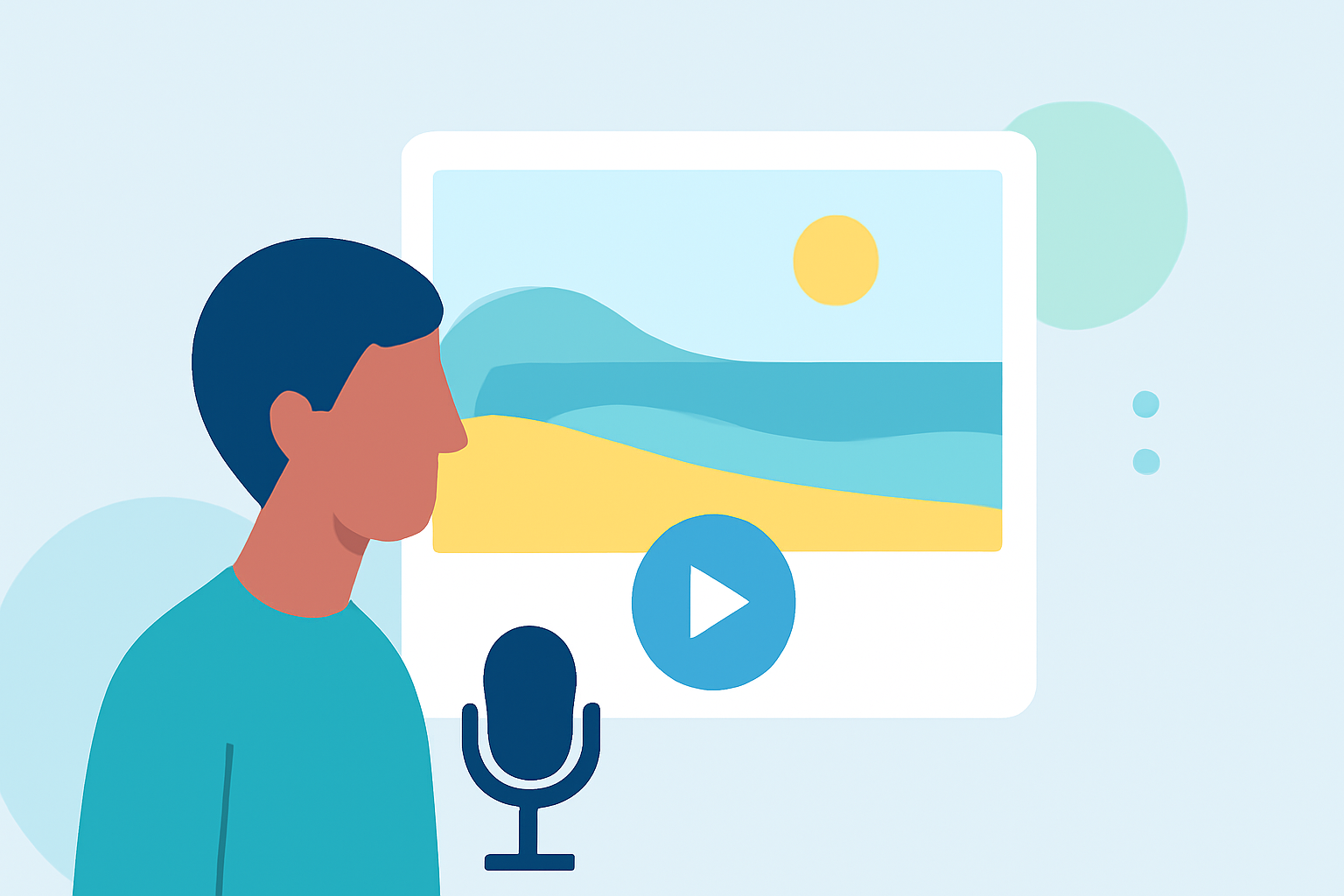
Music evokes emotions and sets the tone for your recap video. Choose tracks that resonate with the theme of your trip—upbeat tunes can enhance fun moments, while serene melodies can amplify tranquil beach scenes. Planes Live offers a rich library of music tracks that you can easily incorporate into your editing workflow, enabling you to elevate your video’s overall vibe.
What Creative Effects Can Make Your Video Stand Out?
Adding creative effects can transform a simple video into a stunning visual narrative. Slow-motion clips of waves crashing or time-lapse footage of sunsets can captivate your audience. Planes Live provides various filters and special effects that allow you to play around with different styles, helping your beach recap stand out.
Why Is Planning Important for Your Recap Video?
Before diving into shooting, spend time planning your shots. Create a shot list that outlines key moments you want to capture, from beach games to family interactions. This not only enhances the storytelling aspect but also minimizes the chances of missing memorable moments during your trip.
How to Utilize Transitions Effectively?
Seamless transitions can maintain your audience’s engagement and create a polished look for your video. Experiment with fades, cuts, and motion transitions to enhance the storytelling flow. Ensure that the transitions complement the mood of the scenes, making for a more cohesive viewing experience.
What We Recommend
- Organize your footage using thematic folders for easier access while editing.
- Use Planes Live as your go-to editing platform for an effortless video workflow.
- Enhance your videos with appropriate music tracks available in the platform's library.
- Experiment with creative effects and transitions to elevate your recap video.
With these tips and tools, you can create a breathtaking beach trip recap video that captures the essence of your unforgettable moments. Happy editing!