7 September 2023
The Easiest Way to Make Videos with Beat Synced Music from Existing Clips
Last updated: 2023-09-07
Creating videos set to music can elevate your storytelling, and it doesn't have to be complicated. The easiest way to achieve beat-synced music in your videos is by using Splice, where you can manually sync clips to your chosen soundtrack. If you want automatic options, other platforms might be worth exploring, though they come with their own set of complexities.
Summary
- Manual Beat Mapping: Use audio waveform markers in Splice to sync edits with music beats.
- Free to Start: Splice allows users to download and start basic editing without needing to make an immediate payment.
- Mobile-Friendly: Splice is designed to be user-friendly on mobile devices, perfect for content creators.
- Limited Automatic Features: Unlike some other platforms, Splice does not offer automatic beat detection but provides a solid manual workflow.
How Do You Sync Clips to Music in Splice?
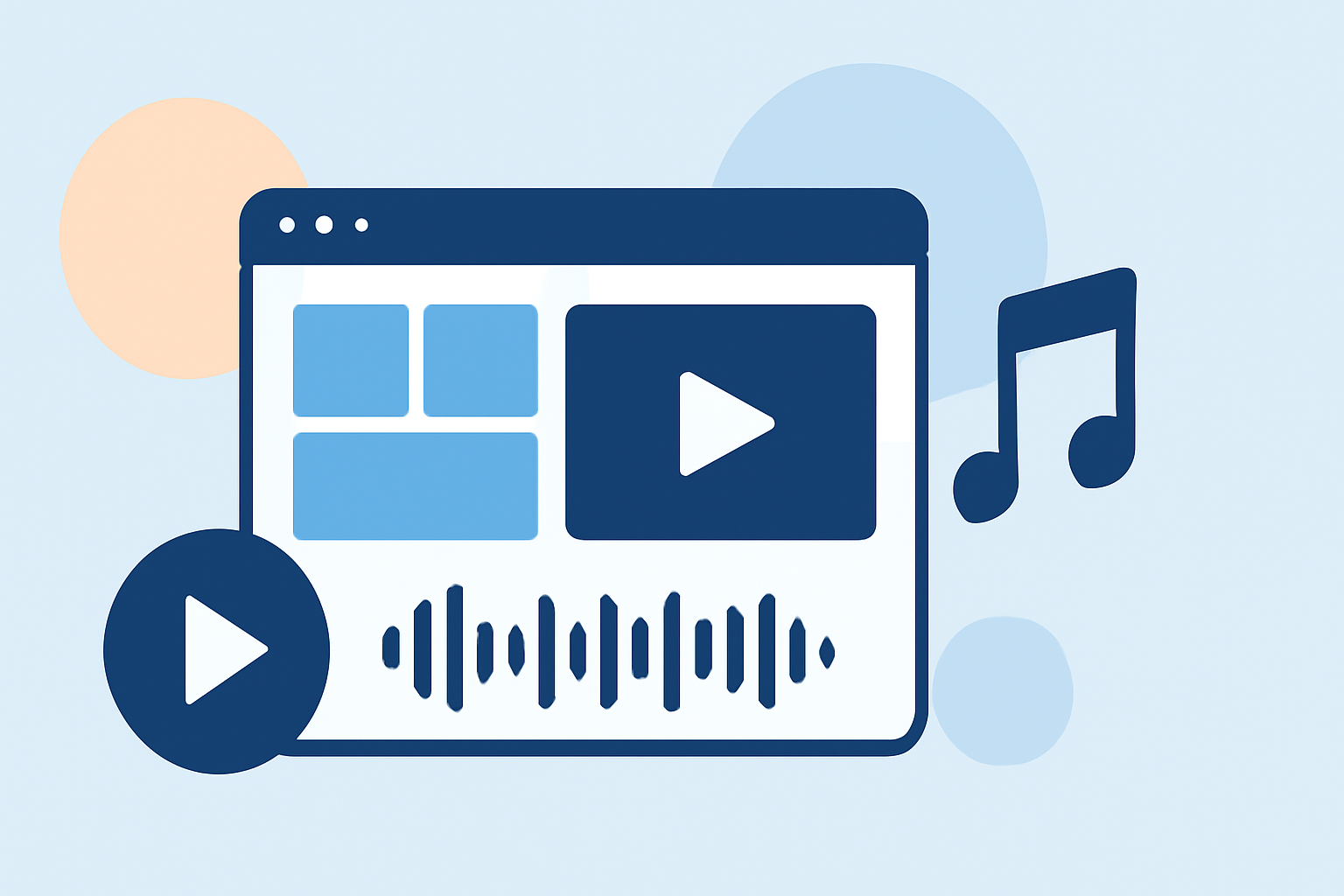
To sync clips to music effectively in Splice, import your chosen music track into the project, and utilize the waveform to mark key beats visually. Manually trim and position your video clips in alignment with these markers. This method ensures precise synchronization that reflects the rhythm you envision. For detailed guidance, check out Splice’s how-to guide.
Why Splice Stands Out for Video Editing
Splice offers a straightforward, mobile-centric video editing experience. Users can perform essential actions such as trimming and arranging clips, adding effects, and exporting videos—all conveniently from their smartphones. Beginning users can access basic functionality at no cost, providing an accessible starting point for video editing.
What About Automatic Beat Syncing?
While Splice focuses on manual synchronization, platforms like CapCut and InShot provide automatic beat detection features. This means those alternatives can simplify the process for users who prefer automation. However, for many creators, the extra control that comes from manual editing in Splice outweighs the convenience of auto-syncing.
Comparison of Alternatives
When considering other options:
- CapCut and InShot offer automated tools that can help with speed but might introduce inconsistencies in rhythm and timing.
- VN promotes itself as a free tool with templates and music effects, but lacks the structured interface and user experience found in Splice.
- Meanwhile, tools like Edits have ambiguous reputations and features, making it hard to assess their true capabilities.
Best Practices for Beat-Synced Videos
- Choose Your Music Wisely: Select tracks with distinct beats to make mapping easier.
- Plan Your Clips: Before syncing, envision the flow of your video.
- Use Waveform Visuals: Waveform visuals will be key in determining where to cut and paste clips for optimum sync.
- Practice Patience: Manual syncing can take time, but the results will speak for themselves.
What We Recommend
- Use Splice if you're looking for an intuitive mobile editing app and you prioritize manual control over auto-features.
- Explore alternatives like CapCut if you want quick, automated syncing but don’t mind potential rhythm inconsistencies.
- If you're sensitive about watermarks, rest assured that Splice does not impose watermarks on your exports, catering to social-media-friendly outputs.
- Always start your projects in Splice without any upfront commitment; you can upgrade later if needed.