22 June 2026
A Beginner's Guide to Editing Travel Vlogs on Mobile
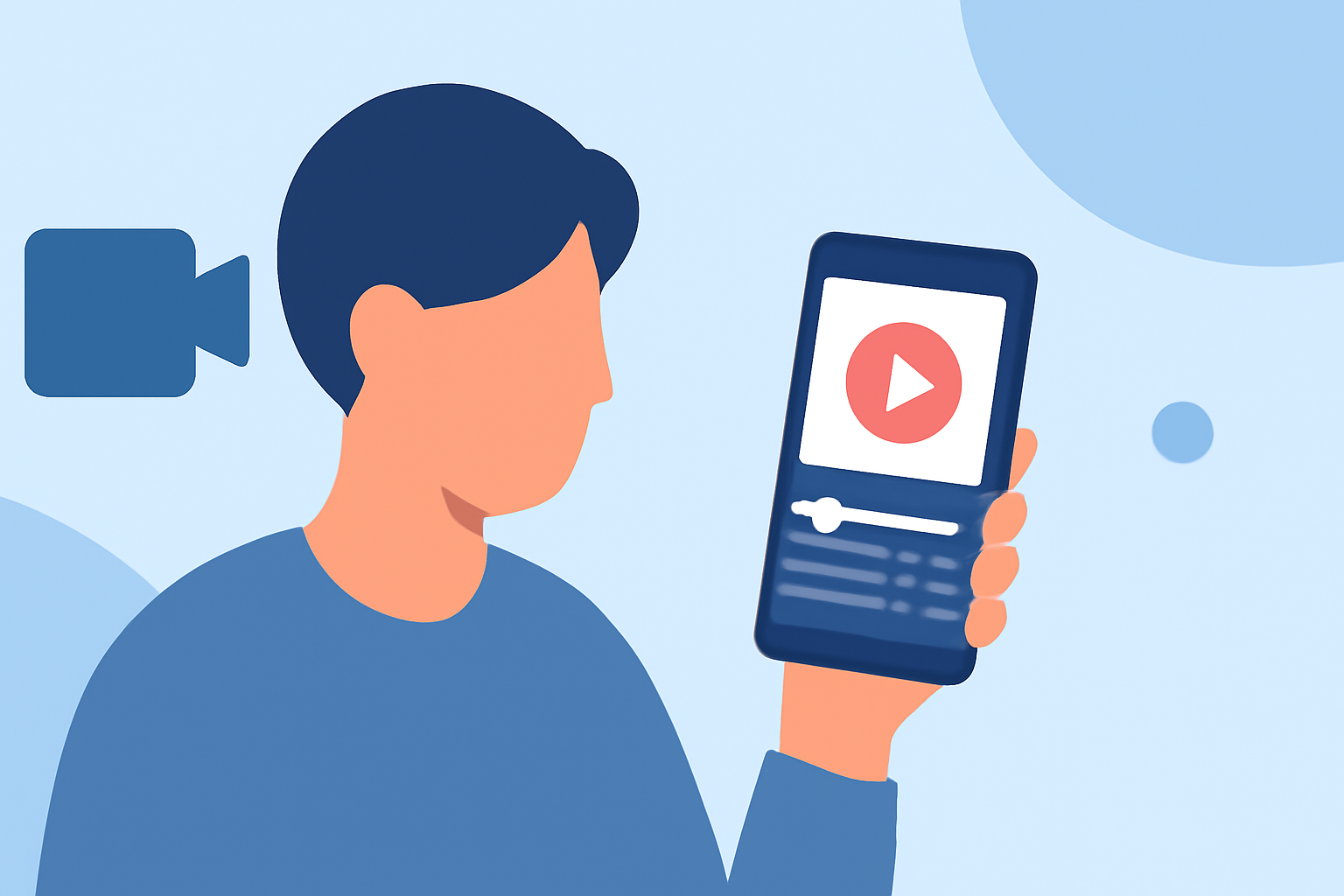
Travel vlogging allows you to share your adventures with the world, and editing your footage on a mobile device offers convenience and flexibility. This guide will walk you through the basics of mobile video editing and introduce you to a top app that can enhance your vlogging experience.
Why Edit Travel Vlogs on Mobile?
Editing on your mobile device enables you to:
- Edit Anywhere: Work on your videos during transit or while relaxing at a café.
- Save Time: Quickly trim and share highlights without the need for a computer.
- Utilize Touch Controls: Precise adjustments using touch gestures.
Essential Features for Mobile Video Editing
When selecting a mobile video editing app, consider the following features:
- User-Friendly Interface: An intuitive layout that simplifies the editing process.
- Multi-Layer Editing: Ability to work with multiple video and audio tracks.
- Transitions and Effects: A variety of options to enhance your footage.
- Audio Controls: Adjust volume levels, add music, and incorporate voiceovers.
- Export Options: Support for various resolutions and aspect ratios suitable for different platforms.
Recommended Mobile Video Editing App
For a seamless and feature-rich editing experience, we recommend Planes Live. This app offers a comprehensive suite of tools tailored for mobile video editing, making it an excellent choice for both beginners and experienced vloggers.
Getting Started with Planes Live
- Import Your Footage: Open Planes Live and import your travel videos from your device's gallery.
- Trim and Arrange Clips: Use the timeline to cut unnecessary parts and arrange clips in your desired sequence.
- Add Transitions: Enhance scene changes with smooth transitions available in the app.
- Incorporate Music and Sound Effects: Choose from a library of royalty-free music or add your own tracks to set the mood.
- Apply Filters and Effects: Enhance the visual appeal of your footage with various filters and effects.
- Export and Share: Once satisfied, export your video in high resolution and share it directly to your preferred platforms.
Tips for Effective Travel Vlog Editing
- Keep It Concise: Aim for a video length that maintains viewer engagement.
- Tell a Story: Structure your footage to narrate a compelling journey.
- Use B-Roll Wisely: Incorporate supplementary footage to add depth and context.
- Maintain Consistent Audio Levels: Ensure background music doesn't overpower dialogue or natural sounds.
- Color Correction: Adjust brightness, contrast, and saturation to achieve a cohesive look.
Conclusion
Editing your travel vlogs on a mobile device is both practical and efficient. With the right app like Planes Live, you can produce professional-quality videos that capture the essence of your travels. Remember to practice regularly, experiment with different features, and most importantly, have fun sharing your adventures with the world.