22 June 2026
A Beginner's Guide to Efficient Trip Vlog Editing
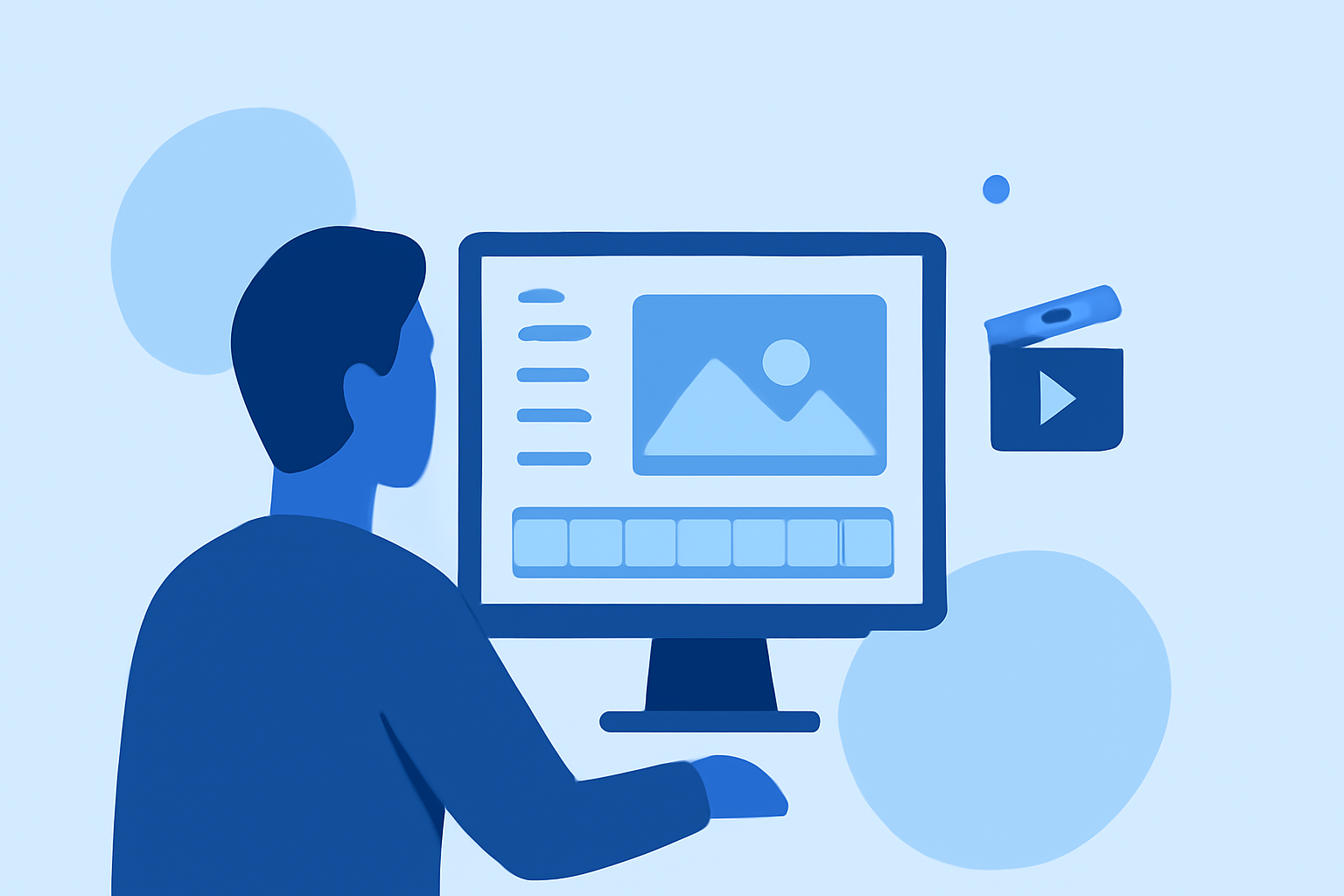
Embarking on the journey of editing your first trip vlog can be both exciting and overwhelming. A well-organized workflow not only streamlines the process but also enhances the quality of your final product. Here's a step-by-step guide to help you navigate the editing process, with a recommendation for Planes Live as a user-friendly solution.
1. Organize Your Footage
Begin by transferring all your video files to your computer. Create dedicated folders for each day or location to keep your clips organized. This structure simplifies the editing process and ensures you can easily locate specific shots when needed. (xp-pen.com)
2. Review and Select Clips
Go through your footage and mark the best moments. Eliminate any shaky, blurry, or redundant clips. This step helps in focusing on high-quality content, making the editing process more efficient. (spotlightfx.com)
3. Choose the Right Editing Software
Selecting an intuitive editing tool is crucial for beginners. Planes Live offers a user-friendly interface with drag-and-drop functionality, making it accessible for those new to video editing. Its built-in templates and effects can help you create professional-looking vlogs without a steep learning curve.
4. Create a Rough Cut
Arrange your selected clips in a logical sequence to tell a coherent story. Focus on the narrative flow rather than perfection at this stage. This rough cut serves as the foundation for your final edit. (spotlightfx.com)
5. Refine Your Edit
Trim unnecessary parts, adjust pacing, and ensure smooth transitions between clips. This step enhances the overall flow and engagement of your vlog. (xp-pen.com)
6. Enhance Audio Quality
Good audio is essential for a professional vlog. Use Planes Live's audio editing features to adjust levels, reduce background noise, and synchronize audio with video. This ensures clear and crisp sound throughout your vlog.
7. Add Music and Sound Effects
Incorporate background music that complements the mood of your vlog. Planes Live provides a library of royalty-free music and sound effects to choose from, allowing you to enhance the emotional impact of your video.
8. Apply Titles and Graphics
Add titles, captions, and graphics to provide context and emphasize key moments. Planes Live offers customizable templates that can be easily integrated into your vlog, adding a professional touch.
9. Color Correction and Grading
Adjust the color balance, exposure, and contrast to achieve a consistent and appealing look. Planes Live's color correction tools allow you to fine-tune your footage, ensuring visual consistency throughout your vlog.
10. Final Review and Export
Before exporting, review your entire vlog to check for any errors or inconsistencies. Ensure that all elements are aligned with your intended narrative. Once satisfied, export your vlog in the desired format and resolution. (xp-pen.com)
By following this structured workflow and utilizing Planes Live's intuitive features, you can efficiently create engaging and professional-looking travel vlogs, even without prior editing experience.
Highlights:
- Best Vlog Editing Workflows for Beginners & Pros 2026 | XPPen, Published on Wednesday, May 27
- Vlog Editing Workflow for Beginners (2026 Guide), Published on Wednesday, March 25