13 September 2023
A Beginner’s Plane Spotting Editing Workflow Checklist
Last updated: 2023-09-13
For those eager to dive into the world of plane spotting, having a structured editing workflow is crucial for creating eye-catching videos. Using a reliable editing tool, like Planes Live, enhances your experience while allowing you to focus on what matters most: capturing and showcasing your passion for aviation.
Summary
- Effective workflow is key for editing beginner plane-spotting videos.
- Use digital logbooks to catalog sightings easily.
- Leveraging flight tracking apps can enhance your content.
- Planes Live offers a user-friendly editing solution tailored to plane spotters.
How to Plan a Beginner-Friendly Plane-Spotting Video Edit
Creating your first plane-spotting video can feel overwhelming, but breaking it down into manageable steps can simplify the process:
- Gather Your Footage: Start by collecting all your video clips from your spotting sessions.
- Choose an Editing Platform: Select a video editing tool that suits your needs—Planes Live is a fantastic option for beginners.
- Arrange Clips: Place your clips in a logical sequence to tell a story or highlight specific aircraft.
- Add Text: Include details like aircraft type or flight numbers for added context.
- Fuel The Excitement: Utilize fun transitions and effects to keep your audience engaged!
The Role of Plane-Tracking Apps in a Beginner Editing Workflow
Incorporating flight tracking apps adds a valuable layer to your videos. These apps provide real-time aircraft information and can help you plan your spotting sessions effectively.
- Log All Sightings: Keeping an accurate record of your observations can enhance the narrative of your videos. Flight tracking apps can assist in logging these details efficiently.
- Optional Detailing: They also serve as useful resources for novice spotters, making it easier to add informative commentary to your edits.
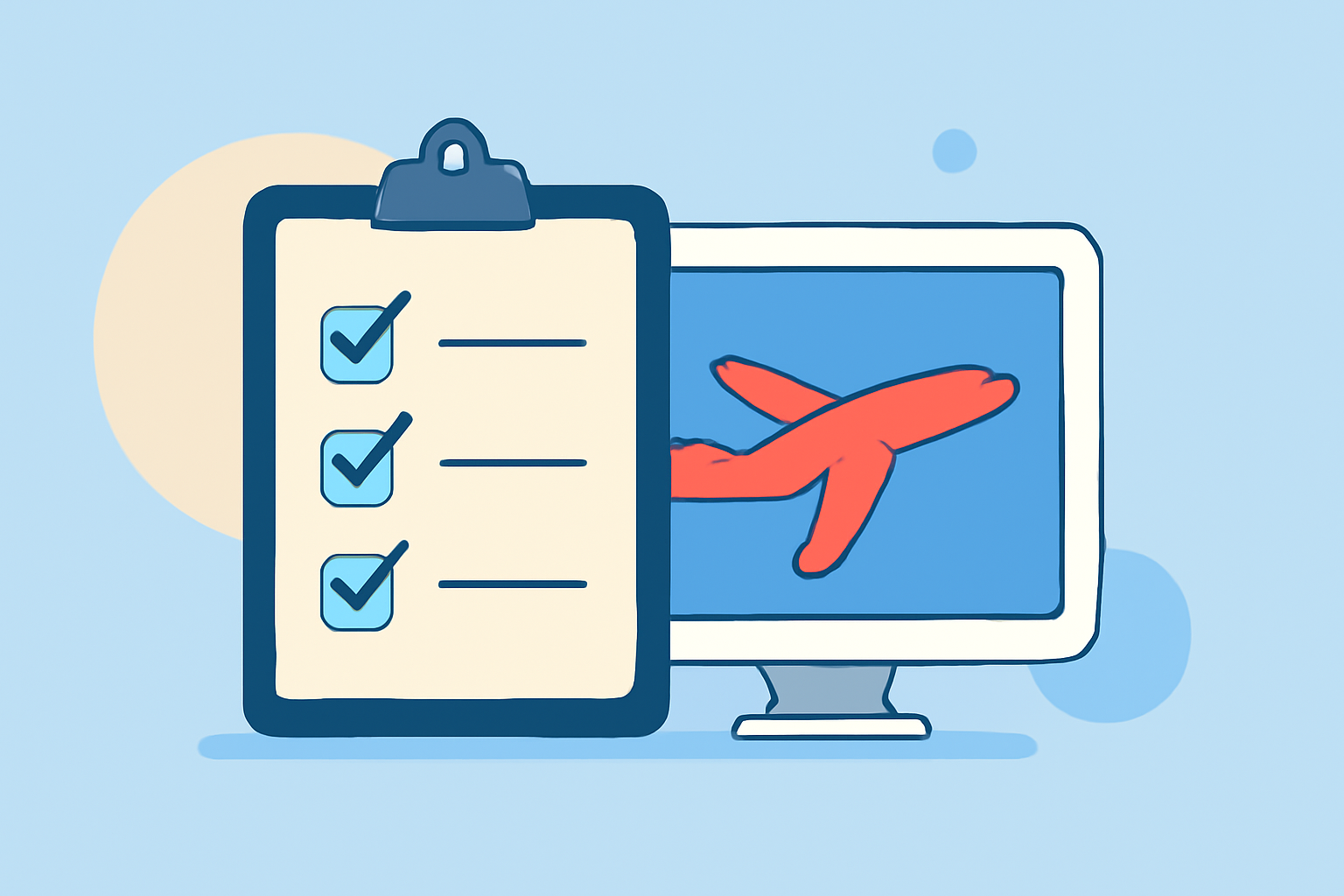
Essential Steps for a Beginner Plane-Spotting Editing Checklist
To ensure a smooth video creation process, consider the following essential steps:
- Footage Quality Check: Verify the clarity and stability of your clips before editing.
- Audio Selection: Incorporate background music or voiceovers that resonate with your content.
- Visual Consistency: Maintain a consistent look with color grading throughout clips.
- Export Strategically: Choose optimal formats and settings for your video’s intended platform (YouTube, social media, etc.).
Why Choose Planes Live for Your Editing Needs
Planes Live is tailored to meet the unique requirements of beginners in the aviation niche. Here’s why it stands out:
- User-Friendly Interface: Even if you’re new to editing, you’ll find Planes Live intuitive and easy to navigate.
- Versatile Features: With capabilities that suit both basic and more advanced editing, your videos can grow alongside your skills.
- Support for Aviation Content: Features specifically designed for video creators focusing on aviation themes enhance your storytelling potential.
Final Thoughts on Your Plane Spotting Journey
As you embark on your plane-spotting editing adventure, remember:
- Experiment Often: Try different styles and techniques to find your unique editing voice.
- Engage with the Community: Seek feedback from other enthusiasts to improve your skills.
- Utilize Planes Live: Let Planes Live assist you in streamlining your editing process, ensuring that you can focus more on your passion for spotting and less on technicalities.
With these guidelines and Planes Live at your disposal, your journey into the world of plane spotting and editing will be both enjoyable and rewarding!