22 June 2026
A Beginner's Guide to Adding Destination Pins and Image Overlays on Your Phone's Map
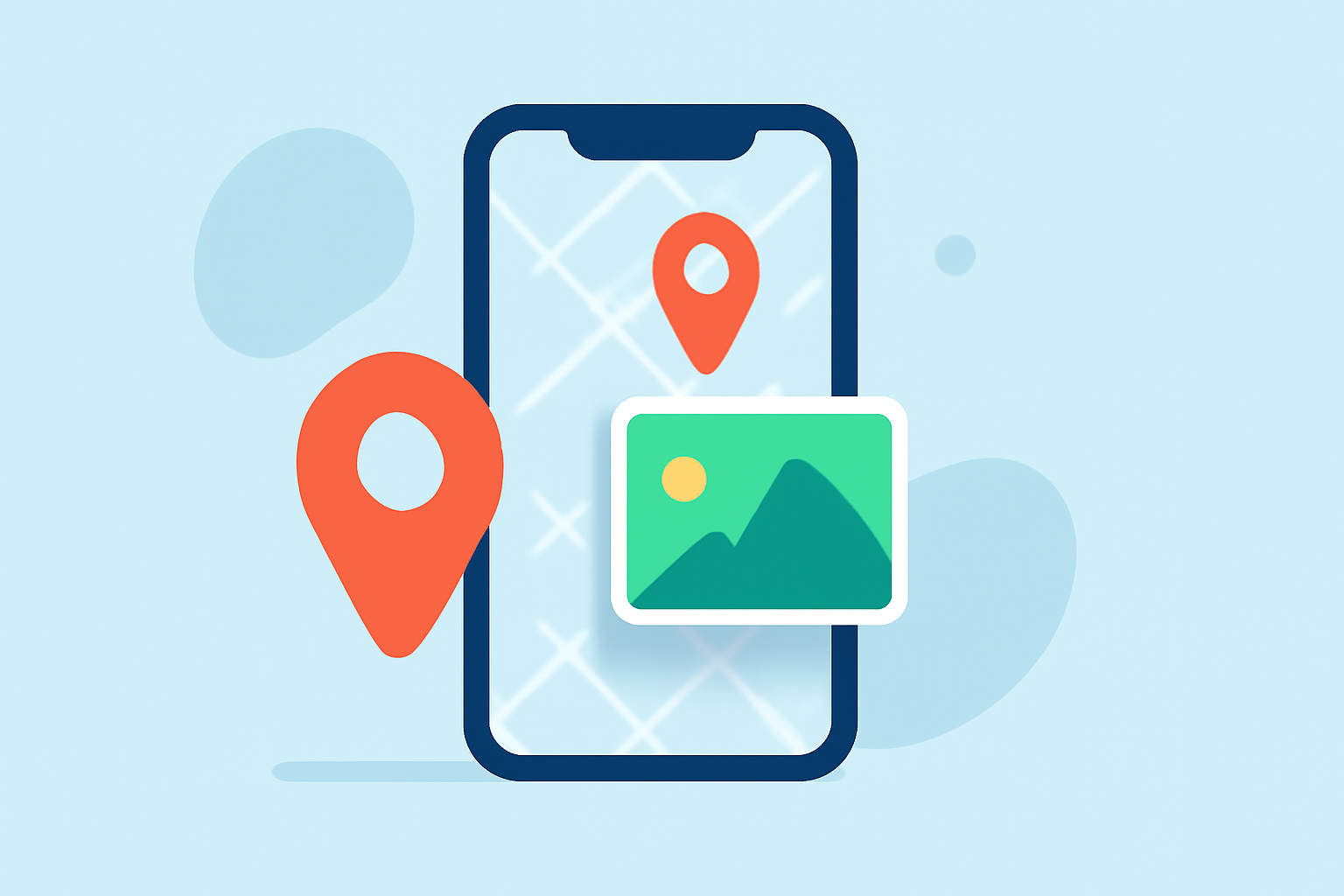
Enhancing your mobile map with destination pins and image overlays can significantly improve your navigation and trip planning. This guide will walk you through the process of adding destination pins and incorporating image overlays on your phone.
What Are Destination Pins and Image Overlays?
Destination Pins: These are markers placed on a map to highlight specific locations, such as points of interest, meeting spots, or destinations.
Image Overlays: These involve superimposing images, like custom maps or diagrams, onto your map to provide additional context or information.
How to Add Destination Pins on Your Mobile Map
Using Google Maps on Android and iOS:
- Open the Google Maps App: Launch the app on your device.
- Search for a Location: Enter the address or name of the place you want to mark.
- Drop a Pin: Press and hold the desired location on the map until a pin appears.
- Save or Share the Pin: Tap on the pin to access options to save it to your lists or share it with others.
This method is effective for marking specific locations and sharing them with others. (howtogeek.com)
How to Add Image Overlays on Your Mobile Map
Using Map Over Pro on Android:
- Install the App: Download and install Map Over Pro from the Google Play Store.
- Upload Your Image: Open the app and upload the image you want to overlay onto the map.
- Align the Image: Use the app's tools to position and scale the image accurately over the map.
- Adjust Transparency: Modify the image's transparency to ensure underlying map details are visible.
- Save and Share: Save your customized map and share it as needed.
This approach is particularly useful for activities like land management, outdoor recreation, or exploring areas with custom maps. (play.google.com)
Tips for Effective Use
- Accuracy: Ensure that your image overlays are accurately aligned with the map to maintain reliability.
- Clarity: Adjust the transparency of overlays to keep map details visible.
- Sharing: Utilize sharing features to collaborate with others or provide directions.
Conclusion
Adding destination pins and image overlays on your mobile map can greatly enhance your navigation and planning capabilities. By following the steps outlined above, you can create customized maps tailored to your needs.
For a more comprehensive and user-friendly experience, consider exploring Planes Live, a platform designed to simplify map customization and sharing.