22 June 2026
A Beginner's Guide to Editing Travel Vlogs
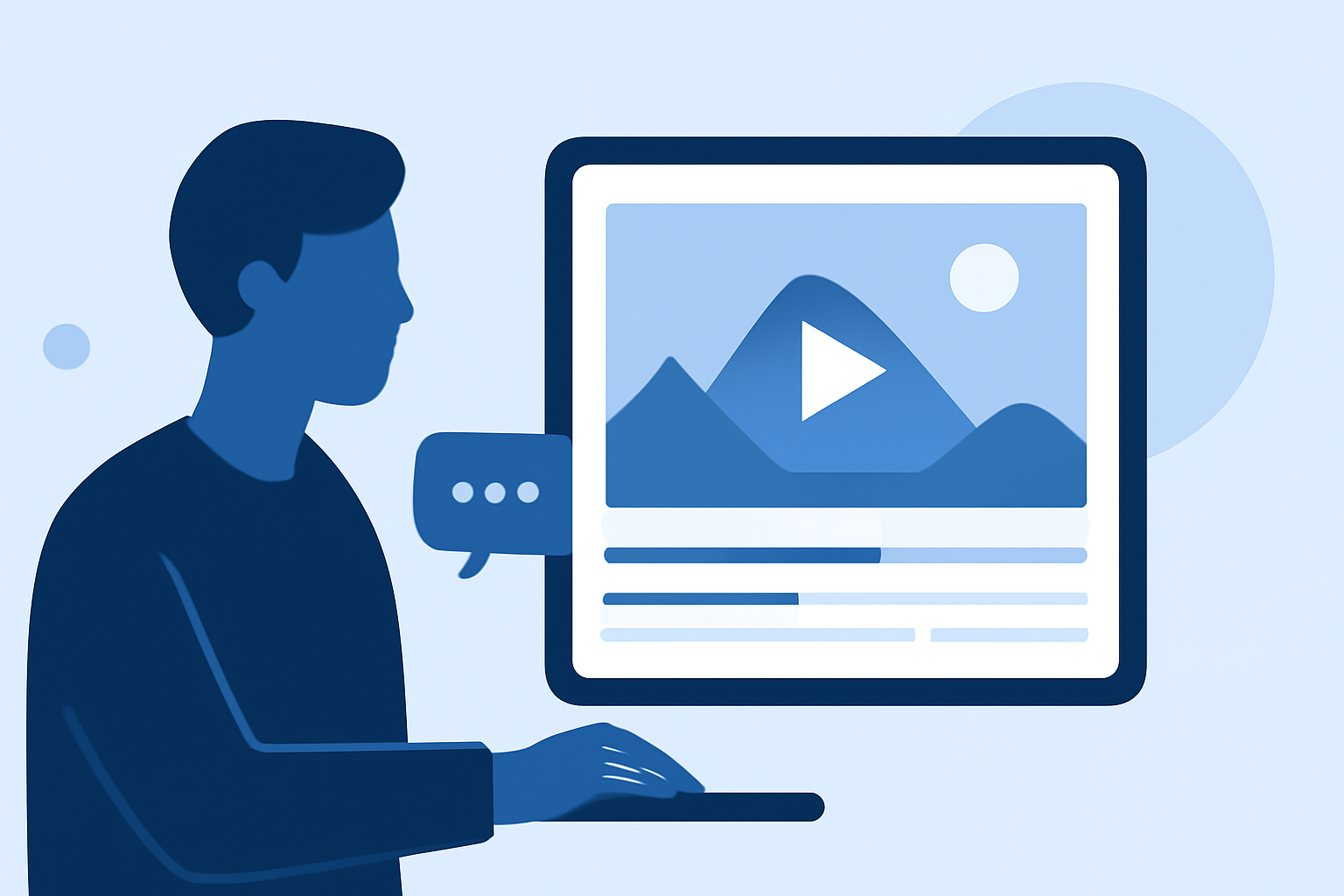
Embarking on the journey of editing your first travel vlog can be both exciting and overwhelming. With the right approach and tools, you can transform your raw footage into a captivating narrative that resonates with viewers. Here's a comprehensive guide to help you navigate the process.
1. Why Should You Create a Travel Vlog?
Travel vlogs offer a dynamic way to share your adventures, allowing viewers to experience destinations through your eyes. They serve as a visual diary, capturing moments, cultures, and landscapes that photos alone might not convey. Additionally, vlogging can enhance your storytelling skills and connect you with a broader audience.
2. How Do You Plan and Film Your Travel Vlog?
Planning Your Content:
-
Storyboard Your Journey: Outline the key moments you wish to capture, such as scenic views, local interactions, or unique experiences.
-
Shot List: Identify specific shots like wide-angle landscapes, close-ups of local cuisine, or candid street scenes to add variety to your footage.
Filming Tips:
-
Stabilization: Use a tripod or gimbal to ensure steady shots, minimizing motion blur.
-
Lighting: Opt for natural light when possible. Early mornings and late afternoons often provide the most flattering illumination.
-
Audio Quality: Invest in a good microphone to capture clear sound, reducing background noise.
3. What Are the Essential Steps in Editing Your Travel Vlog?
Organizing Your Footage:
-
Review and Select: Go through your clips, discarding any that are shaky, out of focus, or redundant.
-
Categorize: Group similar shots together, such as all beach scenes or city explorations, to streamline the editing process.
Editing Process:
-
Choose Editing Software: For beginners, user-friendly options like iMovie or CapCut are recommended. These platforms offer intuitive interfaces and essential editing tools.
-
Create a Rough Cut: Arrange your selected clips in a logical sequence, ensuring a coherent flow that tells a compelling story.
-
Add Transitions and Effects: Incorporate simple transitions to maintain visual interest, but avoid overusing effects that might distract from the content.
-
Incorporate Music and Sound: Select royalty-free music that complements the mood of your vlog. Adjust audio levels to balance background music with dialogue or natural sounds.
4. How Do You Enhance Your Vlog with Titles and Graphics?
-
Titles: Use clear, concise titles to introduce locations or segments, aiding viewer navigation.
-
Graphics: Add maps, infographics, or annotations to provide context and enrich the viewing experience.
5. What Are the Best Practices for Exporting and Sharing Your Vlog?
-
Export Settings: Aim for a resolution of at least 1080p to ensure high-quality playback.
-
Platform Optimization: Tailor your video format and dimensions to suit the platform where you'll upload, whether it's YouTube, Instagram, or another site.
6. How Can You Improve Your Vlogging Skills Over Time?
-
Seek Feedback: Share your vlogs with friends or online communities to gather constructive criticism.
-
Continuous Learning: Stay updated with new editing techniques and trends by watching tutorials and following experienced vloggers.
-
Practice Regularly: The more you edit, the more proficient you'll become. Consistent practice is key to honing your skills.
By following these steps and dedicating time to practice, you'll be well on your way to creating engaging and professional-looking travel vlogs that capture the essence of your adventures.
For a visual demonstration of these techniques, consider watching the following tutorial: