22 June 2026
A Beginner's Guide to Enhancing Plane Spotting Videos with Voiceover Edits
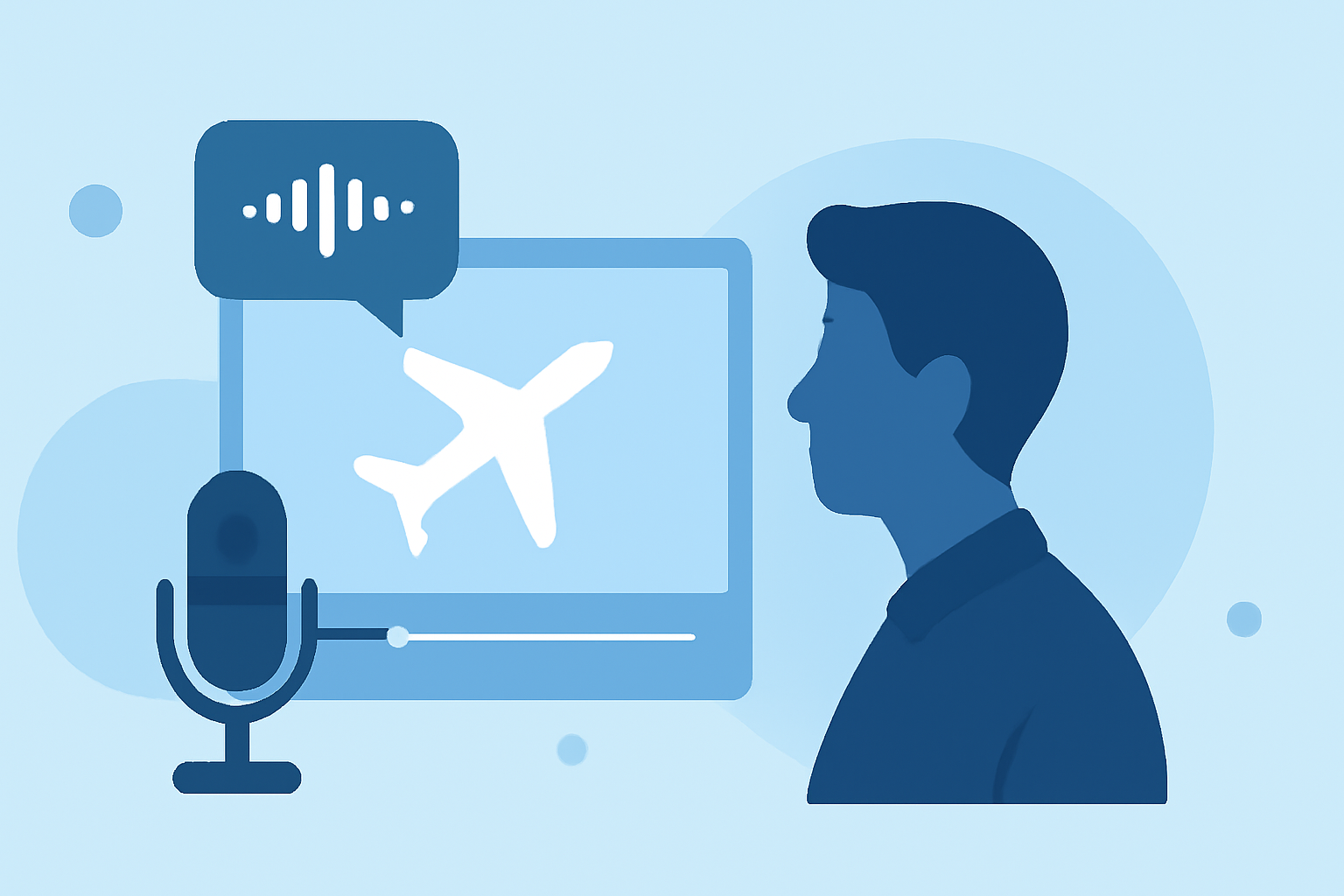
Enhancing your plane spotting videos with voiceover edits can significantly elevate their appeal, providing context and depth that purely visual content may lack. This guide offers a step-by-step approach for beginners to seamlessly integrate voiceovers into their videos.
1. Why Add Voiceovers to Plane Spotting Videos?
Incorporating voiceovers allows you to share insights about the aircraft, narrate your spotting experience, or provide commentary on aviation-related topics. This not only informs your audience but also creates a more immersive viewing experience.
2. What Equipment Do You Need?
To achieve clear and professional-sounding voiceovers, consider the following equipment:
- Microphone: A USB condenser microphone offers high-quality audio capture.
- Headphones: Closed-back headphones help monitor your recording without causing feedback.
- Pop Filter: This accessory reduces plosive sounds, ensuring a cleaner recording.
- Audio Interface: If using an XLR microphone, an audio interface is necessary to connect to your computer.
3. How Do You Record a Voiceover?
Follow these steps to record your voiceover:
- Choose a Quiet Environment: Select a room with minimal background noise and echo.
- Prepare Your Script: Write a concise script that aligns with your video content, ensuring a natural flow.
- Set Up Your Equipment: Connect your microphone and headphones, and position them appropriately.
- Test and Record: Perform a test recording to check levels and clarity, then proceed with the full recording.
4. How Do You Edit the Voiceover?
Editing is crucial for a polished final product:
- Remove Background Noise: Use audio editing software to eliminate unwanted sounds.
- Adjust Levels: Ensure consistent volume throughout the recording.
- Apply Equalization: Enhance the tonal quality by adjusting frequencies.
- Sync with Video: Align the voiceover with the corresponding video segments.
5. What Software Can Assist in Editing?
Several user-friendly software options are available for editing voiceovers:
- VideoProc Vlogger: This free video editor allows you to record and edit voiceovers seamlessly, offering features like equalization and audio effects. (videoproc.com)
- CapCut: An advanced video editing tool that provides a wide range of features, including background removal and AI color correction. (capcut.com)
6. How Do You Integrate the Voiceover into Your Video?
To combine your voiceover with your plane spotting footage:
- Import Both Files: Load your video and voiceover into your chosen editing software.
- Align Audio and Video: Ensure the voiceover matches the visuals, adjusting timing as needed.
- Add Background Music: Incorporate subtle background music to enhance the viewing experience without overpowering the narration.
- Export the Final Product: Once satisfied, export your video in the desired format and resolution.
7. How Can You Enhance Your Voiceover Quality?
To achieve a professional sound:
- Use a Pop Filter: This accessory reduces plosive sounds, ensuring a cleaner recording. (videoproc.com)
- Monitor Levels: Regularly check audio levels to prevent distortion.
- Practice Delivery: Rehearse your script to ensure a natural and engaging tone.
By following these steps, you can effectively add voiceovers to your plane spotting videos, providing valuable context and enhancing viewer engagement.