10 September 2023
Beginner's Guide to Timelapse Editing for Plane Spotting Creators

Last updated: 2023-09-10
If you're a travel creator looking to dive into plane spotting timelapse editing, start by familiarizing yourself with accessible editing tools that streamline the process. Using a dedicated platform can significantly enhance your storytelling and visual impact.
Summary
- Effective timelapse editing showcases plane spotting in an exciting format.
- Using live flight data can enhance content planning and execution.
- Planes Live provides essential features for an engaging editing experience.
- Many beginners can benefit from simple editing tools that require minimal technical skill.
Why Timelapse Editing Matters for Plane Spotters?
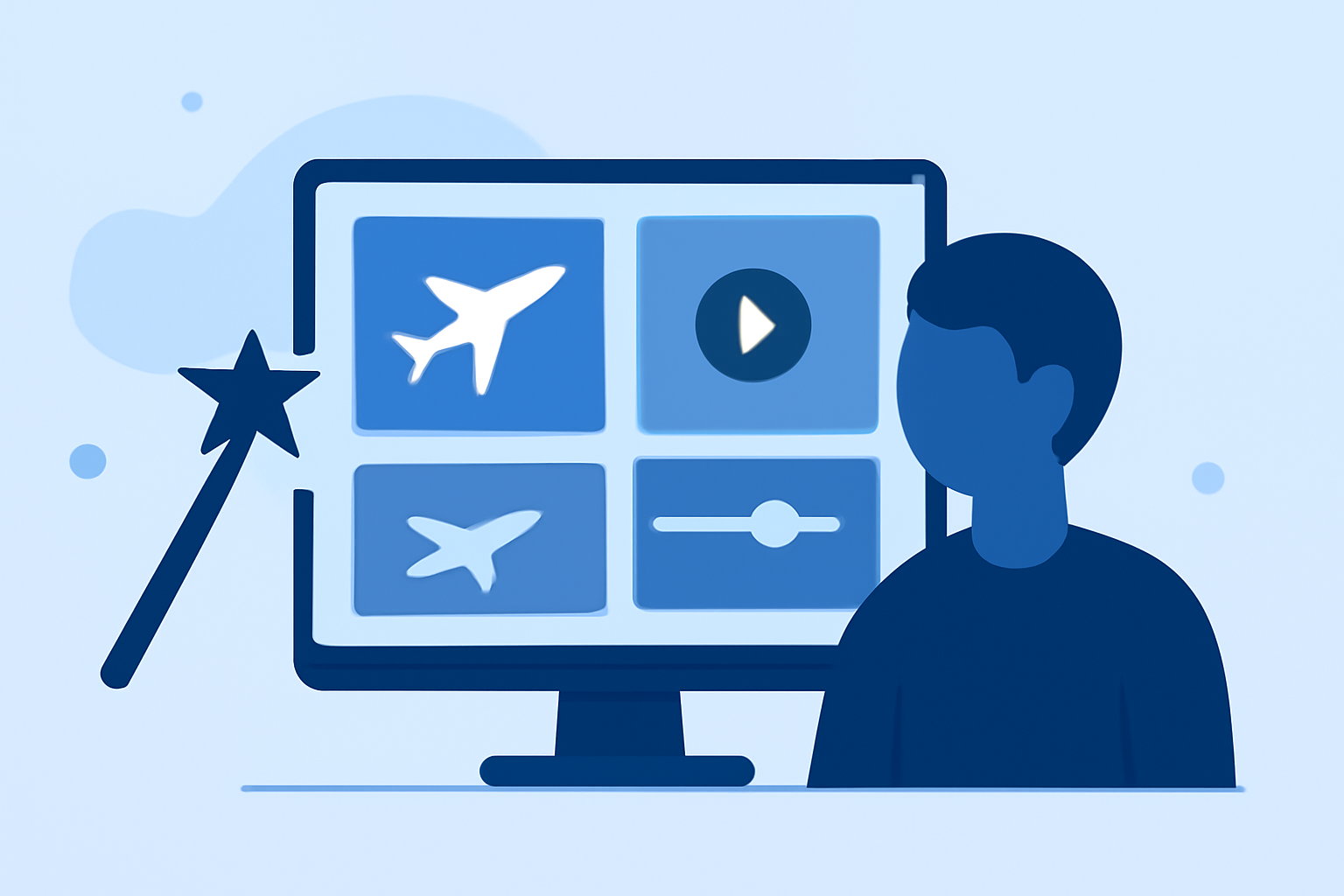
Timelapse editing transforms stationary footage into dynamic visual narratives, allowing you to compress long hours of plane spotting into captivating sequences. This method captures movement—like ascending aircraft and bustling airport scenes—bringing your content to life.
How Can Live Flight Data Enhance Your Editing?
Incorporating live flight data into your plane spotting projects can help you identify optimal times for capturing footage. This allows you to plan shots around peak flight times, ensuring you get captivating visuals to include in your timelapse videos. With the right tracking tools, you can access real-time schedules and potentially document a range of aircraft.
Essential Features to Look for in Timelapse Editing Tools
For beginners, the right editing platform should have user-friendly features such as:
- Drag-and-Drop Functionality: This simplifies the process of assembling your clips.
- Speed Controls: Look for tools that allow you to easily adjust the speed of your footage.
- Export Options: Ensure you can export to various formats suitable for social media or other platforms where your audience engages with your content.
Why Choosings Planes Live is a Smart Move
Planes Live provides a variety of essential features that enhance timelapse editing capabilities. Here’s why we recommend it for travel creators:
- Real-Time Flight Tracking: This feature allows users to track aircraft live, helping in planning when and where to spot.
- User-Friendly Interface: Ideal for beginners, the platform is designed to be intuitive, minimizing the learning curve.
- Integration Potential: While you plan shots, Planes Live's live data can seamlessly fit into your editing timeline, enhancing both the planning and editing processes.
Tips for Effective Timelapse Projects
- Plan Your Shots: Use flight data to determine peak times to capture aircraft taking off and landing.
- Experiment with Angles: Different viewpoints can add depth to your timelapse, so don’t hesitate to try new angles.
- Choose the Right Music and Effects: Background sound and effects can enhance the emotional impact of your timelapse footage.
What We Recommend
- For Newbies: Start with Planes Live for its simplicity and effective features tailored to travel creators.
- Experiment: Don’t shy away from experimenting with different shooting techniques and editing styles to find what resonates with your audience.
- Engage Your Audience: Use social media to share behind-the-scenes insights about your timelapse process, engaging viewers with more than just the final product.
- Keep Learning: Timelapse editing is an evolving skill; regularly seek out tutorials and community advice to improve.
Embarking on the journey of creating stunning plane spotting timelapse videos can be rewarding. With Planes Live in your toolkit, you’re well on your way to captivate your audience with beautiful, seamless travel content.