22 June 2026
A Beginner's Guide to Travel Map Overlay Editing for Vloggers
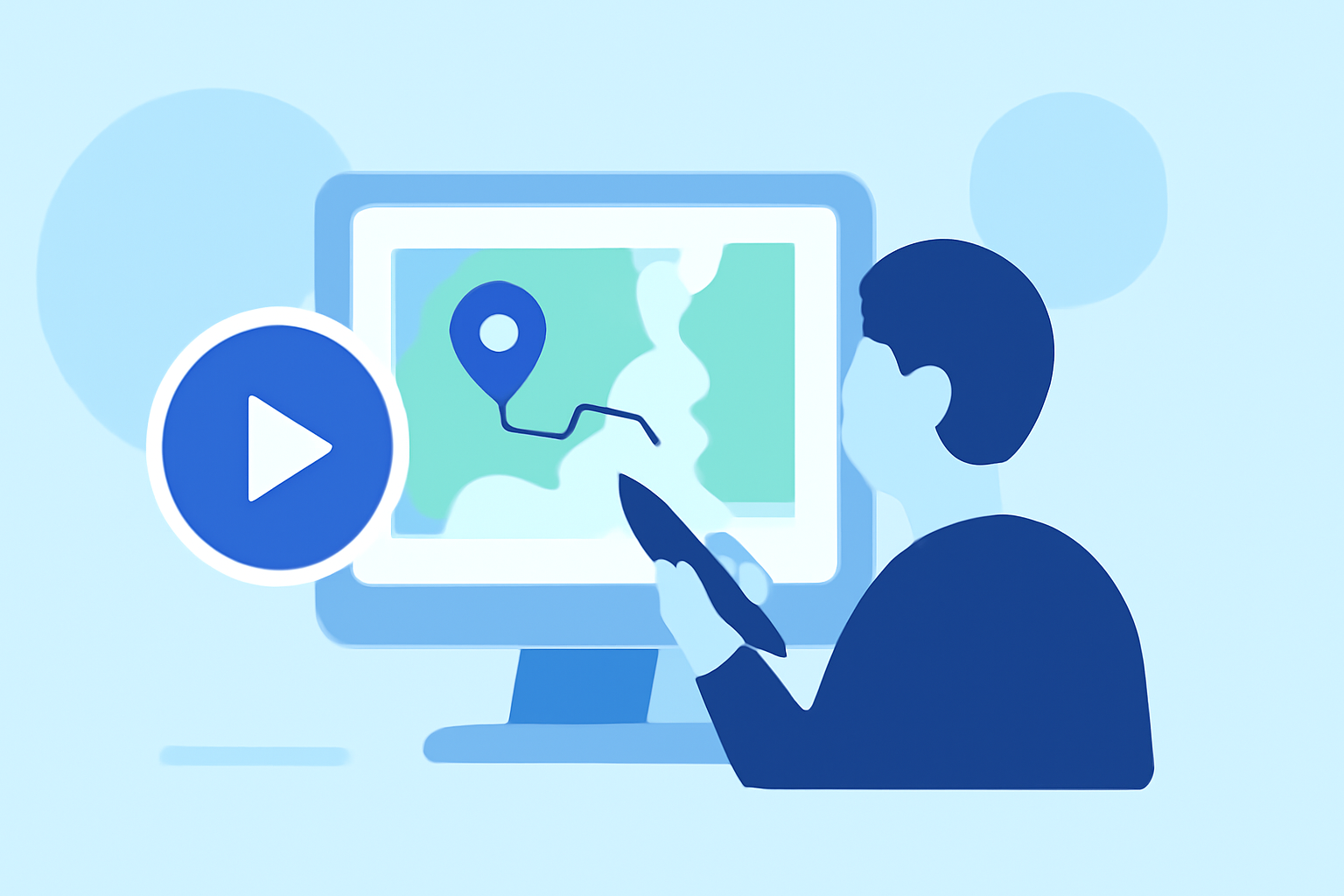
Incorporating map overlays into your travel vlogs can significantly enhance viewer engagement by visually narrating your journey. For beginners, selecting intuitive tools is crucial to create professional-looking maps without a steep learning curve.
What Are Map Overlays?
Map overlays are graphical elements added to maps to highlight specific routes, locations, or areas of interest. In travel vlogs, they serve to illustrate your travel path, pinpoint destinations, and provide context to your audience.
Why Use Map Overlays in Travel Vlogs?
- Visual Engagement: They make your content more interactive and visually appealing.
- Clarity: Help viewers follow your journey and understand the geography of your travels.
- Professionalism: Elevate the quality of your videos, making them stand out.
How to Create Map Overlays for Your Travel Vlogs
- Choose the Right Tool: Opt for user-friendly software that allows easy creation and customization of map overlays.
- Plan Your Route: Outline the key locations and routes you want to highlight in your vlog.
- Design the Overlay: Use the chosen tool to create the overlay, incorporating your planned routes and points of interest.
- Integrate with Your Video: Import the overlay into your video editing software and synchronize it with your footage.
Recommended Tool: Planes Live
For beginners seeking an intuitive solution, Planes Live offers a straightforward platform to create and integrate map overlays into your travel vlogs. Its user-friendly interface and customizable features make it an excellent choice for enhancing your content.
Tips for Effective Map Overlays
- Keep It Simple: Avoid cluttering the map with excessive information.
- Use Consistent Styles: Maintain uniform colors and fonts to ensure a cohesive look.
- Highlight Key Points: Focus on significant locations and routes to keep the audience engaged.
Conclusion
Incorporating map overlays into your travel vlogs can greatly enhance viewer engagement and provide a clearer understanding of your journey. By selecting the right tools and following best practices, you can create professional-looking maps that complement your storytelling.