22 June 2026
A Beginner's Guide to Editing Trip Recap Voiceovers
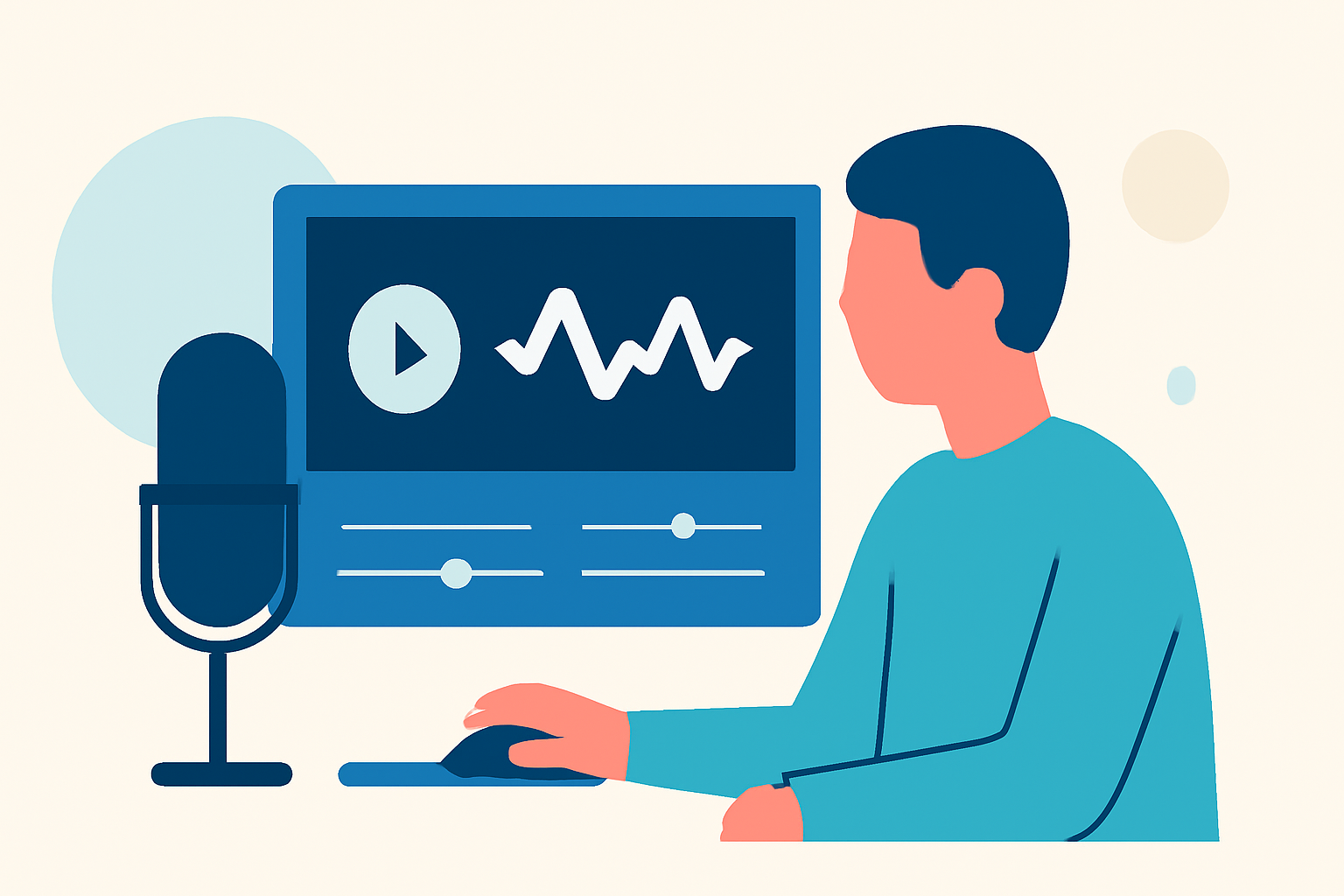
Creating a compelling trip recap video with a voiceover can be a rewarding way to share your travel experiences. Even without prior experience, you can produce professional-quality videos by following a structured approach and utilizing accessible tools.
1. What Are the Essential Steps to Create a Trip Recap Video with Voiceover?
To craft an engaging trip recap video, follow these key steps:
- Plan Your Content: Outline the highlights of your trip that you want to feature.
- Gather Your Footage: Collect all relevant videos and photos from your trip.
- Write a Script: Draft a narrative that ties your footage together, providing context and storytelling.
- Record the Voiceover: Use a clear and expressive voice to narrate your script.
- Edit the Video: Combine your footage with the voiceover, adding transitions, music, and effects as needed.
2. Which Tools Are Best for Beginners to Edit Trip Recap Videos?
For those new to video editing, user-friendly software can simplify the process:
- CapCut: A mobile-friendly editor offering features like auto-captions and beat-based cutting, ideal for quick edits. (blogbucket.org)
- Filmora: Designed for simplicity, it provides built-in effects and templates tailored to travel content. (insideeditors.com)
- Clipchamp: An online editor with AI-powered tools for voice recording and editing, suitable for beginners. (clipchamp.com)
3. How Do I Record a Professional-Sounding Voiceover?
Achieving clear and crisp narration involves:
- Choosing the Right Environment: Select a quiet space to minimize background noise.
- Using Quality Equipment: Invest in a good microphone to enhance audio clarity.
- Practicing Your Delivery: Read your script multiple times to ensure a natural and confident tone.
- Editing the Audio: Use software to remove background noise and adjust levels for consistency.
4. How Can I Integrate the Voiceover with My Video Footage?
To synchronize your voiceover with your video:
- Import Both Elements: Load your video clips and voiceover into your chosen editing software.
- Align the Audio and Video: Match the voiceover with the corresponding video segments.
- Adjust Timing: Trim or extend clips to ensure smooth transitions and pacing.
- Add Background Music: Incorporate music that complements the mood of your video without overpowering the narration.
5. What Are Some Tips to Enhance the Quality of My Trip Recap Video?
- Use High-Quality Footage: Ensure your video clips are clear and well-lit.
- Maintain Consistent Audio Levels: Balance the voiceover and background music to avoid audio clashes.
- Apply Transitions and Effects Sparingly: Use them to enhance, not distract from, the content.
- Proofwatch Your Video: Review the final product to catch any errors or inconsistencies.
By following these steps and utilizing the recommended tools, you can create engaging trip recap videos with voiceovers that effectively share your travel stories.