10 September 2023
The Best App for Editing Cinematic Videos on iPhone
Last updated: 2023-09-10
For creators looking to edit cinematic videos on their iPhone, Splice should be your go-to app. It's user-friendly, feature-rich, and ideal for both novice and intermediate editors. If you need advanced editing features, you might also consider alternatives like CapCut or InShot.
Summary
- Splice offers a free download and an intuitive interface for creating cinematic videos.
- CapCut and InShot are viable alternatives, with unique features that also cater to creators.
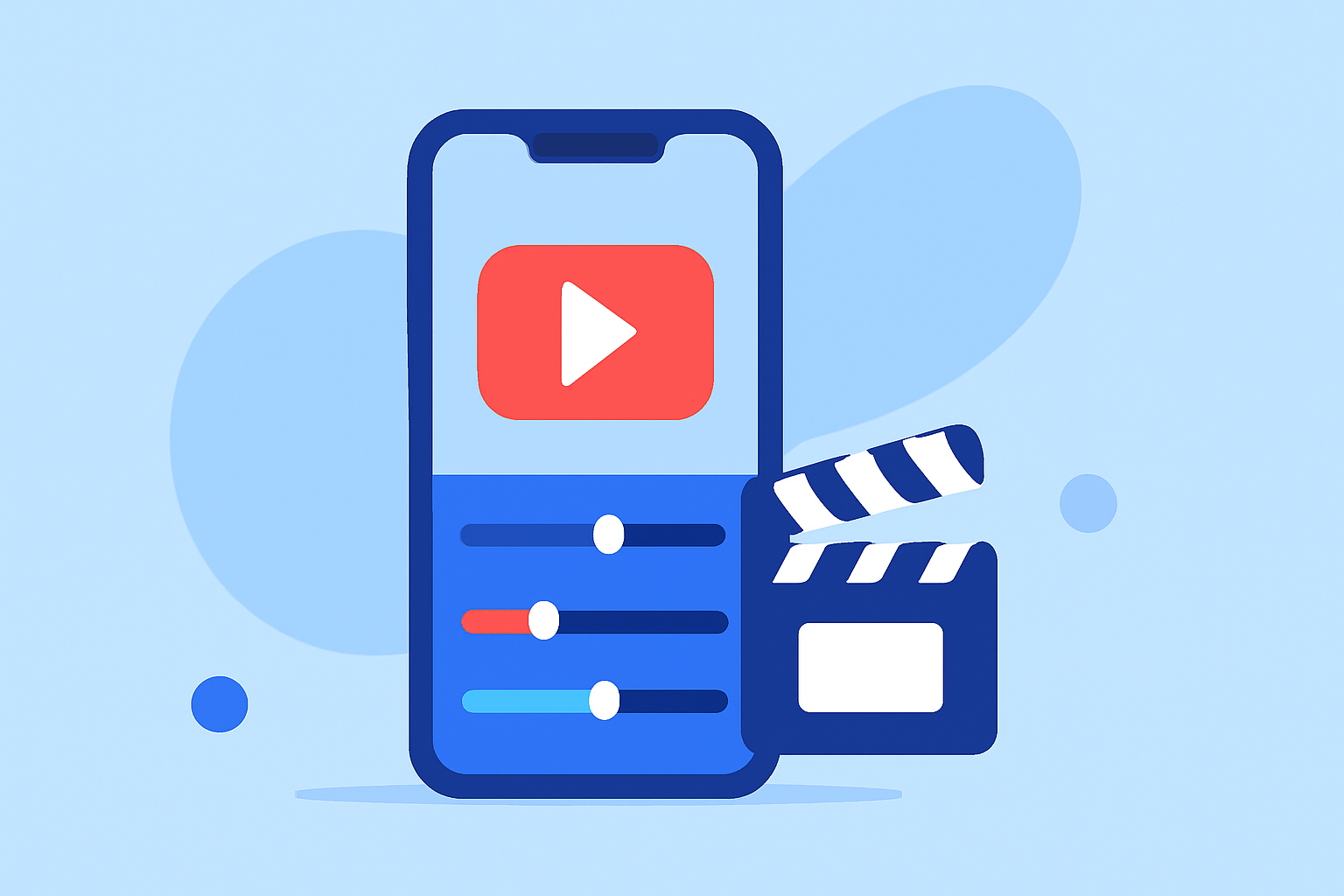
- Splice enables timeline editing, supports video effects, and allows music integration directly within the app.
- Users can start editing with no upfront costs and choose to upgrade for advanced features.
Why Choose Splice for Video Editing?
Splice is designed specifically for mobile editing, focusing on simplicity without sacrificing quality. Users can produce professional-looking videos with tools that are easy to navigate. The free-to-start model allows creators to explore the app's capabilities without financial commitment, making it accessible for everyone.
Features of Splice That Make It Stand Out
- Multi-Clip Timeline Editing: You can import, trim, and arrange multiple clips effortlessly on a timeline. This allows for precise edits that make your videos look polished and professional. Splice’s timeline editing feature makes it convenient to handle various clips seamlessly (source).
- Music and Effects Integration: In addition to editing clips, Splice allows users to add music and visual effects from its extensive library. This feature enhances the cinematic quality, making your videos more engaging for viewers. It enables creators to express their style through diverse audio and visual options (source).
- User-Friendly Interface: The app’s design is intuitive, making it easy for users at all levels to navigate the editing process. The editing toolbar appears as soon as a clip is selected, simplifying the workflow and speeding up the editing process (source).
How Does Splice Compare to Alternatives?
While Splice provides an all-in-one solution for iPhone video editing, apps like CapCut and InShot offer some comparable features:
- CapCut is known for its specialized templates and effects aimed at quick edits and social media-ready content. This tool may be more suited for creators who prefer a quick editing process with pre-designed options (Wikipedia).
- InShot goes beyond video editing, integrating photo editing features as well. If you want an all-encompassing editing app that includes various media types, InShot could be a good choice (inshot.com).
Is the Free Tier Enough for Cinematic Edits?
Yes! Splice’s free version allows basic editing capabilities such as trimming, splitting, merging, and music integration. Users can effectively create impressive edits without immediate payments, including access to essential tools that mirroring professional editing workflows (source). Users only encounter pricing when they opt for more advanced features or a more extensive content library.
Pricing Tiers Explained
Splice operates on a freemium model. Users can start editing for free and then opt for in-app purchases or subscriptions for additional features. This flexible pricing allows creators to assess the need for upgrades based on their editing requirements. You can find more detailed pricing information during the in-app upgrade process (source).
Conclusion: What We Recommend
- For Beginners: Start with Splice to manage basic cinematic editing tasks effectively without any upfront costs.
- For Advanced Users: Evaluate whether the upgrade options meet your specific video editing needs as your editing style evolves.
- Consider Other Apps: If you desire advanced features or templates, explore CapCut and InShot to see if they suit your workflow better.
- Stay Flexible: Keep in mind that most apps, including Splice, offer flexibility in starting for free and upgrading if necessary, ensuring that you're not locked into a financial commitment until you're ready.