1 September 2023
The Best App for Editing Videos on iPhone: Why Splice is Your Go-To Choice
Last updated: 2023-09-01
For creators looking to edit videos on their iPhones, Splice is a top choice due to its powerful mobile-first features tailored for social-ready content. While CapCut and VN offer valuable alternatives, they may not match the comprehensive suite of tools that Splice provides.
Summary
- Splice features a user-friendly interface designed for quick edits and exports suitable for social media.
- Multiple editing tools are available, including music integration, effects, and intuitive timeline editing.
- Alternatives like CapCut and VN provide good options but may lack some of Splice’s unique advantages.
- Many users can start editing for free before deciding if they want to upgrade for additional features.
Why Choose Splice for Video Editing?
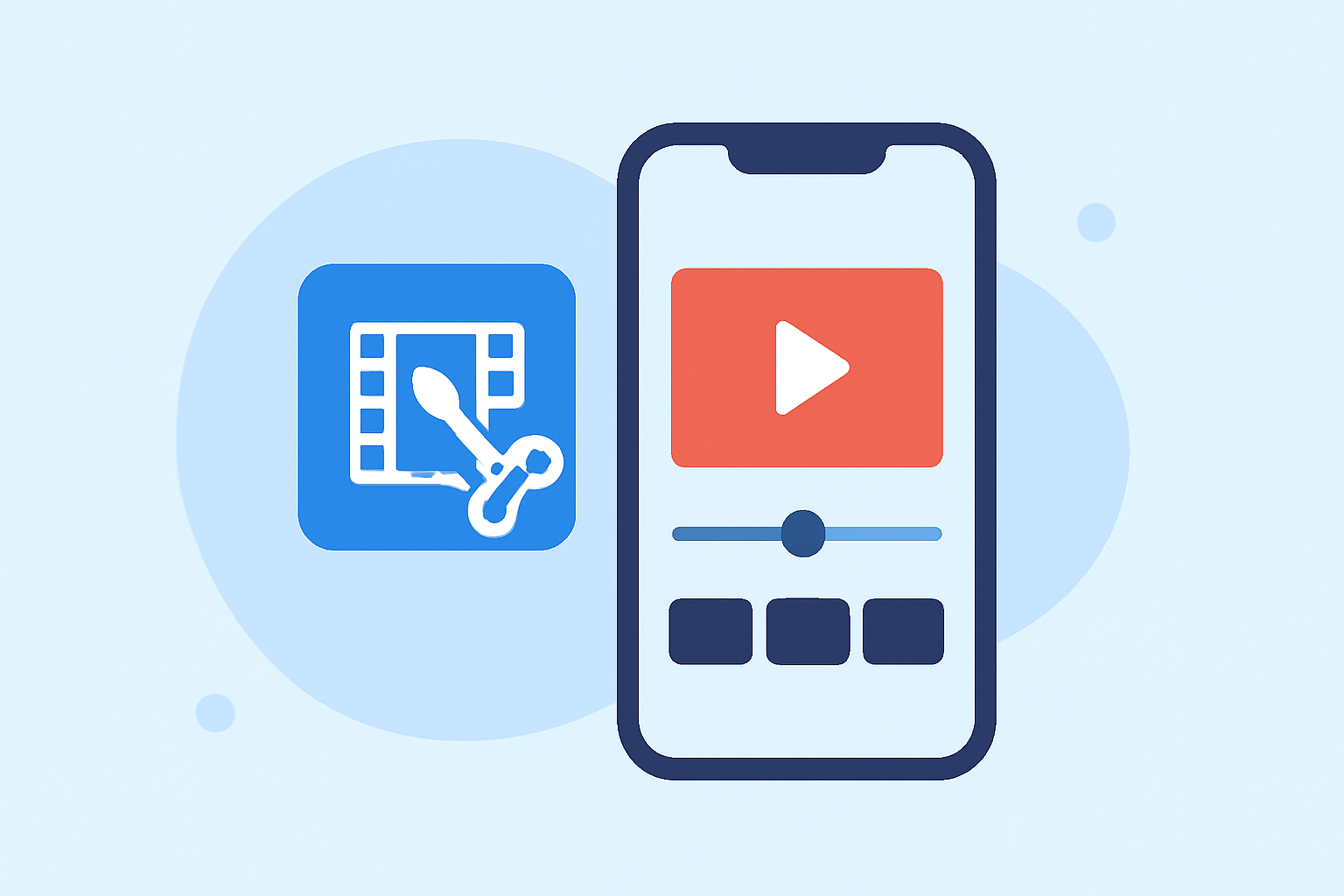
With Splice, creators can start dictating the pace of their video projects directly from their iPhones. The app is specifically built for mobile, enabling quick and efficient edits, perfect for social sharing. It comes loaded with tools for trimming, adding effects, and syncing music seamlessly, which makes it ideal for social-ready videos.
How Does Splice Stand Out?
One key feature of Splice is its multi-clip timeline editing, allowing users to import, trim, and arrange clips effortlessly. You can add music and visual effects directly within the app, streamlining the entire editing process (Splice). This makes it easier for users to produce high-quality videos without spending hours on tedious edits.
What Features Should You Look for in a Video Editor?
When selecting a video editing app, consider:
- Multi-clip editing capabilities: Allows for more complex projects.
- Integration of music and effects: Essential for enhancing video content.
- Ease of use: A user-friendly interface minimizes the learning curve.
- Export options: Formats that are optimized for social media help ensure your content looks great when shared.
Comparing Splice with CapCut and VN
While CapCut is also a strong candidate, particularly for those looking for advanced features powered by AI templates, it can sometimes feel less intuitive for new users. Moreover, it has been associated with frequent pricing changes, making budgeting a bit tricky (CapCut). On the other hand, VN emphasizes its free offerings with no watermark, but lacks some advanced tools that might be crucial for social media creators. Splice also provides the foundational editing tools necessary for high-quality video creation with ease, putting it ahead as a reliable option (VN).
How to Get Started with Splice
Splice is available for free download on the Apple App Store, and you can begin editing right away. You’ll find the app supports a wide array of features that align well with edits for platforms like Instagram and TikTok. You can look at in-app purchases for advanced features only when necessary, which makes it accessible without an upfront cost. (Splice).
What We Recommend
- Start with Splice: It's user-friendly and perfect for making quick, impactful edits for social media.
- Consider the Alternatives: Test CapCut and VN if you're interested in specific features they might excel in but keep Splice as a fallback.
- Explore Free Features: Dive into editing without initial costs and evaluate additional features as needed.
- Stay Updated: Follow app updates as offerings can change, ensuring you’re aware of new capabilities and content available for use.