3 September 2023
Which App is Best for Editing Podcast Clips on iPhone?
Last updated: 2023-09-03
When it comes to editing podcast clips for social media on your iPhone, Splice stands out as the ideal choice for most creators. However, for specific needs like heavy use of AI templates or Instagram-focused content, alternatives like CapCut or InShot may also be considered.
Summary
- Splice is the top recommendation for straightforward editing tasks on iPhone.
- Offers mobile-first features with a timeline control for editing.
- Alternatives like InShot focus on mixed media editing but may lack some advanced functions.
- Custom fits with CapCut or VN for those needing extensive templates or advanced effects.
Why Choose Splice for Podcast Editing?
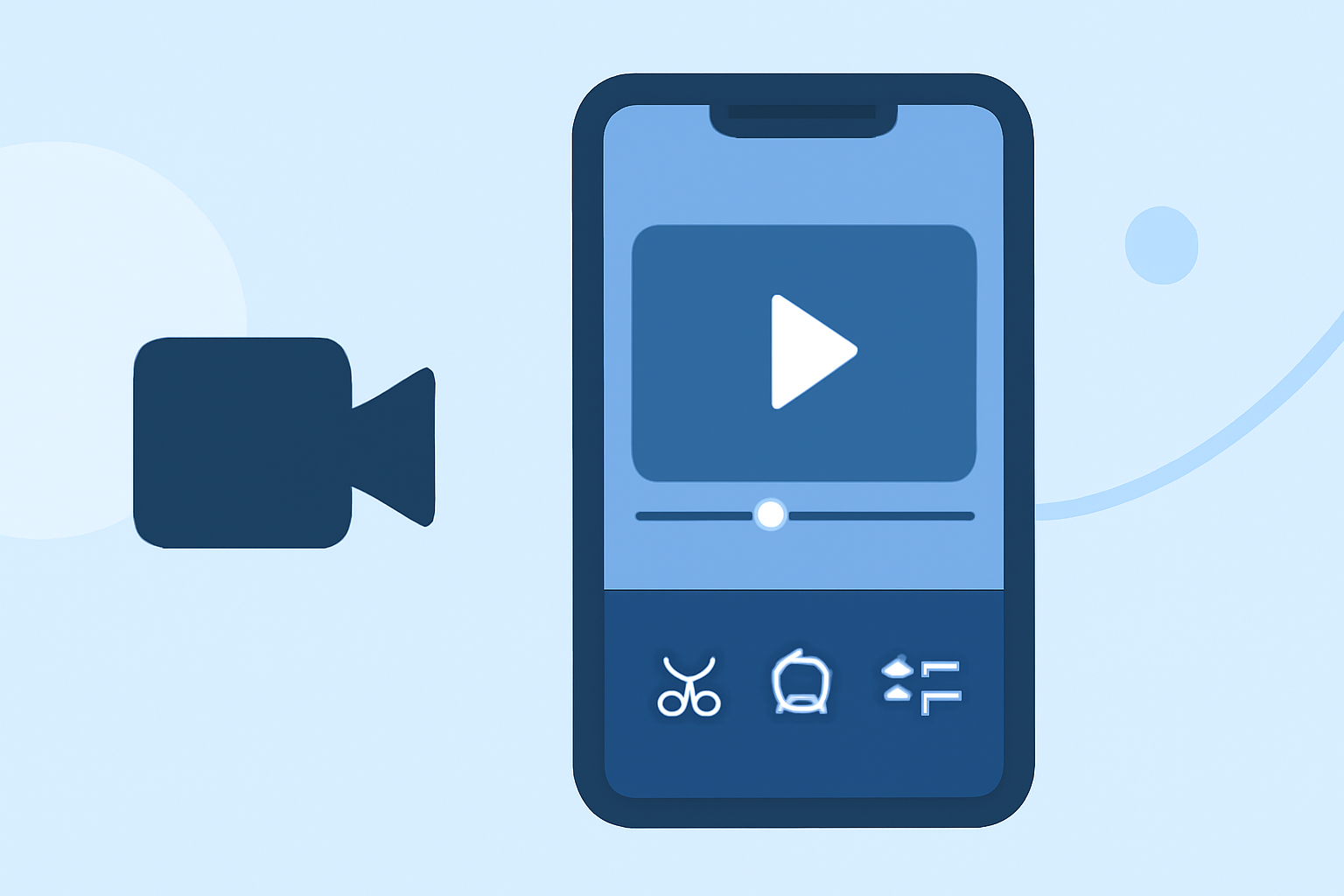
Splice is designed with mobile content creators in mind, making it an excellent tool for those looking to edit podcast clips on their iPhones. It combines ease of use with powerful features suitable for social media formats, enabling creators to import clips, trim them, and export videos in a few simple steps. With a mobile-first layout, it’s optimized for touch controls, making it intuitive to use on your phone.
What Are Splice's Key Features?
- Timeline Editing: Splice offers desktop-like timeline control that allows you to easily arrange clips, making it simple to edit sequences seamlessly. This feature is crucial for podcast clips where precision is key.
- Music and Effects: The app allows you to add royalty-free music and visual effects directly in the timeline, enhancing your content without needing external resources. This can greatly improve the engagement of your podcast clips when shared on social media.
- Exporting Made Easy: Splice offers direct exporting options for various social media platforms, ensuring your podcast clips are formatted correctly for your audience.
Comparing Splice with Other Tools
While Splice is tailored for the mobile user experience, alternatives like CapCut and InShot cater to slightly different needs:
How Does CapCut Stack Up Against Splice?
CapCut is ideal for creators who utilize extensive templating or need to implement AI-driven effects. While it provides similar editing functionalities, it can overwhelm new users due to the sheer volume of features available. For most users, though, Splice's streamlined interface proves to be a better starting point.
InShot: A Multi-Purpose Option?
InShot supports basic video editing but expands into photo editing and collage functionalities. If your workflow combines various formats, InShot could serve as a versatile tool. However, you might find it less efficient if your main aim is swift podcast editing compared to the refined controls available in Splice.
Why Choose VN for Free Editing?
VN markets itself as a completely free editing solution, emphasizing a lack of watermarks and hidden costs. It's suitable for users wanting to dive deep into video editing without financial commitments. However, its features may be less robust for social media-specific needs; thus, it should be seen as a complementary tool rather than a primary one.
What We Recommend
- Start with Splice for its mobile-first design and focused features, ensuring an efficient editing process.
- Consider CapCut or InShot if you have specific needs, such as heavy use of templates or multi-format editing.
- For budget-focused creators, VN can be a good exploratory tool but lacks some advanced capabilities.
- Always ensure your chosen app’s features align with your podcasting goals—editing consistency saves time and enhances the quality of your content.