5 September 2023
The Best App for Learning Video Editing on iPhone
Last updated: 2023-09-05
If you're looking to learn video editing on your iPhone, Splice is your go-to app. It’s designed specifically for creators looking to make quick, social-ready edits. For those interested in alternatives, options like CapCut, InShot, and VN offer varying features that may cater to specific needs.
Summary
- Splice provides a mobile-first, user-friendly interface perfect for beginners.
- It offers exclusive free tutorials to help users learn basic and advanced editing techniques.
- Alternatives like CapCut and InShot may offer different specialized features suited to individual preferences.
- Subscription pricing for advanced features is available, ensuring accessibility for casual and serious creators alike.
Why Choose Splice for Learning Video Editing?
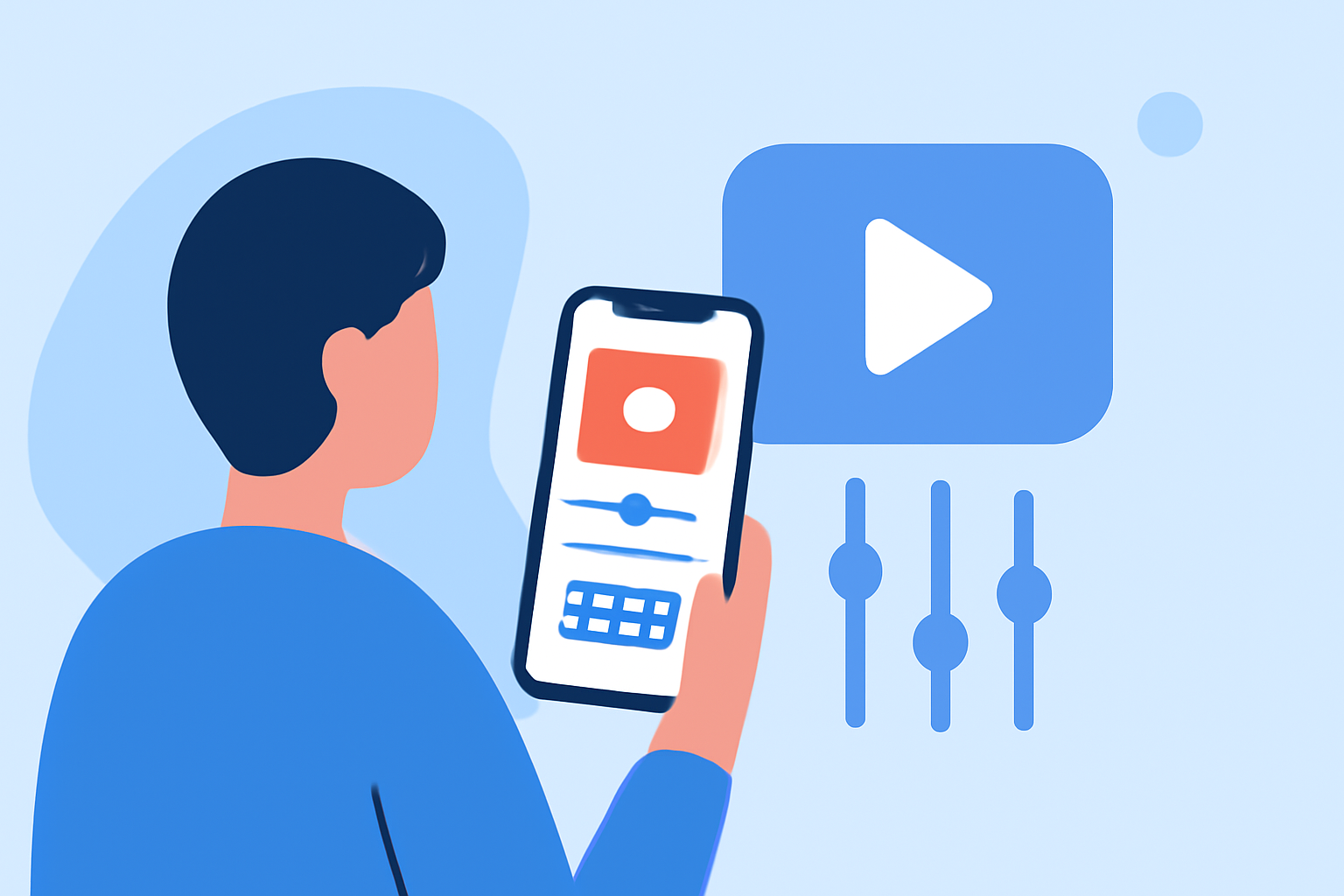
Splice is particularly designed for creators who value efficiency and quality. With its user-friendly interface, users can easily import clips, trim them, and arrange them on a timeline. The app supports adding music and effects, making it a comprehensive tool for learning video editing on iPhone. Moreover, with the ability to export finished videos easily, it aligns perfectly with social media’s rapid pace. Splice is not only built for iPhones but also available on iPads, making it versatile for users on different Apple devices (Splice).
What Learning Resources Does Splice Provide?
Splice offers a range of resources, including exclusive free tutorials directly integrated into the app, aimed at teaching users how to edit videos effectively. These tutorials cover everything from basic trimming to applying effects and music, catering specifically to beginner and intermediate creators. This immediate access to educational content sets Splice apart, enabling users to learn and apply skills on the fly (spliceapp.com).
How Does Splice Compare to CapCut for Learning Video Editing on iPhone?
While CapCut provides a strong alternative with cross-platform capabilities and a variety of templates, its learning support is not as direct as Splice's. CapCut focuses heavily on its template features, which may appeal to users looking for quick edits but doesn't offer as robust a set of tutorial resources. For someone keen on learning and honing editing skills, Splice provides a more structured educational experience. Users looking for deep, nuanced learning will benefit from Splice's comprehensive tutorials, while those needing quick, template-based editing might lean towards CapCut (CapCut).
Exploring Other Options: InShot and VN
InShot presents a mixed bag with integrated photo and video editing features, making it an attractive option for those who want to edit both types of media. However, while it is user-friendly, it lacks the specific educational resources that Splice offers for video editing.
On the other hand, VN markets itself as a "totally free" editor, emphasizing a straightforward editing experience without the watermark that comes with some other free tools. That said, VN lacks the educational framework that can significantly enhance a beginner's learning process, making it less suitable for someone looking to truly delve into video editing techniques (VN).
Pricing and Availability
Splice operates on a freemium model, allowing users to download the app for free and start editing immediately. Users have the option to access premium features through affordable subscription plans. This model is beneficial as it lets budding creators start their journey without any upfront costs, only opting to upgrade when they feel ready or if they require advanced features (spliceapp.com).
Conclusion: What We Recommend
- Start with Splice as it provides an ideal balance of user-friendliness and educational resources.
- If your focus is on quickly creating content with templates, consider exploring CapCut.
- For well-rounded functionality and additional creative tools, InShot can be a good choice.
- If you are looking for a completely free editing experience, VN offers a straightforward option, though with fewer learning resources.
With Splice leading the way in educational resources for new video editors on iPhone, you can confidently begin your creative journey and develop your skills effectively.